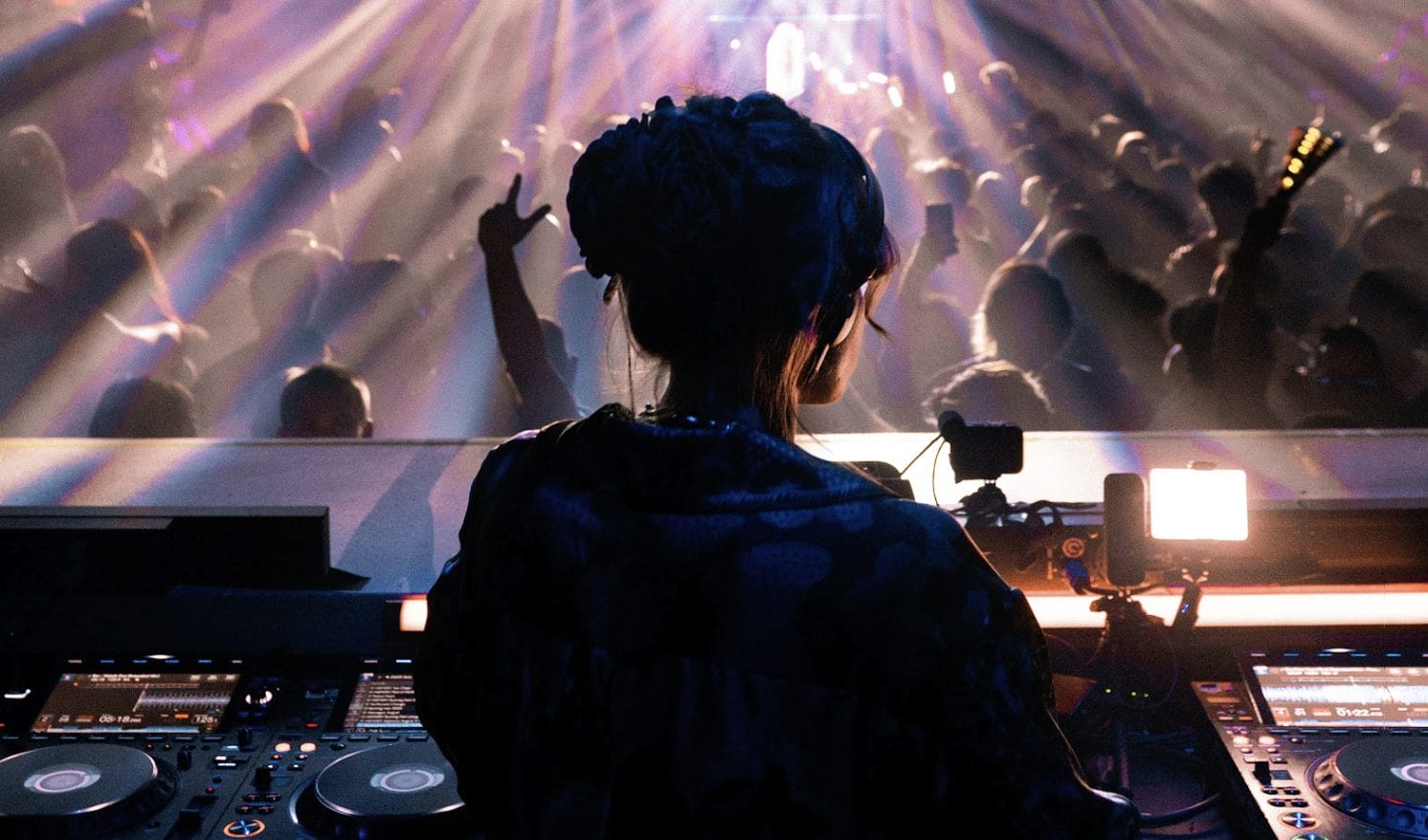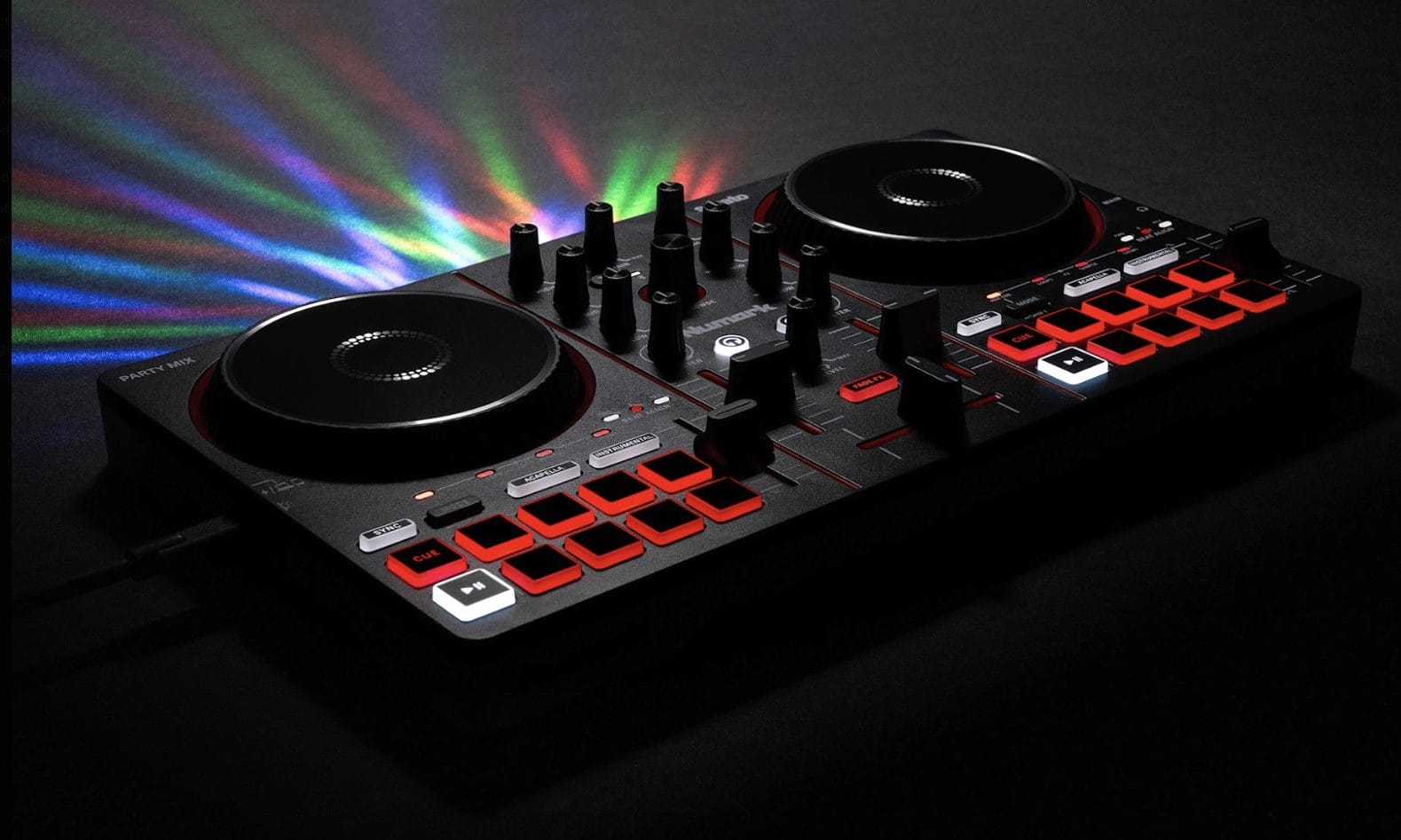
AlphaTheta’s new SoundSwitch support for rekordbox and PRO DJ LINK Bridge is one of those updates that speaks directly to a very specific kind of DJ problem. Not every booth has a lighting operator. Not every venue has a full visual team. A lot of DJs working bars, lounges, weddings, corporate events, livestreams, and smaller clubs are already responsible for more than the music, even when the setup around them is limited.
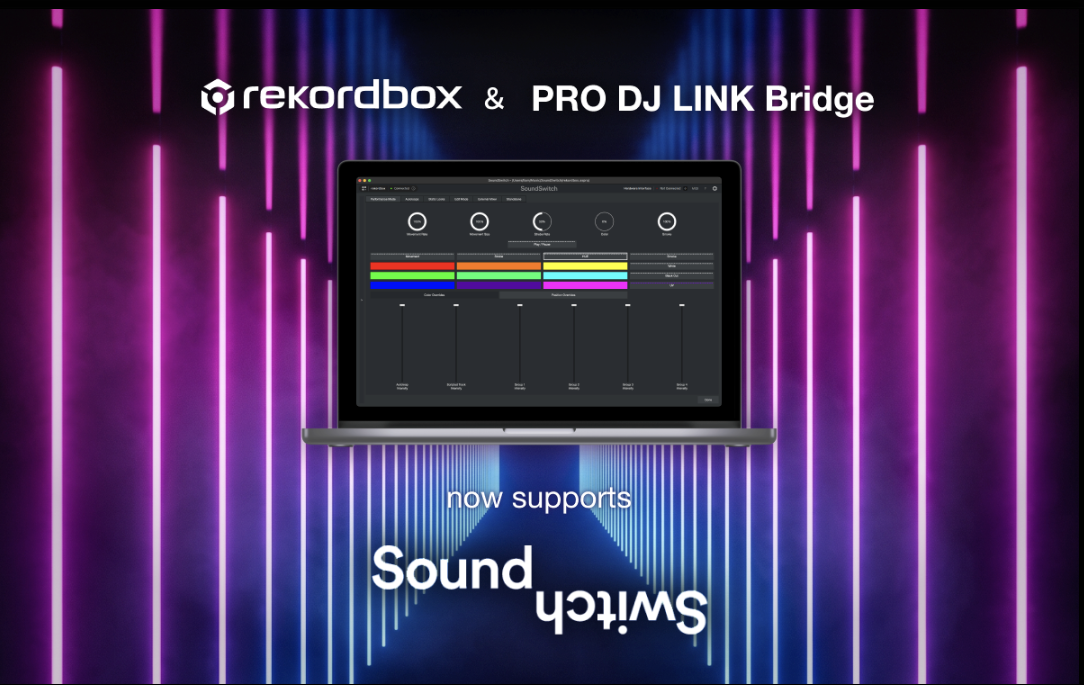
That is where this update comes in. rekordbox for Mac/Windows and PRO DJ LINK Bridge now support SoundSwitch, the lighting automation software from inMusic that synchronizes lighting effects with musical timing and phrase information. DJs can create custom light shows or have SoundSwitch generate them automatically, then play them back in sync with tracks inside rekordbox.
Before this update, rekordbox and SoundSwitch integration relied on tempo synchronization via Ableton Link.
The new version moves the relationship to the application level, which gives DJs access to the wider SoundSwitch feature set from inside their existing rekordbox setup. That means a DJ can stay closer to their playlists, music library, and normal performance setup while letting lighting follow the set more closely.
For AlphaTheta, the move fits a broader push to make DJ performance feel less separated from the rest of the room. We covered that access side of the company recently in my piece on AlphaTheta and FEMME HOUSE’s Intro to DJing course, and this update works from a different angle. It gives DJs more control over the visual layer without asking them to become full-time lighting programmers.
Website: alphatheta.com
SoundSwitch Gives rekordbox Sets a Visual Layer
The rekordbox integration gives DJs several ways to approach lighting, depending on how much control they want. Autoscripted Tracks let SoundSwitch analyze a rekordbox music library, detect musical sections and instrumentation, then create a unique light show for each track. That is the fastest route for DJs who want synced visuals without programming every cue by hand.
Custom Scripted Tracks offer the opposite approach.
DJs can build a light show from scratch inside SoundSwitch, controlling fixtures and designing specific moments for a track. That route is better for signature edits, first dances, headline sets, livestream episodes, or any performance where a specific record needs a more intentional visual treatment.
Autoloops fill the gap when tracks have not been analyzed or when the DJ wants to override a scripted show. These lighting loops can stay synchronized with the music and can work with streaming-service playback, which helps keep the room from going visually dead when the set moves outside prepared material.
Static Looks add another simple but important layer.
DJs can build fixed lighting scenes for specific moments, like a first dance, a room reset, a peak-hour hold, or a calmer opening stretch. With MIDI support, SoundSwitch can also work with its own dedicated hardware or third-party controllers, giving DJs a tactile way to trigger lighting changes without leaning entirely on the laptop.
This kind of detail matters because DJ sets are already built around timing and phrasing. I wrote about that from a music-editing angle in my article on how to create a DJ edit, and the lighting logic is similar. The more the visual side understands the shape of the track, the less it feels like random flashing over music.
PRO DJ LINK Bridge Brings Clubs Into It
The PRO DJ LINK Bridge side of the announcement is aimed at DJs and venues working with supported professional hardware. PRO DJ LINK Bridge sends track information and playback status from AlphaTheta and Pioneer DJ equipment to visual-production software handling lighting, video, and effects. With SoundSwitch now added, DJs can run synchronized lighting from supported CDJ and DJM units.
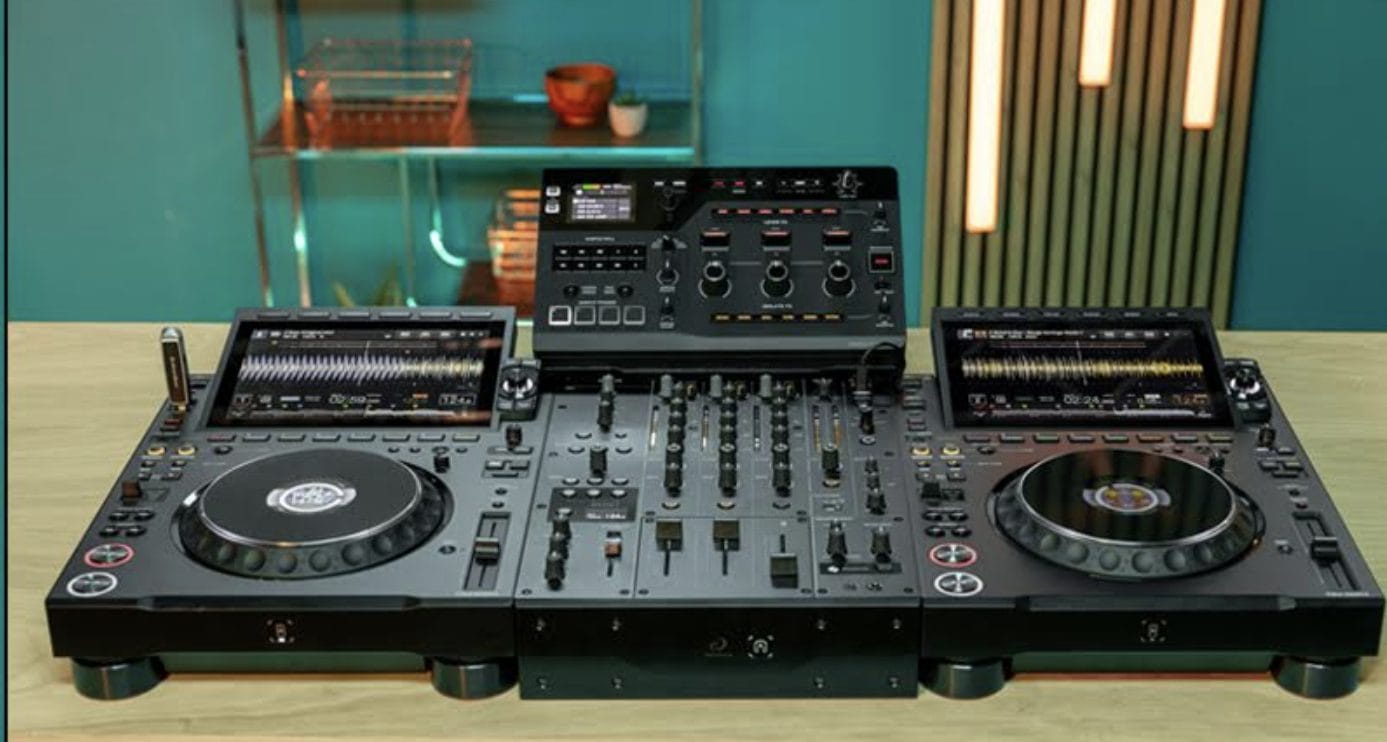
The supported lineup includes CDJ-3000X, CDJ-3000, CDJ-1500X, DJM-V10 and V10-LF, and DJM-A9. For DJs already playing on these setups, the update can make lighting feel more connected to the booth instead of operating as a separate layer that loosely follows the night.
The venue use case is probably the most immediate.
Small and mid-sized rooms often want better lighting, but they may not have staff dedicated to running it. SoundSwitch can help generate lighting effects directly from the DJ’s performance, cutting down setup friction and giving the venue a more polished visual result without adding another person to the night’s labor cost.
That does not replace a skilled lighting operator in a serious production environment, and it should not be sold that way. A good operator still brings taste, timing, restraint, and room awareness that software cannot fully replicate. The better read is that SoundSwitch support gives DJs and smaller venues a more controlled baseline, especially in rooms where the alternative is a generic chase pattern or lights that have nothing to do with the set.
AlphaTheta Is Expanding the DJ Role
AlphaTheta’s SoundSwitch support for rekordbox and PRO DJ LINK Bridge is not only a lighting update. It reflects the way the DJ role keeps expanding. In many real-world settings, the DJ is already controlling music, pacing, announcements, room flow, client requests, livestream framing, and now, increasingly, lighting.
The best version of this update does not make DJs think less about the room.
It helps them think about the room as one connected environment. Music and light do not need to move separately, and smaller venues do not need to accept disconnected visual production as the default.
For DJs using rekordbox, the addition of SoundSwitch opens a clearer route into synced visual design. For clubs and event spaces using supported CDJ and DJM gear, PRO DJ LINK Bridge brings that same idea into more professional booths. From Philips Hue at home to DMX rigs in a club, the update gives DJs a wider visual palette tied directly to the music they are already playing.

Magnetic byline note: This byline is used for staff produced updates and short announcements, often based on press materials and official release information. Editorial responsibility: David Ireland (Editor in Chief) and Will Vance (Managing Editor). About: https://magneticmag.com/about/ Masthead: https://magneticmag.com/masthead/ Contact: https://magneticmag.com/contact/