Table of Contents
Learning how to create a DJ edit is one of the most useful skills a DJ can build because it gives you more control over the music you already play. A DJ edit can make a track easier to mix, shorten a section that drags in a set, extend an intro, rebuild an outro, clean up a transition, or isolate the part of a song that actually works for the room. It sits somewhere between DJing and music production, and that middle area is where a lot of practical DJ culture has always lived.
The point is not to turn every record into a full remix. The point is to make the track function better inside your own set. That could mean adding a sixteen-bar intro for smoother mixing, cutting a long breakdown in half, removing a vocal section that does not fit your room, or using a tool like LALAL.AI to separate the vocal, drums, bass, or instrumental so you can rebuild the edit with more control. Modern stem separation has made this process much easier, because DJs are no longer limited to whatever intro, outro, or acapella the original release gave them.
Quick Answer: What Is A DJ Edit?
A DJ edit is a custom version of an existing track made for easier use in a DJ set. The most common DJ edits add longer intros, cleaner outros, shorter breakdowns, tighter arrangements, or isolated vocal moments. Unlike a remix, a DJ edit usually keeps the track’s original identity mostly intact.
The goal is practical: to make the song easier to mix, place, and control during a set.
Three Biggest Takeaways
- A good DJ edit starts with a specific problem, such as a short intro, a long breakdown, a messy outro, or a vocal section that needs more control in a set.
- LALAL.AI can make the process faster by separating vocals, instrumental, drums, bass, piano, acoustic guitar, and electric guitar inside a DAW, which gives DJs more options than basic cut-and-paste editing.
- A finished DJ edit should be tested in real mixing conditions, not just inside the DAW, because the edit only matters if it works when you are playing into and out of other tracks.
What Kind Of DJ Edit Are You Making?
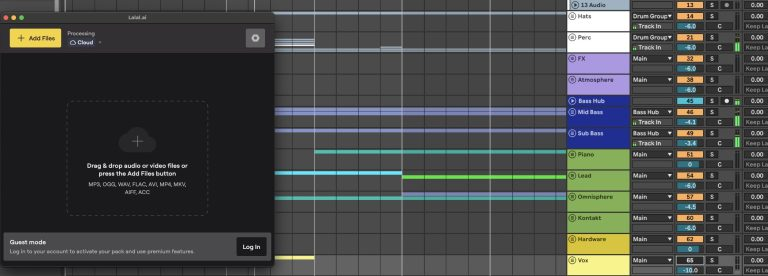
Before opening your DAW, decide what job the edit needs to do. This sounds obvious, but it is the step that keeps the project from turning into random cutting and pasting. A DJ edit should solve a specific issue in your library, and restraint matters here because a usable edit should make the record easier to play without sanding off the reason it worked in the first place.
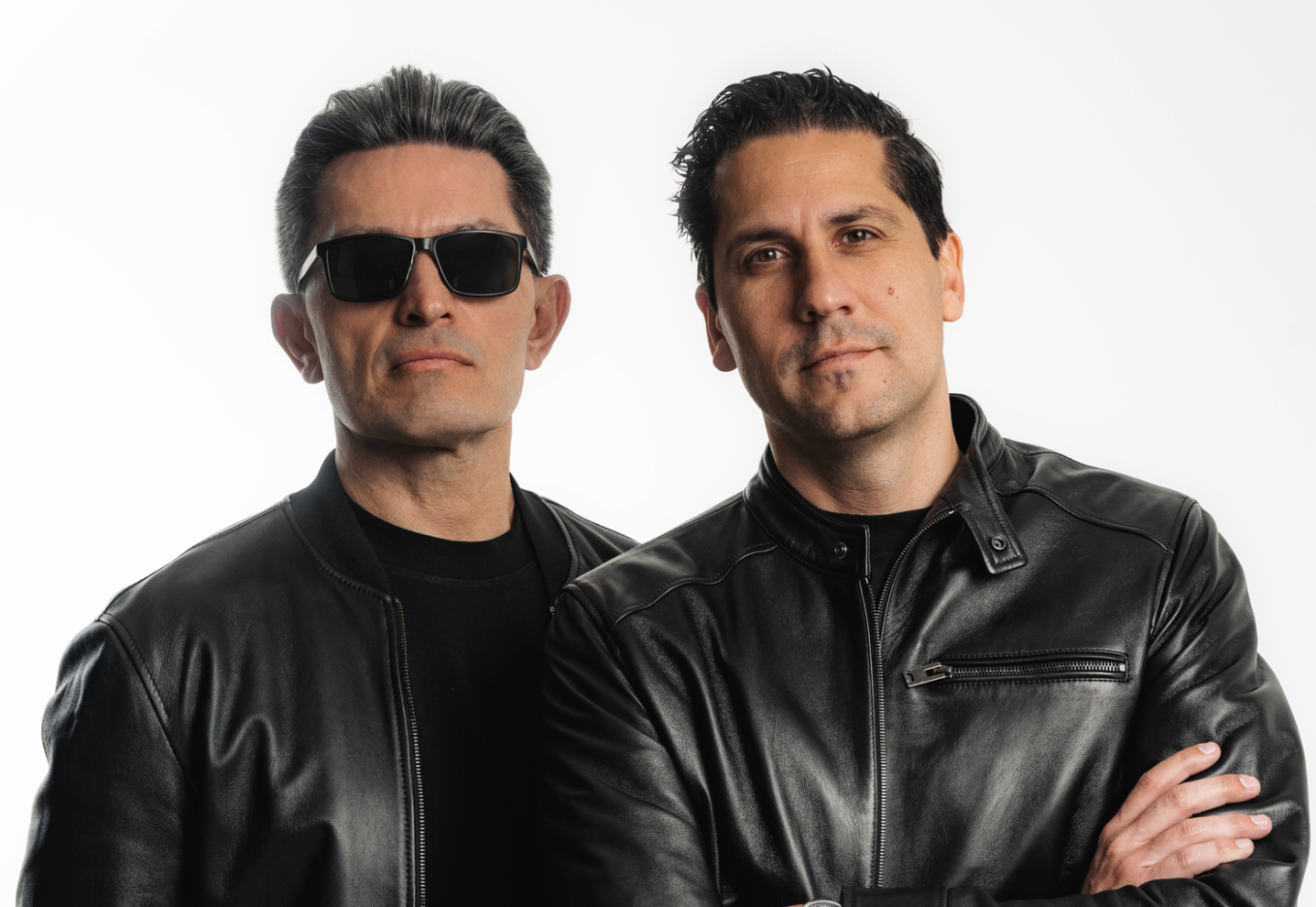
Double Touch explained this well in a recent interview we did by saying, “I would rather let the music breathe and allow it to be heard the way the producer intended.” That is a good rule for DJ edits, because the best version is usually the one that solves the mix problem without making the track feel overworked.
intro edit
An intro edit gives you more time to mix into a track.
This is useful for pop records, indie dance tracks, old disco records, or anything that starts with a vocal, melody, or full arrangement too quickly. You can build the intro from a drum loop, an instrumental section, or a clean part pulled from the track with stem separation.
outro edit
An outro edit does the same thing at the end of the record. If the original track ends too suddenly, has a busy vocal at the end, or drops into a strange arrangement change, an outro edit gives you a cleaner exit. DJs often overlook this, but a good outro can make a track much easier to use in longer sets.
short edit trims
A short edit trims the track down for pacing.
This works well when the original song has one or two repeated sections that do not add much in a DJ context. You are keeping the energy and removing the wait.
transition edit
A transition edit helps you move between keys, tempos, styles, or energy levels. These are useful when you want to connect two records that do not naturally sit next to each other. You might use drums from one section, a vocal from another, or a filtered breakdown that creates a cleaner handoff.
A vocal edit uses the vocal as the main anchor. This is where LALAL.AI becomes especially helpful, because you can isolate the vocal from a finished song and then build around it. The vocal does not have to carry a full remix, but it can give your edit a cleaner hook, a better intro moment, or a stronger transition point.
Tools You Need To Create A DJ Edit

You do not need a giant studio setup to create a DJ edit. You need a DAW or audio editor, a clean source file, a way to check tempo and key, and ideally a stem separation tool if you want more control over the parts of the song.
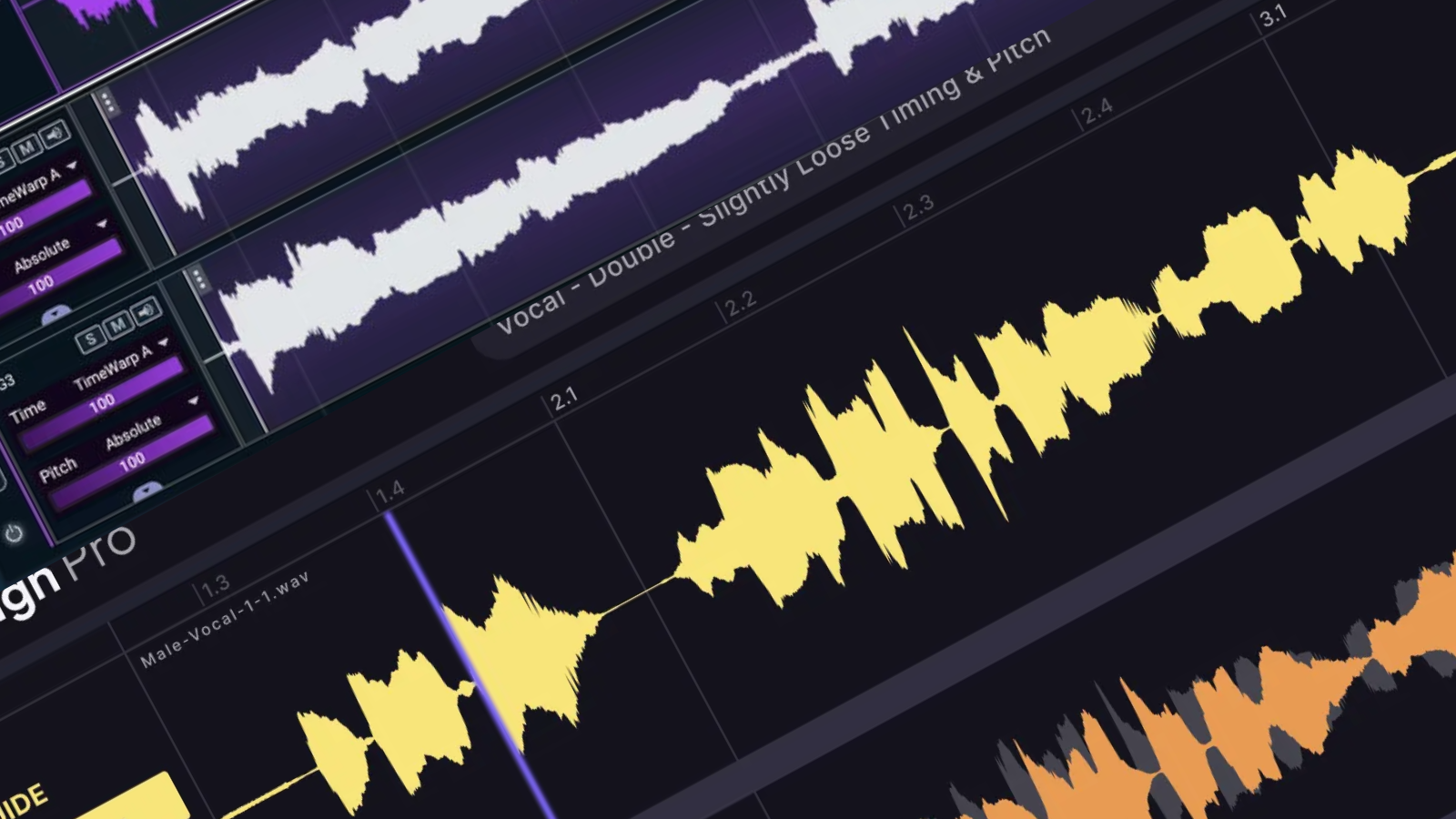
Ableton Live is probably the easiest DAW for many DJ edits because its warping and arrangement view are fast for this kind of work. Logic, FL Studio, Studio One, Reaper, and Bitwig can all do the job as well. The best tool is the one you can move quickly in.
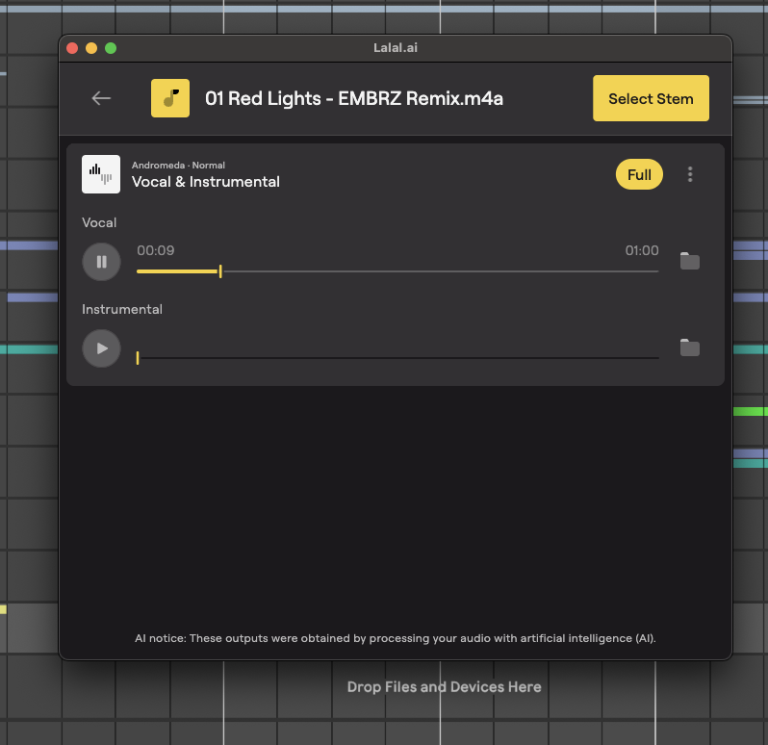
For stem separation, LALAL.AI is the main tool I would bring into this workflow because it can split a finished track into useful parts like vocals, instrumental, drums, bass, piano, acoustic guitar, and electric guitar. That matters because many DJ edits need a cleaner intro, a less crowded outro, or an isolated vocal phrase, and those are all easier when you are not stuck editing the full stereo master as one fixed file.
The plugin format is what makes this especially practical. Instead of leaving your session, uploading a file, downloading the result, and dragging the stems back into the DAW, you can work closer to the project itself. That keeps the edit moving, and when you are trying to make a quick set tool, fewer steps usually means you finish more edits.
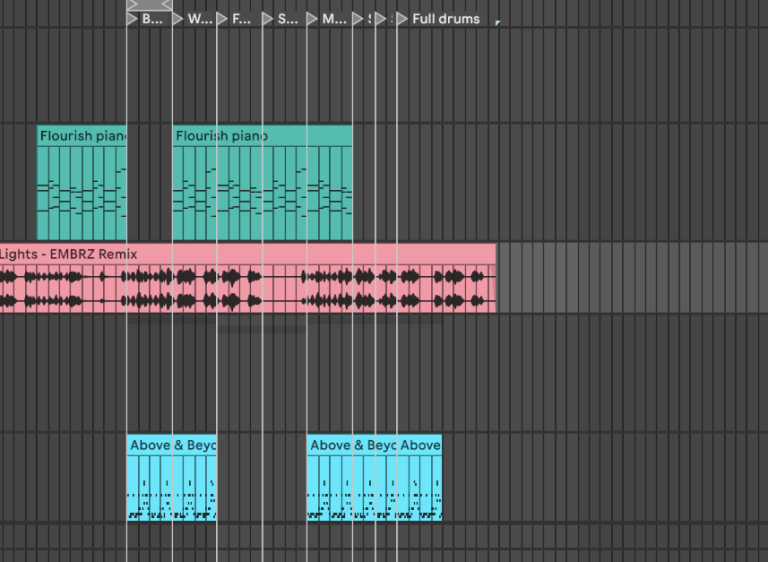
You should still keep expectations realistic. Stem separation is useful, but official stems are usually cleaner when you can get them. AI-separated vocals may have reverb, artifacts, cymbal bleed, or rough edges, and that is normal. The question is whether the stem works for the role you are giving it.
How To Create A DJ Edit Step By Step
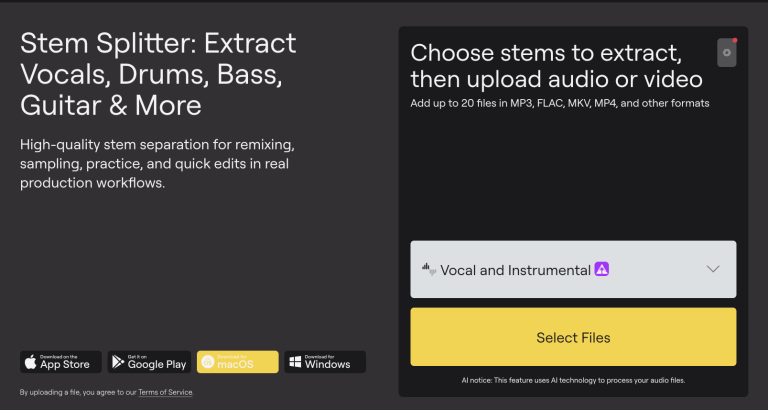
Start with the highest-quality version of the song you can legally access. A WAV or AIFF is ideal, and a high-quality download is much better than a low-bitrate rip. Bad source files lead to bad edits, especially once you start cutting, stretching, separating stems, and limiting the final export.
Bring the track into your DAW and set the project tempo. If the song was made to a grid, this should be simple. If the timing drifts, add markers until the sections you want to edit are locked tightly enough for DJ use. Do not skip this step because timing issues become harder to fix after you start moving sections around.
Next, map the arrangement. Label the intro, first main section, breakdown, hook, second main section, outro, and any fills worth keeping. This makes the edit easier because you can see the track as usable sections instead of staring at one long waveform.
Now decide what you need to separate. If the intro needs drums, use LALAL.AI to pull the drum stem or instrumental. If the edit needs a cleaner vocal hook, extract the vocal. If the outro has too much melodic content, separate the drums or instrumental and build a cleaner exit from the part that works best.
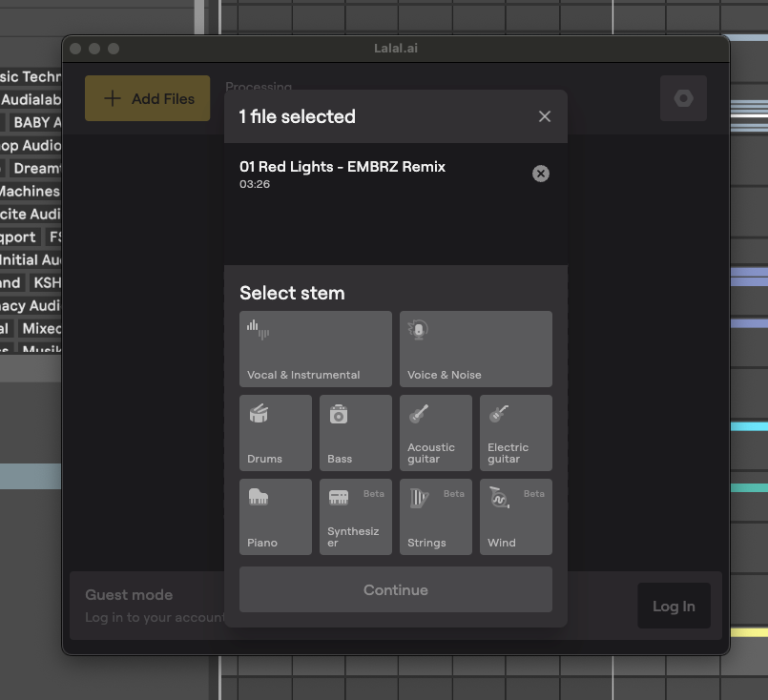
After the stems are separated, listen to them before editing. This is where you find out which parts are worth using. A vocal may sound great in the chorus but rough in the verse. A drum stem may work under a mix-in but sound too messy when exposed. A bass stem may be useful as a guide even if you end up replacing it with your own bass.
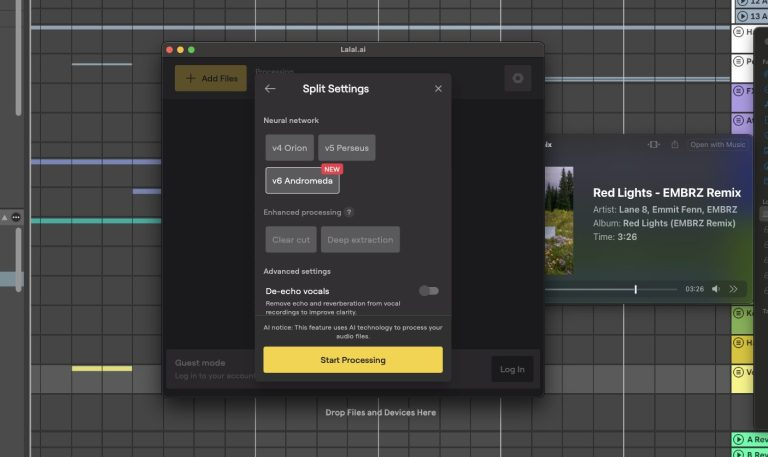
Build the intro first. A simple eight-bar or sixteen-bar intro is usually enough for most DJ use, though club tracks may benefit from a longer version. Keep it clean and predictable. The intro is there to help you mix, not to prove how much you can add.
Then work on the main arrangement. Cut sections that slow the track down, shorten repeated parts, and keep the core idea easy to reach. If the hook is the reason you want to play the song, do not make the room wait too long for it.
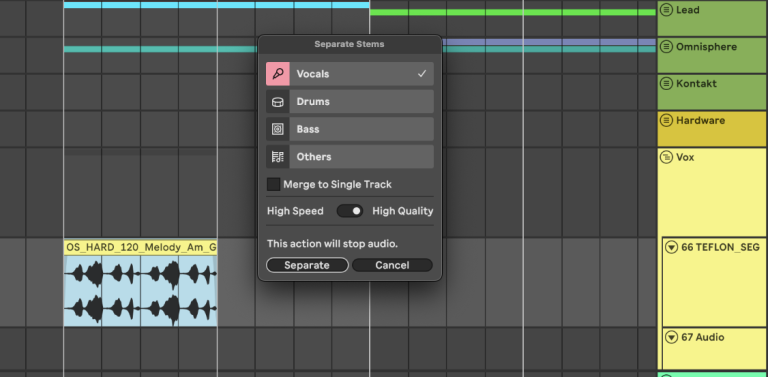
For breakdowns, be more ruthless than you think you need to be. A long breakdown can sound great when you are listening at home, but it may drain energy in a set. Keep the part that creates tension, remove the section that stalls, and make the return feel clean.
For the outro, give yourself a stable section to mix out of. This can be a drum loop, a simplified instrumental, or a repeated final groove. If you used LALAL.AI to separate drums or instrumental parts, this is one of the easiest places to use them because the outro usually needs utility more than drama.
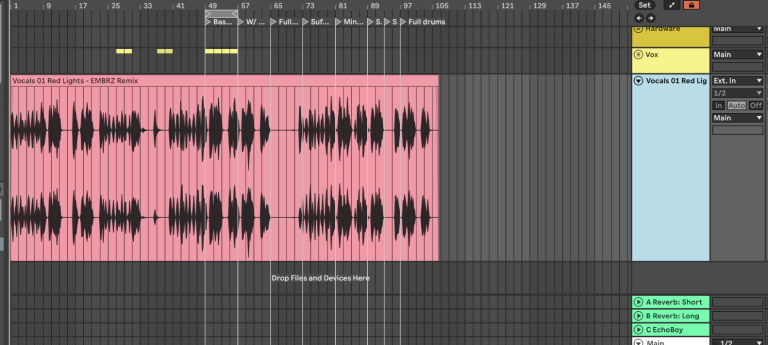
Finally, check every edit point. Use fades to avoid clicks, keep reverb tails natural, and make sure low-end changes do not jump suddenly between sections. A good edit should feel clean even when someone does not know it has been edited.
An Easy DJ Edit Template To Use
Here is a simple structure that works for a lot of edits:
| Section | Length | Purpose |
|---|---|---|
| DJ intro | 8 to 16 bars | Gives room to mix in |
| First hook or main section | 16 to 32 bars | Gets to the useful part quickly |
| Short breakdown | 8 to 16 bars | Creates contrast without losing pace |
| Main return | 32 bars | Delivers the track’s main section |
| DJ outro | 8 to 16 bars | Gives room to mix out |
This is not a rule, but it is a useful starting point. The main thing is that the edit should match how you actually DJ. If your sets move quickly, shorter sections may work better. If you play long-form club sets, longer intros and outros may make more sense.
A simple intro edit might take a three-minute pop song and turn it into a four-minute DJ version with a sixteen-bar intro and a sixteen-bar outro. A club edit might take a seven-minute track and remove a long middle section so the track keeps moving. A vocal edit might pull the vocal hook with LALAL.AI, then place it over a cleaner instrumental section to make the track easier to use in a set.
How To Make A DJ Edit Sound Finished

Once the arrangement works, treat the edit like a finished audio file. Balance the levels between the original sections, separated stems, and anything you added. If the vocal stem feels uneven, use clip gain or automation before reaching for heavy compression.
Use EQ with restraint. If a separated stem has rumble, filter it. If the vocal has harsh consonants, use a de-esser. If a drum loop has too much low-end overlap with the original track, clean it up before exporting. The goal is not to overmix the edit; it’s to make all the sections feel like they belong to one file.

Pay attention to loudness. Do not crush the master just because the waveform looks smaller than the tracks in your library. Match the edit against music you actually play, and make sure it feels comparable without getting harsh.
Test the edit outside the DAW. Load it into Rekordbox, Serato, Traktor, Engine DJ, or djay, then mix into it and out of it. This is where you find out whether the intro is long enough, whether the outro is useful, and whether the arrangement makes sense under pressure.
Claptone made the same point from a broader DJ angle in his recent chat when he sat down with us and said: “Ideas can sound perfect in isolation, but they are only truly tested on the dance floor.” That is the final check for any DJ edit, because the edit has to work between records, through a sound system, and under the timing pressure of a set.
Add cue points after testing. Mark the intro, first main section, breakdown, hook, and outro. If you make several edits, consistent cue point habits will save you later.
Name the file clearly. Use the artist, track title, edit type, BPM, and key if you know it. A file called “Track Title Intro Edit 124 BPM Am” is much easier to find than “final edit 6.”
Legal And Practical Notes Before You Share A DJ Edit
Creating a DJ edit for your own sets is one thing. Uploading it, selling it, distributing it, or pitching it as an official release is another thing entirely.
If your edit uses a commercial recording, the original master and composition still matter. Separating stems with LALAL.AI does not change ownership or grant permission to release the result. AI helps you make the edit, but it does not clear the rights.
For public release, use official stems, cleared sample packs, public domain material, direct artist permission, remix contest files, or music you control. If the edit is for personal DJ use, keep it in your own library and avoid treating it like an official release unless the rights are sorted.
This is also why using LALAL.AI responsibly matters. The tool is excellent for testing, prep, private edits, DJ tools, arrangement study, and professional workflow, but the release decision still needs human judgment.
Common DJ Edit Mistakes To Avoid
The first mistake is editing without a purpose. If you cannot explain what the edit fixes, the track probably does not need the edit yet.
The second mistake is making the intro too busy. DJs need clean information at the start of a track. A crowded intro may sound fun in the DAW, but it can be harder to mix.
The third mistake is cutting too close to vocals or fills. If a phrase starts before the edit point has settled, the whole section can feel rushed. Give the transition enough room.
The fourth mistake is ignoring the outro. A lot of DJs focus on how they enter a track and forget how they will leave it. A useful outro can make the edit far better in practice.
The fifth mistake is overprocessing AI-separated stems. If the vocal or drum stem has artifacts, heavy EQ and compression may make them more obvious. Use the stem in a role it can handle, rather than forcing it into full exposure. Solardo’s advice on live mistakes applies here too: “If you make a mistake, you need to forget about it as quickly as possible.” A good DJ edit should help with that by giving you clean entries, clean exits, and predictable section changes, instead of creating new places where the mix can fall apart.
Final Thoughts: The Best DJ Edits Are Built For Real Sets
A good DJ edit should make a track easier to play without removing the reason you liked it in the first place. It should give you a cleaner intro, a better outro, a tighter middle, or a more controlled vocal moment. It should feel practical inside a set, and it should be simple enough that you can trust it without overthinking the waveform.
LALAL.AI is useful because it gives DJs and producers faster access to the parts inside a finished song.
You can separate vocals, drums, bass, instrumental, piano, acoustic guitar, or electric guitar, then build the edit around the material that actually helps the track work better. That is a real advantage over older cut-and-paste workflows because you are not limited to the full stereo file.
The best way to start is simple.
Pick one track in your library that you love but rarely play because the intro is too short, the breakdown is too long, or the outro is awkward. Fix that one issue, export the edit, test it in a mix, and learn from what happens. That process will teach you more about DJ arrangement than any theory explanation because you are solving a real problem in your own library.

Will Vance is a professional music producer who has been involved in the industry for the better part of a decade and has been the managing editor at Magnetic Magazine since mid-2022. In that time period, he has published thousands of articles on music production, industry think pieces and educational articles about the music industry. Over the last decade as a professional music producer, Will Vance has also ran multiple successful and highly respected record labels in the industry, including Where The Heart Is Records as well as having launched a new label with a focus on community through Magnetic Magazine. When not running these labels or producing his own music, Vance is likely writing for other top industry sites like Waves or the Hyperbits Masterclass or working on his upcoming book on mindfulness in music production. On the rare chance he's not thinking about music production, he's probably running a game of Dungeons and Dragons with his friends which he has been the dungeon master for for many years.