The best MIDI controllers for hybrid studios need to control software instruments without treating external hardware as an afterthought. A controller can feel complete beside a laptop, then expose its limits as soon as a hardware synth or drum machine enters the setup. USB covers the computer connection, while five-pin MIDI lets the controller communicate directly with instruments that cannot host a USB device on their own.
That difference becomes increasingly important as the studio grows.
A controller may handle one synth without any trouble, though several instruments quickly introduce questions around MIDI channels, clock distribution, and port count. My article on the best MIDI interfaces for hardware synths covers that side of the setup in greater detail, especially for producers who want several instruments connected without moving cables before each recording.
CV and gate connections deserve attention as well when semi-modular equipment forms part of the setup.
Producers still deciding which instruments could justify that connection can start with my breakdown of hardware synths for house music production, which includes affordable desktop units alongside larger keyboard synths. The same planning applies once external processing enters the setup, since several picks in my article on the best hardware effects for synths also rely on MIDI for tempo, preset changes, or remote control.
After reviewing these controllers in my own studio, I have found that routing can affect day-to-day writing as much as the keybed, pads, or encoders. Some producers need one keyboard at the center of the desk, while others need a sequencer that can send independent patterns to several instruments. The right choice should reduce mouse work and let the producer move between software and hardware without rebuilding the setup each time.
These are the MIDI controllers I would consider first for a hybrid studio built around a DAW and external hardware.
Best MIDI controllers for hybrid studios at a glance
| MIDI controller | Main format | Best fit | Hybrid-studio advantage |
|---|---|---|---|
| Ableton Push 3 | Pad controller and standalone workstation | Ableton-centered studios | Audio, MIDI, and ADAT connections |
| Akai Professional APC64 | Pad controller and sequencer | Hardware and modular sequencing | MIDI plus eight CV/gate outputs |
| Native Instruments Kontrol S49 MK3 | 49-key keyboard | Software-heavy hybrid studios | NKS control and MIDI 2.0 |
| Novation Launchkey 25 MK4 | Compact keyboard | Smaller hybrid studios | Five-pin MIDI output |
| Ableton Move | Portable pad controller | Hardware sequencing away from the desk | MIDI output and standalone operation |
| Novation Launch Control XL 3 | Knob and fader controller | Mixing and hardware parameter control | MIDI In, Out, and Thru |
Ableton Push 3 Standalone
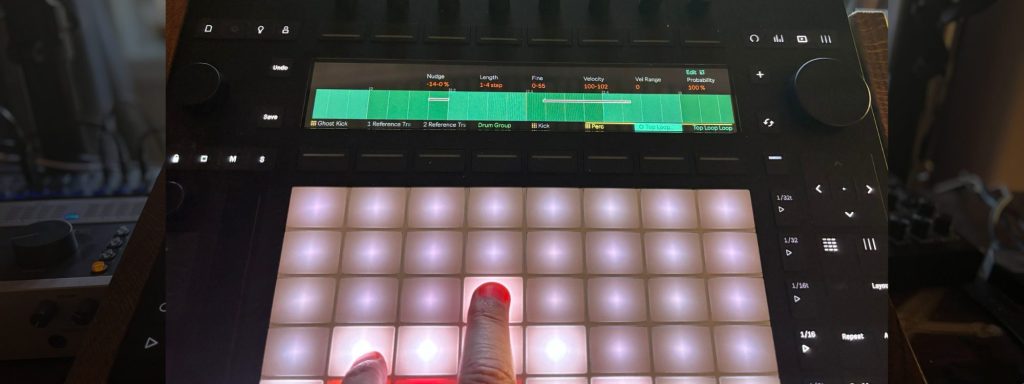
Ableton Push 3 is my first recommendation for a hybrid studio where Ableton Live remains the main production environment. Its MPE pads let producers play software instruments with pitch, pressure, and note-level expression, while the standalone model can run compatible Live devices without a computer.
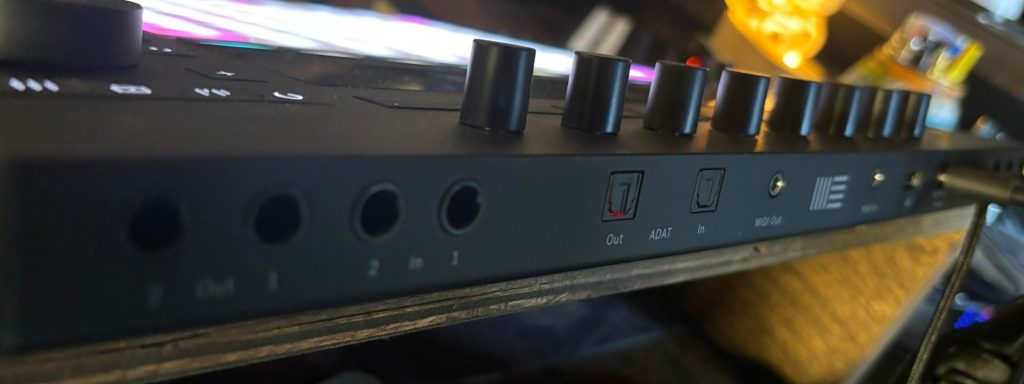
MIDI In and Out allow Push to sequence external synths, and the onboard audio connections let it record those instruments back into a Set. ADAT support adds another route for expanding the system when a studio already uses an external converter or preamp. I have found that Push works best when it is treated as a playable instrument that happens to control Ableton, since that approach keeps the hands away from the mouse during the earliest writing stages.
This reminds me of LÂLKA’s production discussion for “Yves Klein”, where she said, “I thought the Push 3 was a cool piece of hardware, so I made an exception!” Her comment came from a return to physically manipulating hardware after relying heavily on automation, which captures why Push fits a hybrid room so well.
Choose Push 3 when Ableton needs to remain the center of the studio, and you want one controller to cover performance, sequencing, recording, and external MIDI control.
Akai Professional APC64
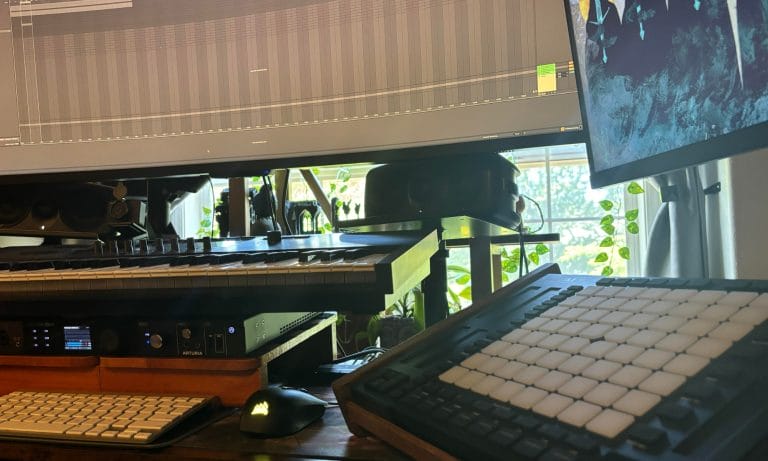
The Akai Professional APC64 is the controller I would choose when modular hardware and Ableton need to share the same sequencer. Its onboard eight-track, 32-step sequencer can operate with Live or independently, which keeps external hardware playable when the computer is turned off.
Two MIDI outputs allow separate hardware destinations, while eight CV/gate outputs give modular users direct control without adding a dedicated MIDI-to-CV module.
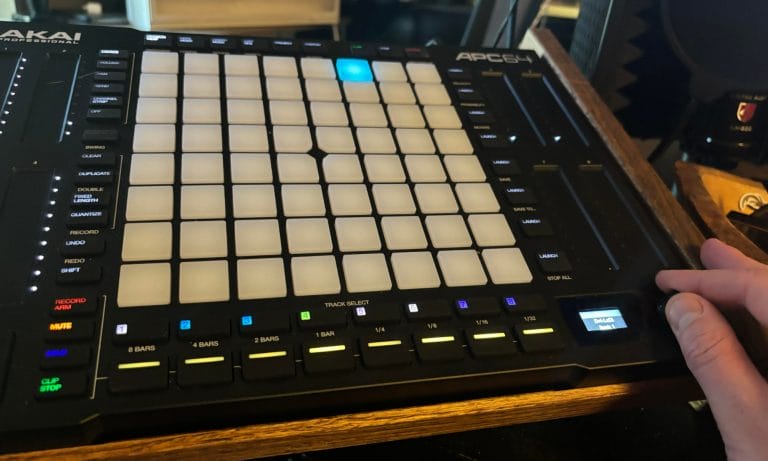
The 64 pads support velocity and polyphonic aftertouch, so melodic programming feels considerably less rigid than clicking notes into a piano roll. Eight touch strips can control software parameters or mapped hardware functions, though producers who prefer physical knobs may need time to adjust.
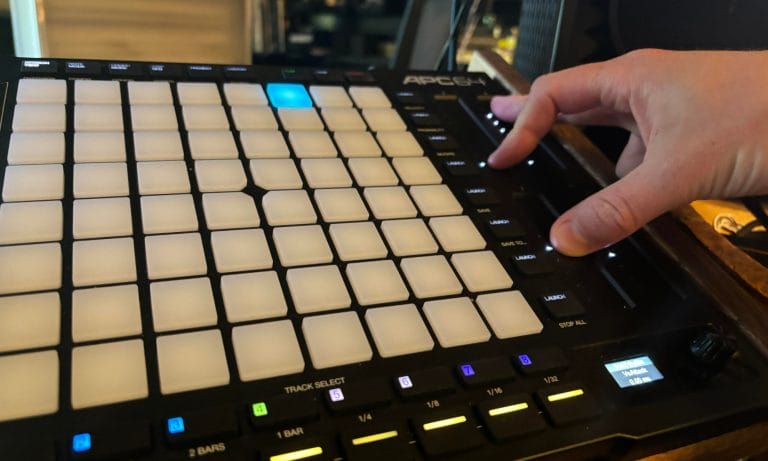
In my review, the main distinction between APC64 and Push 3 came down to purpose because Push behaves like an Ableton instrument, while APC64 works as a controller and standalone sequencer. That narrower purpose lowers the price and gives Akai room to include considerably more CV connectivity than Ableton provides.
Buy the APC64 when hardware sequencing carries equal priority with clip launching and you need one device to move between Ableton, desktop synths, and modular equipment.
Native Instruments Kontrol S-Series MK3
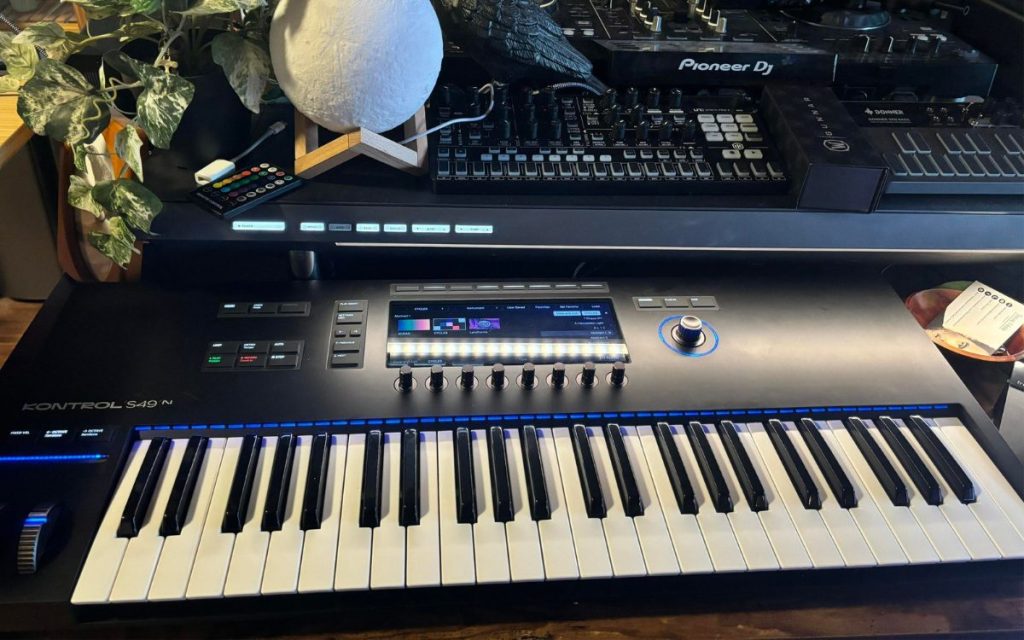
The Native Instruments Kontrol S49 MK3 fits a hybrid studio where software instruments handle most of the writing and hardware provides selected parts. Its semi-weighted keybed supports polyphonic aftertouch, which gives compatible software instruments far greater expression than a standard velocity-sensitive keyboard.
The high-resolution display and NKS integration allow patch browsing and parameter adjustment from the keyboard, reducing the need to keep returning to the computer.
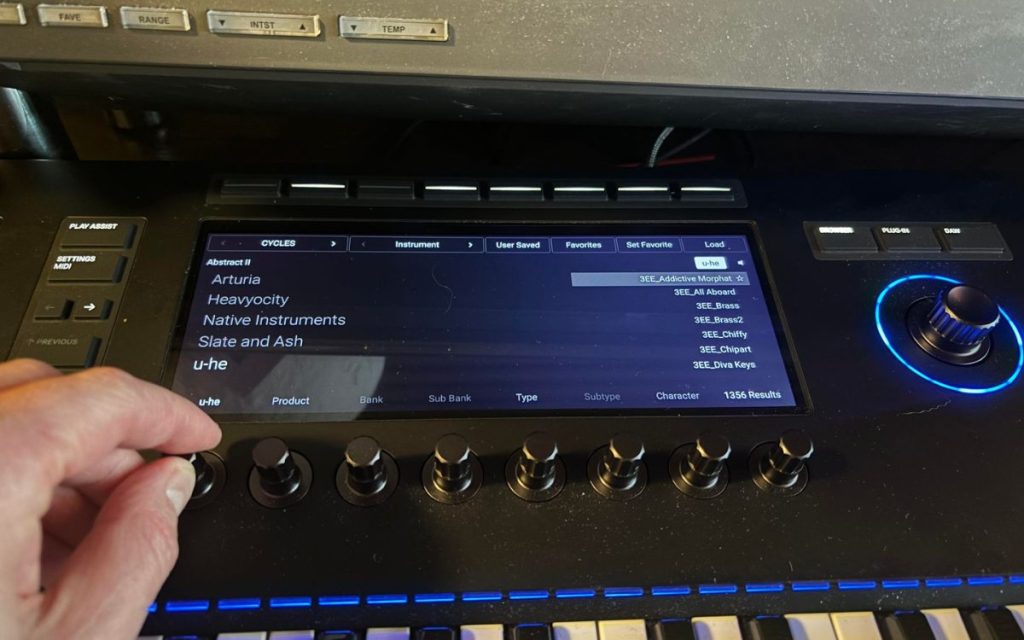
MIDI 2.0 support also prepares the controller for newer devices that can exchange higher-resolution performance data and expanded parameter information. The S49 MK3 can control external MIDI hardware, though its main advantage remains the way it handles Kontakt and NKS-compatible software. This reminds me of Marsh’s production feature for Lailonie, where he said, “I’m a big fan of the entire NI Komplete package. I’ve used almost everything it has to offer on the album.” That production approach explains who should buy the Kontrol because it gives a large software collection a physical keyboard, display, and organized browsing system while hardware remains available for selected roles.
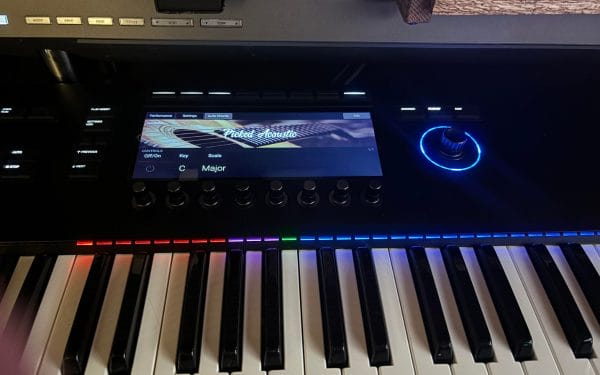
Choose it when Komplete or other NKS instruments occupy most of the software side of your hybrid studio and keyboard performance takes priority over standalone sequencing.
Novation Launchkey 25 MK4
The Novation Launchkey 25 MK4 is my compact recommendation for producers who need DAW control and a direct five-pin MIDI connection without filling the entire desk.
Its 25 full-size keys provide enough room for bass lines, lead parts, and shorter chord performances while keeping the controller narrow enough to sit beside desktop synths. Sixteen velocity-sensitive pads support polyphonic aftertouch, giving drum programming and sample triggering considerably greater expression than entry-level pads usually provide. Scale Mode, Chord Map, and the generative arpeggiator can send ideas into software or external hardware, which gives the controller a role beyond basic note entry.
The MIDI output is the key hybrid feature because it allows the Launchkey to play a hardware synth without routing everything over USB.
In DROELOE’s production feature for A Matter of Perspective, he explained that he improvises with an Arturia KeyLab and uses Ableton’s Capture MIDI once he finds a part that works. The same principle applies here because the Launchkey provides direct Capture MIDI access and encourages producers to play first, then preserve the idea after it develops.
Buy it when desk space is limited and you want one smaller keyboard to handle Ableton, another supported DAW, and a nearby hardware synth.
Ableton Move
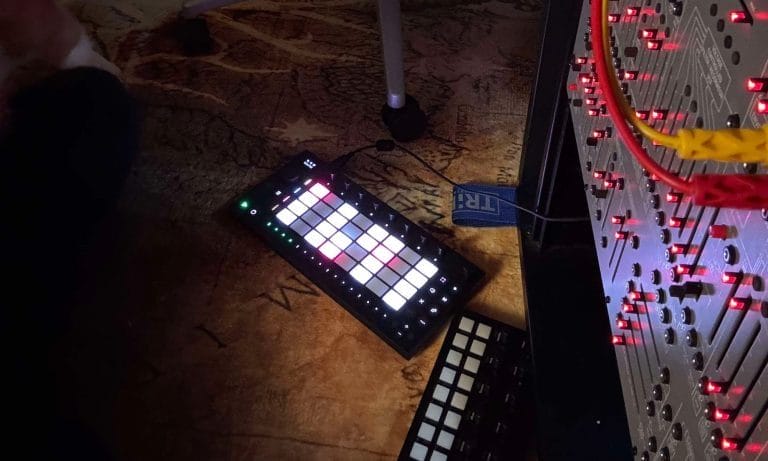
Ableton Move is the controller I reach for when I want to sequence hardware without loading my main studio setup. During my review, I connected its MIDI output to my Behringer 2600 and used Move to create straightforward arpeggios without opening Ableton Live.
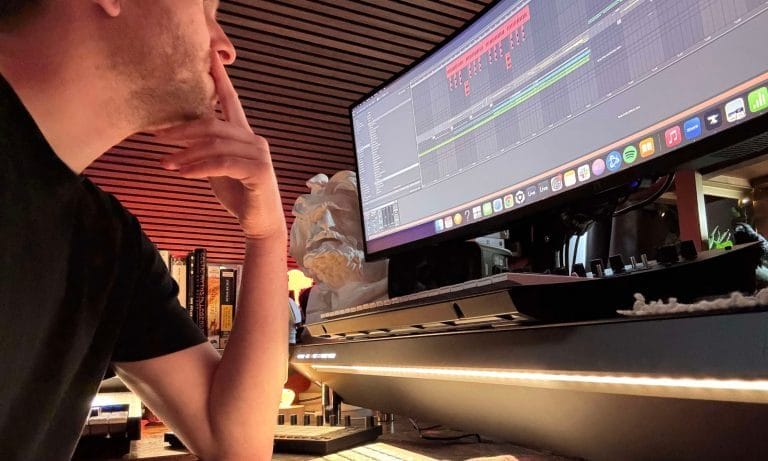
That setup gave me a faster route to the hardware than building a complete project inside Push 3 or configuring my Torso T-1. Move can also operate as an Ableton Live controller, which lets ideas created away from the desk return to the main DAW later.
Its built-in sounds and battery make it suited to writing elsewhere, while the MIDI connection lets an external synth replace or accompany those sounds once Move returns to the studio. Compared with Push 3, Move offers fewer editing options and considerably less control over a large Live project.
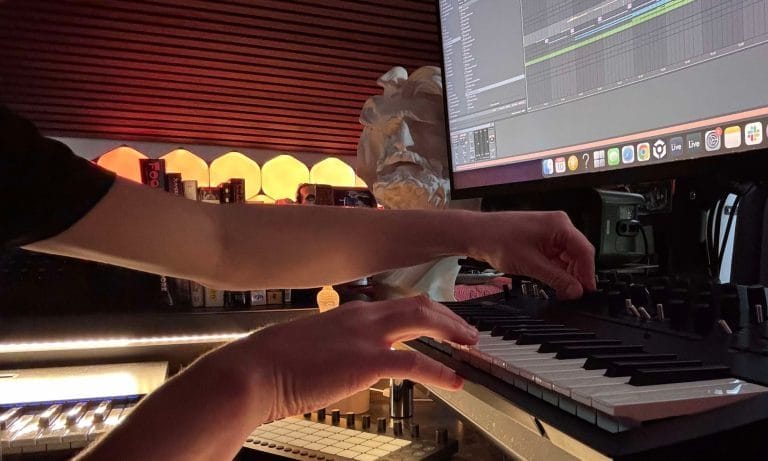
That narrower feature set works well when the goal is writing a pattern quickly and sending it to one external instrument without managing the full studio. Choose Move as a secondary hybrid controller when portability and direct hardware sequencing carry greater importance than advanced routing.
Novation Launch Control XL 3
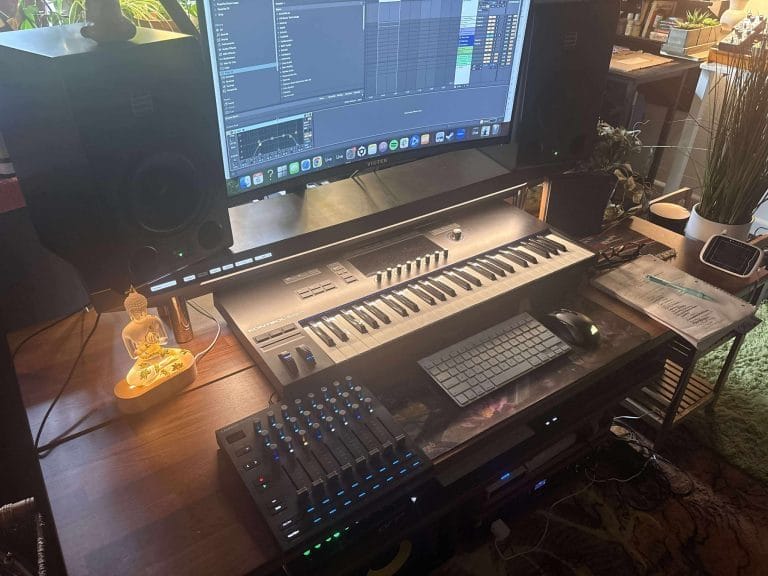
The Novation Launch Control XL 3 is my recommendation for producers who already have a keyboard or pad controller and need deeper parameter access.
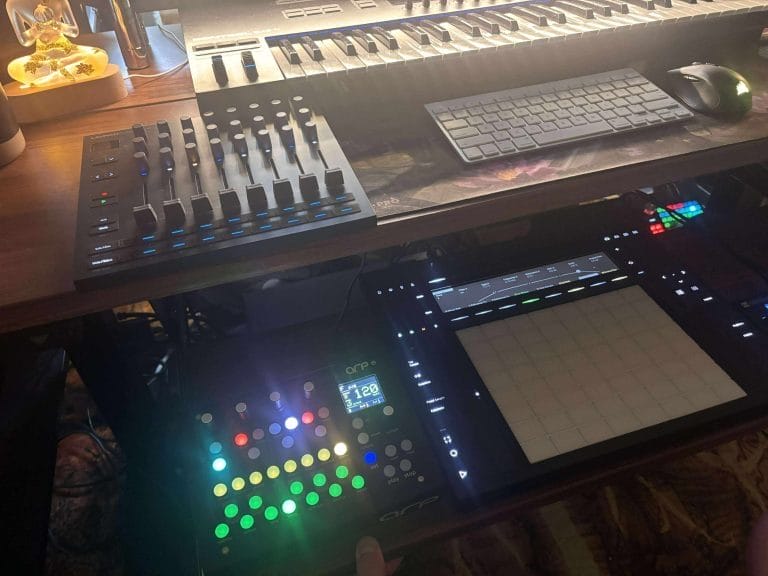
Eight faders, 24 encoders, and 16 buttons provide enough physical control for mixer channels, software instruments, or MIDI-mapped hardware without occupying the space of another keyboard. The OLED display gives parameter feedback, which helps when custom modes assign the same physical control to different devices. Five-pin MIDI In, Out, and Thru let the XL 3 sit inside a hardware chain instead of remaining tied to USB and a computer. Fifteen custom modes provide room for dedicated layouts, such as one page for a hardware synth and another for Ableton mixing.
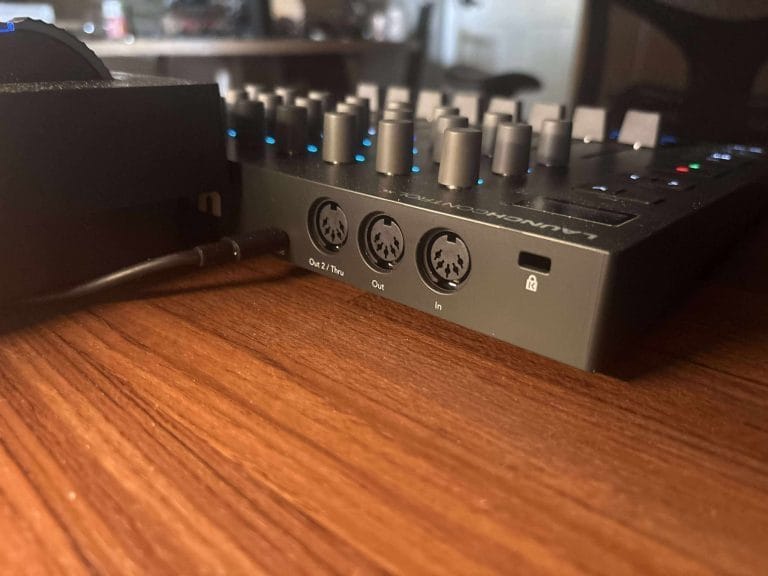
In my review, the control density was the main reason it worked so well because it can sit beside an interface or desktop instrument without taking over the production area. It differs from the APC64 because the XL 3 focuses on continuous parameter movement rather than note entry and pattern sequencing.
Buy it when the hybrid studio already has a way to play notes and needs a dedicated surface for hands-on mixing, automation, and hardware parameter control.
Wrapping things up
The best MIDI controller for a hybrid studio depends on which device will act as the main command point. Ableton Push 3 is my first choice when Live needs to control software instruments and external hardware from the same surface.
Akai’s APC64 is the better match when CV sequencing and standalone hardware patterns take greater priority. Native Instruments Kontrol S49 MK3 fits producers who spend most of their writing time inside Kontakt and the wider NKS catalog.
Novation’s Launchkey 25 MK4 offers an affordable keyboard route for smaller desks, while Move handles portable writing and single-device hardware sequencing. The Launch Control XL 3 belongs beside an existing keyboard when faders and encoders are missing from the current setup. Larger studios may still need a dedicated MIDI interface, and my Black Lion Audio MIDI Eight review explains why adding more hardware can quickly overwhelm the MIDI connection on an audio interface.
Choose the controller according to the part of the studio you touch most often, then build the routing around that decision.

Will Vance is a professional music producer who has been involved in the industry for the better part of a decade and has been the managing editor at Magnetic Magazine since mid-2022. In that time period, he has published thousands of articles on music production, industry think pieces and educational articles about the music industry. Over the last decade as a professional music producer, Will Vance has also ran multiple successful and highly respected record labels in the industry, including Where The Heart Is Records as well as having launched a new label with a focus on community through Magnetic Magazine. When not running these labels or producing his own music, Vance is likely writing for other top industry sites like Waves or the Hyperbits Masterclass or working on his upcoming book on mindfulness in music production. On the rare chance he's not thinking about music production, he's probably running a game of Dungeons and Dragons with his friends which he has been the dungeon master for for many years.