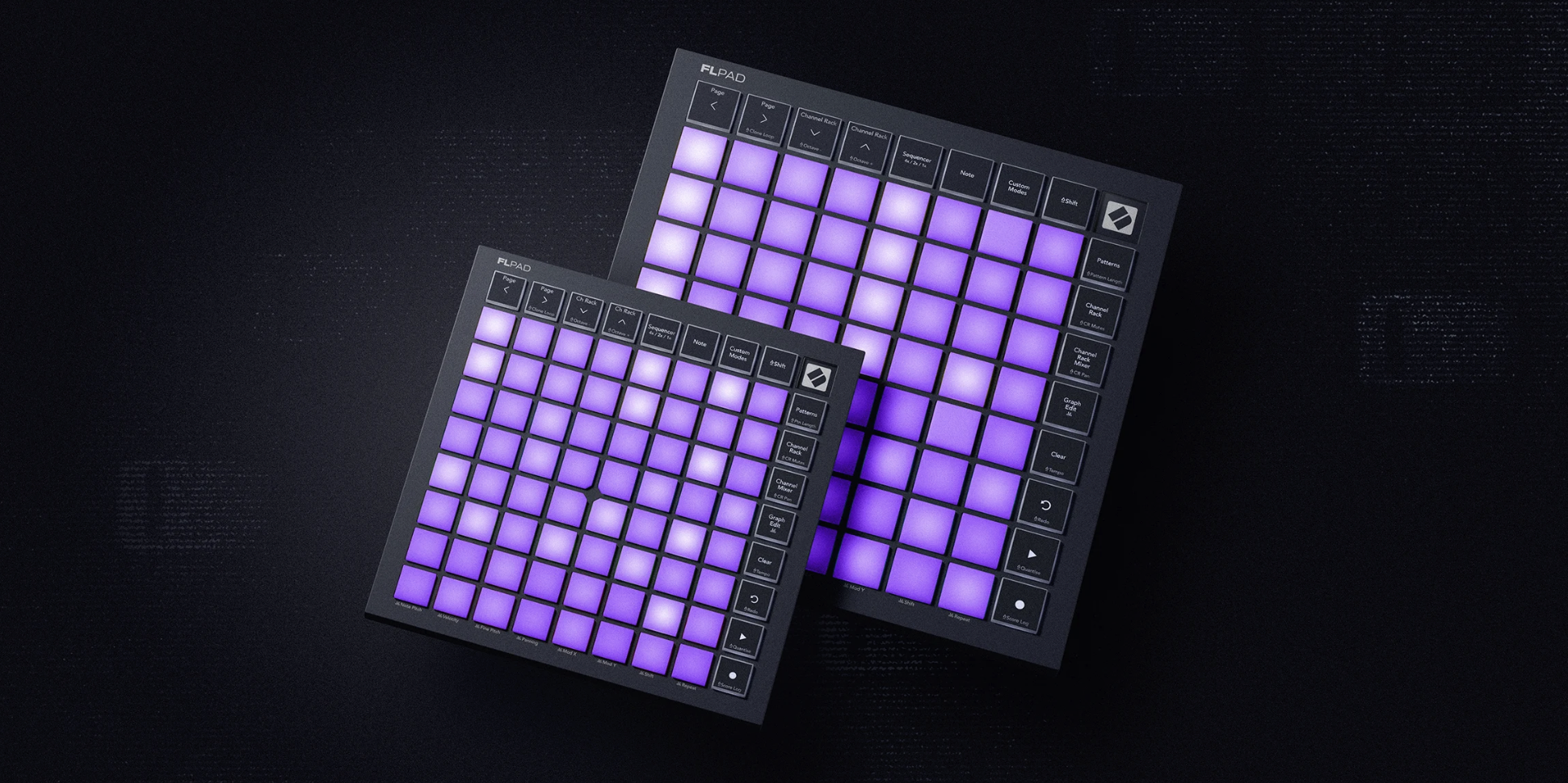
Novation’s FLpad feels like the missing piece in the company’s FL Studio hardware push.
FLkey already gave FL Studio users a keyboard controller that actually cared about the DAW’s workflow, and now FLpad takes that same idea into a grid format built around the Channel Rack.
That detail matters. A lot of MIDI controllers can trigger notes, launch clips, or send commands into a DAW, but FL Studio has always had its own way of thinking. The Channel Rack, Patterns, step sequencing, Graph Editor, FPC, Slicex, and Fruity Slicer all have their own habits. FLpad is not a repainted Launchpad with an FL badge on it. Novation says the user interface, firmware, and DAW scripts were built specifically around FL Studio’s workflow.
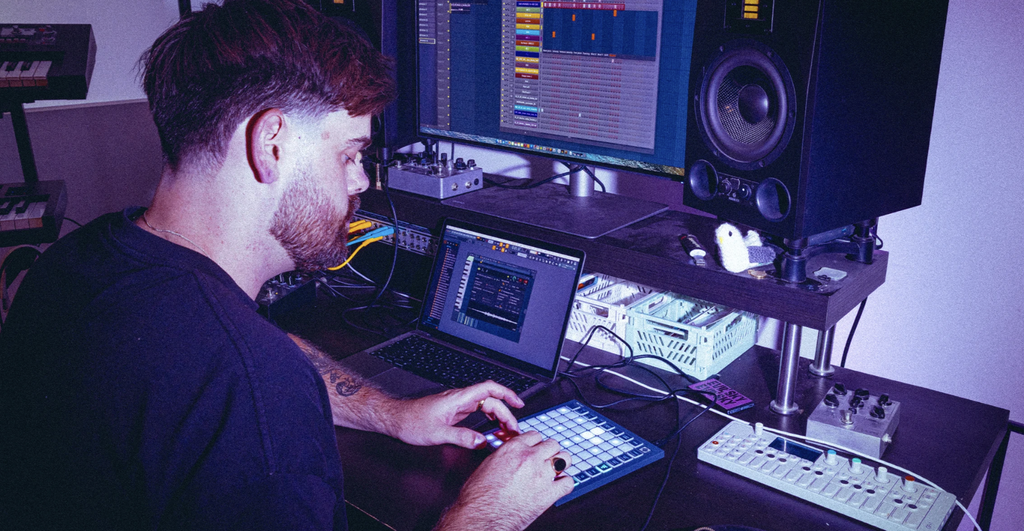
The result is an 8×8 grid controller meant to make FL Studio feel more like a hands-on groovebox.
Users can sequence drums and melodies, tap in parts live, play melodically in Note mode, build Patterns, edit note data, and work inside the Channel Rack without constantly reaching back to the mouse.
That is the part that should interest FL Studio producers most.
FL Studio is already fast when you know it well, but it is still very screen-forward. FLpad looks designed to pull the first phase of writing back into the hands, especially for producers who build ideas from drums, loops, chops, and Pattern-based sections.
I covered this direction earlier in my piece on Novation’s FLkey 2, and FLpad feels like the natural follow-up. FLkey gave FL Studio a keyboard-first workflow. FLpad gives it a grid-first one.
The Channel Rack Is the Center
The main thing to understand about FLpad is that it is not trying to be a general-purpose controller first. It is aimed at the Channel Rack.
That means producers can select and trigger samples from the pads, step-sequence ideas, build Patterns, and move between drum programming and melodic writing without leaving the controller. The full-size FLpad adds velocity-sensitive pads, which makes it better suited for expressive finger drumming and live part creation, while FLpad Mini is clearly built for smaller setups, travel bags, and producers who want the core workflow in a compact footprint.
Each model has 64 RGB-backlit pads, with direct access to step sequencing, finger drumming, and melodic playing. Melodic parts can be played chromatically or locked to a chosen scale, which is a smart inclusion for producers who want to write basslines, melodies, or chord ideas without getting stuck in note mapping.
FLpad also supports sequencing for up to four instruments at once, which could make it feel more like a hardware sketchpad than a simple DAW remote. That is a good fit for FL Studio because the DAW already encourages fast Pattern creation. FLpad seems built to make that process feel less like clicking boxes and more like performing an idea into shape.
For context, FL Studio 2026 already pushed the DAW forward with cloud project backup, a rebuilt FLEX, and new assistance features. FLpad comes from a different angle, but the larger point is similar: FL Studio is becoming easier to work inside without breaking the creative flow every few seconds.
This Is Not Just a Launchpad Skin
Novation is being clear about the difference between FLpad and Launchpad. The shape may be familiar, but the DNA is new. FLpad is built around FL Studio’s Channel Rack, Pattern system, Graph Editor, and mixer behavior, with dedicated controls for navigation, mode switching, transport, undo and redo, and Pattern management.
That is the kind of DAW-specific thinking that separates a good controller from a generic one. If the hardware only sends MIDI and leaves users to map everything themselves, most people stop using the deeper features after the first week. FLpad appears designed to avoid that by making the common FL Studio moves obvious from the start.
There are also dedicated layouts for FPC, Slicex, and Fruity Slicer, which is a good call.
Those are exactly the areas where FL Studio users often want pad control to feel immediate. Chop a sample, tap drums, trigger slices, sequence a Pattern, then move on.
The Graph Editor control is another smart inclusion.
Being able to edit note behavior directly from the grid could make FLpad more than a triggering surface. If Novation has the implementation right, it could become a way to shape velocity, timing, and note data without diving back into mouse work every time.
Novation Components also lets users create custom layouts for specific FL Studio workflows or for other software and hardware. That keeps FLpad from becoming too narrow, even though its main purpose is clearly FL Studio.
The Mini Version Might Be the Sleeper
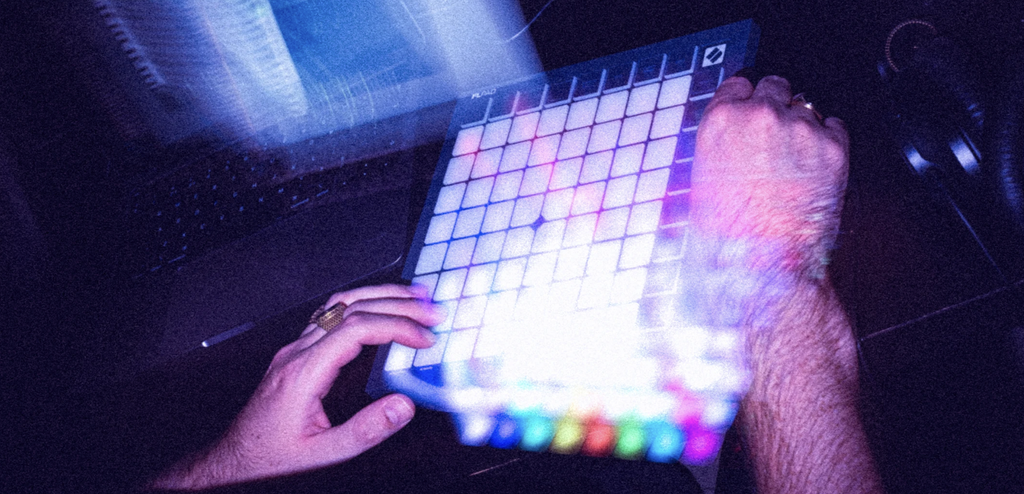
The full-size FLpad is the more complete controller, especially because of the larger grid surface and velocity-sensitive pads. But FLpad Mini may end up being the more interesting option for a lot of producers.
Small controllers win when they stay plugged in. If a device can sit next to a laptop, fit into a backpack, and give quick access to the Channel Rack without taking over the desk, it has a better chance of becoming part of everyday writing. FLpad Mini keeps the same 64-pad concept and core workflow, but aims it at compact setups and grab-and-go creation.
That is where Novation usually does well.
The company has a long history of taking a bigger workflow idea and making it accessible without stripping away the reason someone wanted the hardware in the first place. I wrote about that balance in my coverage of the Launchkey Mk4, and the same thought applies here. The hardware needs to feel simple at first, then keep rewarding users as they go further in.
The bundled software helps too. Every FLpad controller includes six months of FL Studio Producer Edition, plus instruments and effects from UVI, GForce, and Klevgrand, along with finger-drumming lessons from Melodics. That makes the line easier to recommend to newer FL Studio users who want a hardware entry point rather than a controller that assumes they already have everything set up.

Will Vance is a professional music producer who has been involved in the industry for the better part of a decade and has been the managing editor at Magnetic Magazine since mid-2022. In that time period, he has published thousands of articles on music production, industry think pieces and educational articles about the music industry. Over the last decade as a professional music producer, Will Vance has also ran multiple successful and highly respected record labels in the industry, including Where The Heart Is Records as well as having launched a new label with a focus on community through Magnetic Magazine. When not running these labels or producing his own music, Vance is likely writing for other top industry sites like Waves or the Hyperbits Masterclass or working on his upcoming book on mindfulness in music production. On the rare chance he's not thinking about music production, he's probably running a game of Dungeons and Dragons with his friends which he has been the dungeon master for for many years.