The best desktop studio monitors for small rooms need to solve a problem that monitor companies have ignored for years. Producers are creating music in bedroom corners and converted home offices, yet many speakers are still designed around longer listening distances and rooms with dedicated acoustic treatment. A larger woofer can excite untreated walls and corners before it gives the producer any extra confidence in the low end, which is why I usually point smaller studios toward compact nearfields first.
My roundup of the best portable studio monitors for small studios covers several of these same speakers, including models that can move between a permanent desk and a travel setup without asking for much space.
Compact monitors place the drivers closer to your ears, reducing how much of the room enters what you hear, and my KRK Kreate 3 review explains how far a small 3.5-inch system can go before its low-frequency limits become obvious. Desktop EQ controls can also compensate for bass buildup and reflections from the work surface, while USB-C connectivity can remove an extra piece of gear from a smaller desk, as I found in my ADAM Audio D3V review. Built-in room correction takes that idea further by measuring what happens at the listening position, and my iLoud Sub review covers how ARC X handled the low end in my own compact production room.
After reviewing the monitors below, I have found that small cabinets can support detailed production decisions when the amps and drivers have been designed for close-range listening. These are the best desktop studio monitors I have reviewed for producers working in small rooms.
Best desktop studio monitors at a glance
| Studio monitor | Best fit | Small-room advantage | Price |
|---|---|---|---|
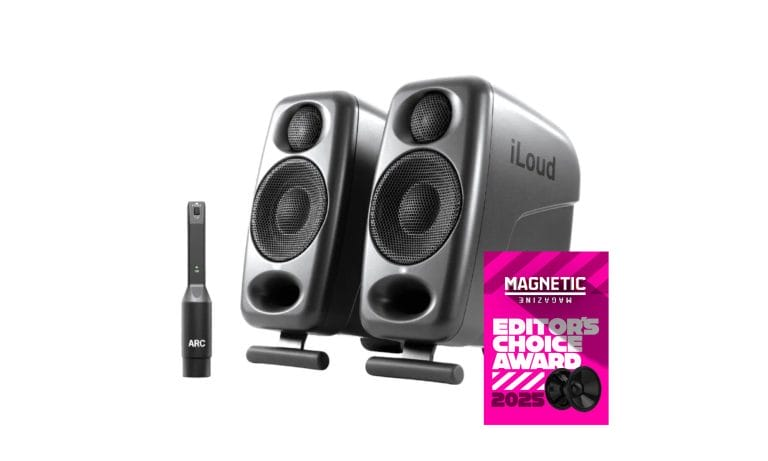
| IK Multimedia iLoud MTM MKII | Best overall | Ultra-nearfield format with ARC calibration | $699.99 per pair |
| ADAM Audio D3V | Best USB-C option | Desktop DSP settings and angled stands | $349.99 per pair |
| KRK Kreate 3 | Best budget option | Rear EQ in a very small enclosure | $179 per pair |
| IK Multimedia iLoud Micro Monitor | Best for limited desk space | Three-inch drivers with integrated angled bases | $299.99 per pair |
| IK Multimedia iLoud Micro Monitor Pro | Best compact calibrated option | Built-in ARC calibration in each speaker | $599.99 per pair |
| AIAIAI UNIT-4 Wireless+ | Best wireless option | Battery operation with 16ms W+ latency | $599 per pair |
IK Multimedia iLoud MTM MKII: Best overall desktop studio monitors
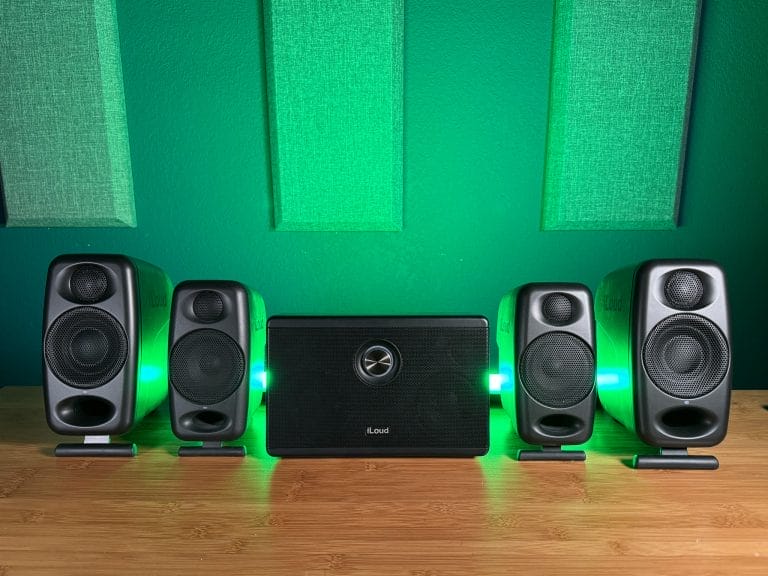
The iLoud MTM MKII remains my first recommendation for dedicated producers working in small studios and less-than-ideal rooms. My listening position sits roughly an arm’s length from these monitors, which is where they perform best. Their narrow cabinets make it easier to form an equal listening triangle without letting the speakers consume most of the available desk space. Each monitor uses two 3.5-inch woofers around a one-inch tweeter, while the MTM configuration limits vertical dispersion and reduces interaction with the desktop.
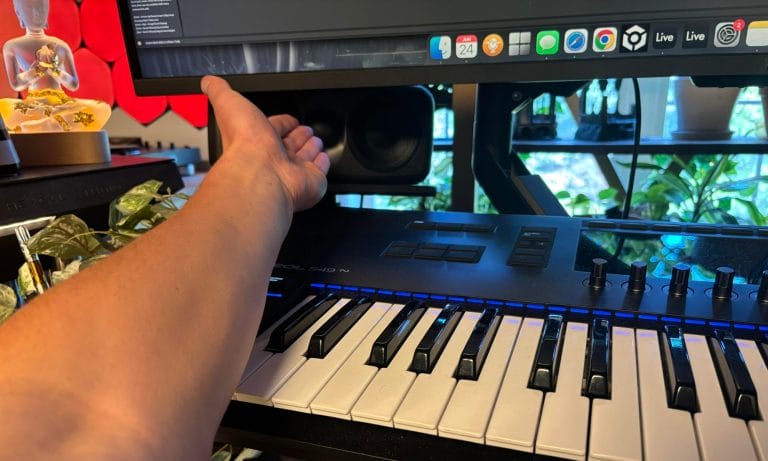
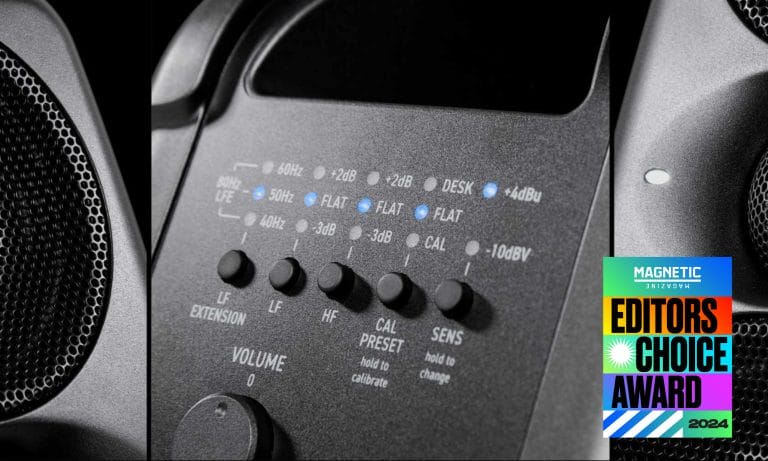
The included ARC microphone measures the room within minutes and applies correction directly inside the speakers. I had already replaced Sonarworks with IK Multimedia’s ARC Studio before testing these monitors, so having related correction technology built into the speakers felt like a logical extension of a system I already trusted. X-Monitor also provides over 20 speaker profiles for checking how a mix may translate across alternate playback systems without adding another pair to the room.
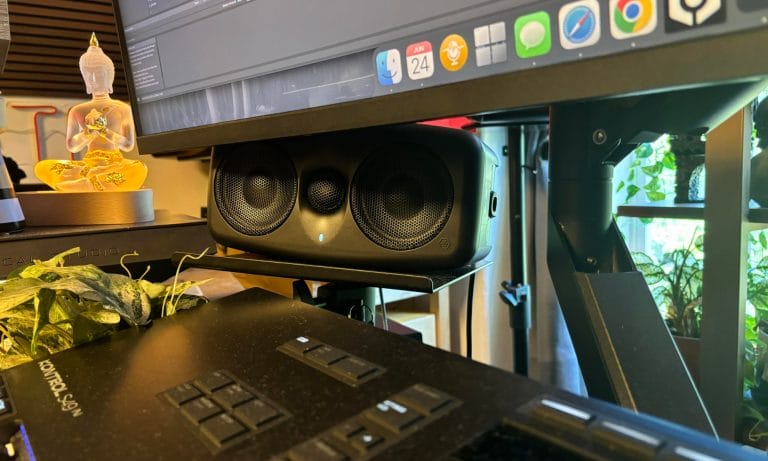
The only issue I found was the click-free level control, which takes greater care when matching the left speaker to the right one or balancing the pair against a subwoofer.
ADAM Audio D3V: Best USB-C monitors for a small desk
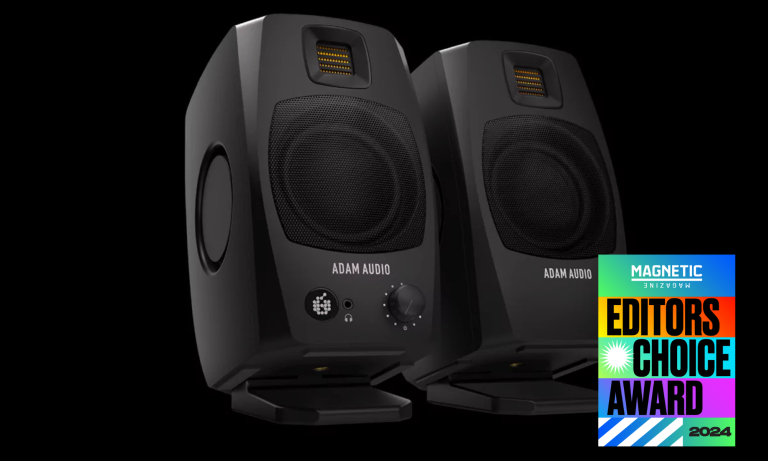
The ADAM Audio D3V became my preferred portable monitoring system during the months following my review. Each cabinet stands slightly over eight inches tall, and the included angled stands establish a better listening position as soon as the pair comes out of the box. ADAM also includes desktop pads, while threaded mounting points let producers move the speakers onto microphone stands when the desk creates too many reflections. A 3.5-inch aluminum woofer works with two passive radiators to extend the bass response down to 45Hz. The D-ART ribbon tweeter gives the upper frequencies the detail I expect from ADAM Audio without forcing the listener to sit several feet away.
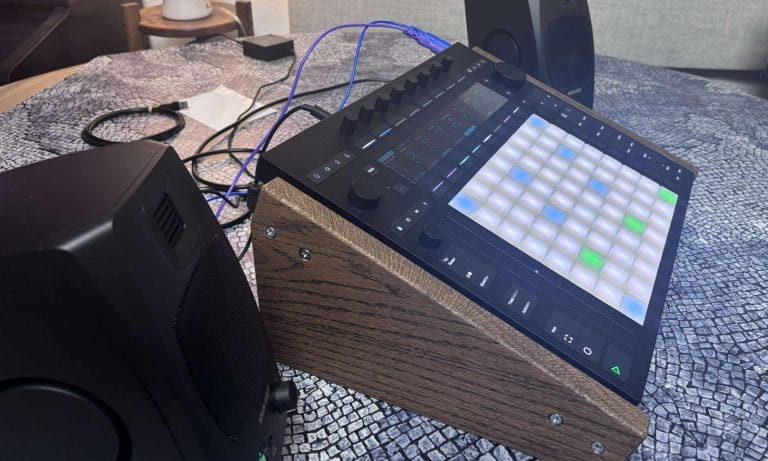
USB-C allows a direct connection to a computer, while balanced TRS connections support a conventional audio interface setup. Three rear DSP switches account for speaker placement, desk size, and the amount of acoustic treatment in the room.
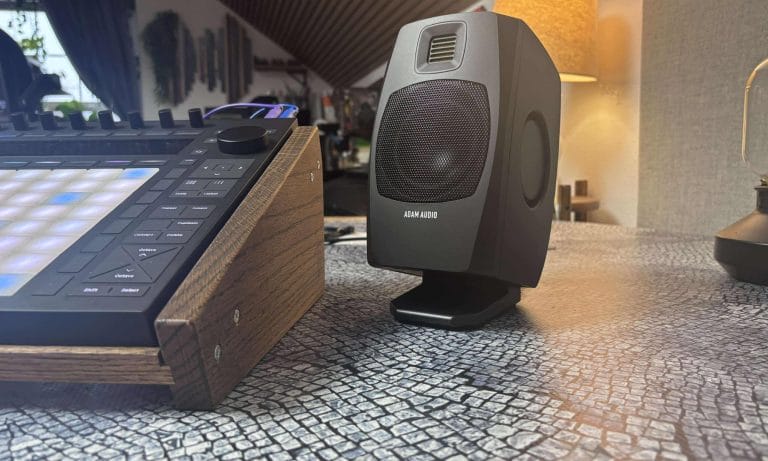
Producers can make those adjustments without installing calibration software, which gives the D3V one of the fastest setup processes in this article.
KRK Kreate 3: Best budget desktop monitors for small rooms
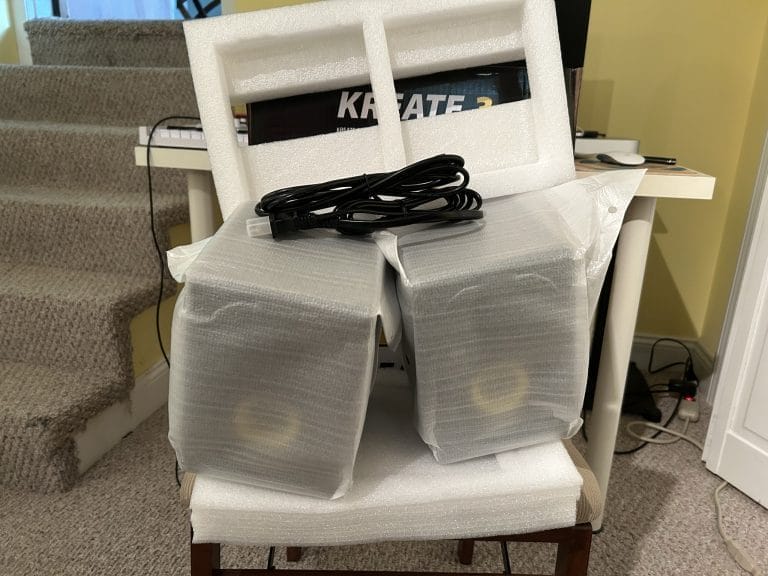
The KRK Kreate 3 is the pair I would recommend when price and physical space set the main limits. KRK built this model around a 3.5-inch woofer and one-inch tweeter, placing the system firmly within close-range desktop monitoring. Balanced quarter-inch connections support production work, while Bluetooth 5.3 covers casual listening away from the DAW. Rear low-frequency and high-frequency controls let producers adjust the response when the speakers sit near a wall or on a reflective desk.
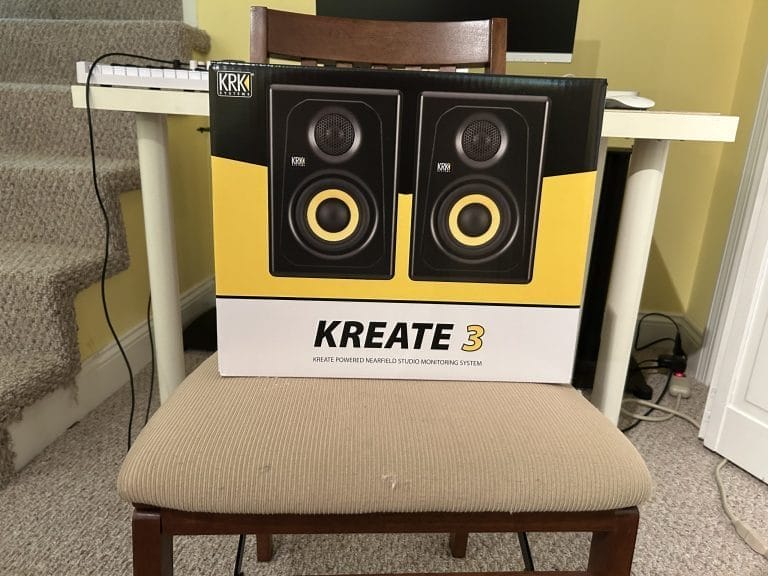
The smaller woofer cannot provide a complete picture of sub frequencies, so I would pair the Kreate 3 with headphones when checking the lowest part of a club-focused mix. Proper positioning also becomes especially important because moving either speaker a few inches can change what reaches the listening position. This takes me back to my conversation with Hannes Bieger on studio design, where he said that “anything that disrupts the creative flow once it has been established should be avoided at all costs.”
At $179 per pair, the Kreate 3 gives newer producers a dedicated monitoring setup that can remain connected and ready whenever they open the project.
IK Multimedia iLoud Micro Monitor: Best monitors for extremely small desks
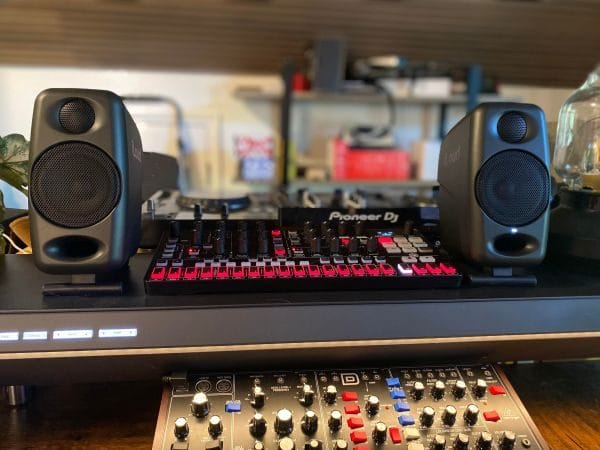
The iLoud Micro Monitor is still one of the smallest monitoring systems I can recommend for serious production work.
Its three-inch woofers let the pair fit beside a laptop on desks where conventional nearfield monitors would block the display or consume the working area. Integrated angled bases aim the drivers toward ear level, and rear EQ switches help account for desktop placement or nearby walls. Bluetooth is included, although my testing in Ableton produced latency above 75 milliseconds. I would use a wired connection during production and reserve Bluetooth for listening away from the DAW.
The connection panel relies on RCA and 3.5mm connections rather than the balanced quarter-inch connections found on several other options here. Their real production credentials came up during my conversation with Ilan Bluestone on using iLoud Micro Monitors while traveling, where he told me, “They are accurate, and everyone else I’ve shown them to has been blown away.”
He finished a remix for Armin van Buuren on the monitors inside a glass-heavy Miami apartment, then heard the record translate during its Ultra performance the following day.
IK Multimedia iLoud Micro Monitor Pro: Best compact monitors with room correction
The iLoud Micro Monitor Pro keeps the compact dimensions of the original Micros while adding a far deeper calibration system. Each cabinet operates independently and includes XLR connectivity, which resolves one of the original model’s main limitations.
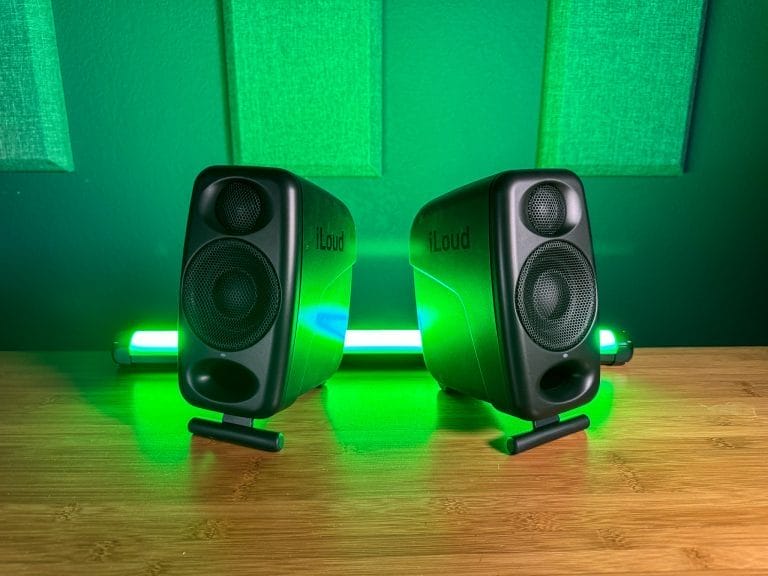
The three-inch woofer and one-inch tweeter cover a rated frequency response from 50Hz to 20kHz within a two-decibel range. A fold-out base handles desktop angling, and a threaded mounting point supports alternate placement when the work surface becomes a problem.
The defining feature is built-in ARC calibration, which measures each speaker at the listening position and adjusts its response for the room. Manual switches remain available for low-frequency extension, frequency trimming, and desktop compensation. X-Monitor displays the calibration results and adds over 20 speaker profiles for checking a mix against other playback formats.
This is the iLoud model I would choose when the desk is extremely small, yet automated correction remains a firm purchasing priority.
AIAIAI UNIT-4 Wireless+: Best wireless desktop studio monitors
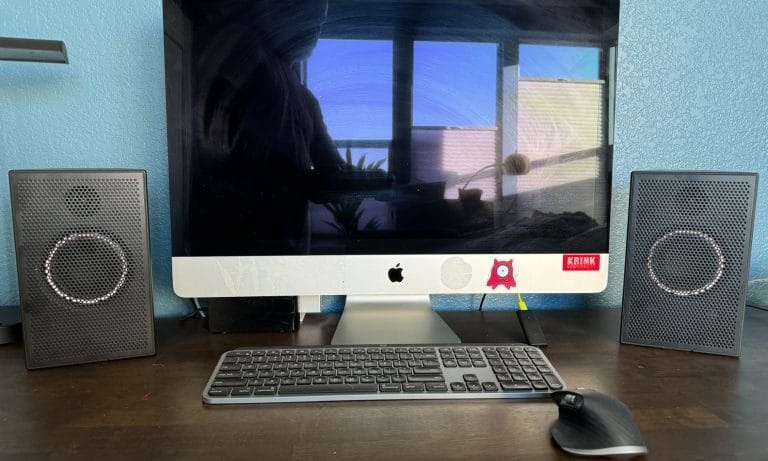
The AIAIAI UNIT-4 Wireless+ fits producers who move their desktop setup around the room or regularly work away from their main studio.
Our review covered the monitors at a desk and in temporary production locations, including hotels and outdoor spaces. Each charge provides roughly 18 to 20 hours of playback, and charging takes close to two hours. AIAIAI’s W+ transmitter operates with 16 milliseconds of latency, giving producers a responsive wireless connection that performs far better than standard Bluetooth for DAW work.

Wired quarter-inch TRS and 3.5mm connections remain available when latency needs to be kept as low as possible. The four-inch woofer extends the response farther into the low end than the three-inch systems included above, while the cabinet remains compact enough for nearfield use. W+ mode produces less volume than Bluetooth or a wired connection, although that reduction should cause few issues at normal desktop listening levels. The UNIT-4 carries a higher price because of its wireless system and batteries, so I would choose it when mobility is part of the weekly workflow rather than an occasional possibility.
How to place desktop studio monitors in a small room
The monitor you buy will have less impact when the listening position has been set up carelessly. Place the speakers so the distance between them roughly matches the distance from each speaker to your head. Keep the tweeters at ear height or angle them toward your ears with the included stands. Isolation pads can reduce vibration passing from the cabinet into the desktop.
Leave space behind rear-ported speakers whenever the room allows it, then use the manufacturer’s wall setting when closer placement cannot be avoided. Start with each speaker the same distance from the rear wall and side boundaries. Listen at a moderate volume because a close nearfield position already places the drivers near your ears. Check the lowest bass frequencies on headphones if your chosen monitor starts rolling off near 45Hz or 50Hz.
Honorable mentions we have yet to review
The following desktop studio monitors fit the small-room focus on paper, although I have yet to complete hands-on reviews of them for Magnetic. Their inclusion here reflects their stated designs and feature sets rather than a final recommendation.
| Monitor | Why it is on my radar | Official product page |
|---|---|---|
| Kali Audio LP-UNF | Developed specifically for close desktop listening, with the amplification and connections housed in the primary speaker | Kali Audio LP-UNF |
| Neumann KH 80 DSP | Compact DSP design with support for Neumann’s MA 1 room-alignment system | Neumann KH 80 DSP |
| Genelec 8010A | Small aluminum enclosure intended for nearfield and mobile monitoring | Genelec 8010A |
| JBL 305P MkII | Five-inch woofer and broad listening area at an accessible price, though it needs greater desk depth | JBL 305P MkII |
Wrapping things up
The best desktop studio monitors for small rooms are usually the models designed to operate closest to the listening position. I would choose the iLoud MTM MKII for my main production setup because its ultra-nearfield format and ARC calibration directly address the limitations of a small untreated room. The ADAM Audio D3V offers a lower-cost route with USB-C connectivity and straightforward placement controls. KRK’s Kreate 3 covers the entry-level end of the category without taking over the desk.
The original iLoud Micro Monitor remains my recommendation when physical space sets the firmest limit. Its Pro counterpart adds room correction and independent XLR connections for producers who can spend another $300. The AIAIAI UNIT-4 Wireless+ serves a narrower purpose, yet its battery system can remove cables from production setups that move regularly.
Whichever pair you choose, correct positioning and repeated checks on another playback system will have a greater effect than buying a larger monitor for a room that cannot support it.

Will Vance is a professional music producer who has been involved in the industry for the better part of a decade and has been the managing editor at Magnetic Magazine since mid-2022. In that time period, he has published thousands of articles on music production, industry think pieces and educational articles about the music industry. Over the last decade as a professional music producer, Will Vance has also ran multiple successful and highly respected record labels in the industry, including Where The Heart Is Records as well as having launched a new label with a focus on community through Magnetic Magazine. When not running these labels or producing his own music, Vance is likely writing for other top industry sites like Waves or the Hyperbits Masterclass or working on his upcoming book on mindfulness in music production. On the rare chance he's not thinking about music production, he's probably running a game of Dungeons and Dragons with his friends which he has been the dungeon master for for many years.