Table of Contents
If you’ve been rocking a Scarlett 4th Gen interface, you’re in for a treat. Focusrite just dropped a new firmware update and it’s way more than bug fixes. We’re talking serious functionality boosts — like 16 channels of ADAT I/O, monitor grouping for easier speaker switching, and the kind of remote control that makes you wonder how you ever lived without it.
This update, available through the Focusrite Control 2 app, improves what’s already there and stretches what your Scarlett can actually do. Whether you’re running a home studio or managing a multi-speaker setup, there’s something here for you. Let’s break it all down.
At a Glance
- Scarlett 18i20 now supports 16 channels of ADAT I/O for a total of 24 inputs and 28 outputs at 44.1/48kHz
- Monitor groups are now available on Scarlett 16i16, 18i16, and 18i20 for cleaner speaker management
- Remote Multichannel Auto Gain lets 18i20 users adjust input levels from the Focusrite Control 2 mobile app
ADAT Expansion Just Doubled — Literally
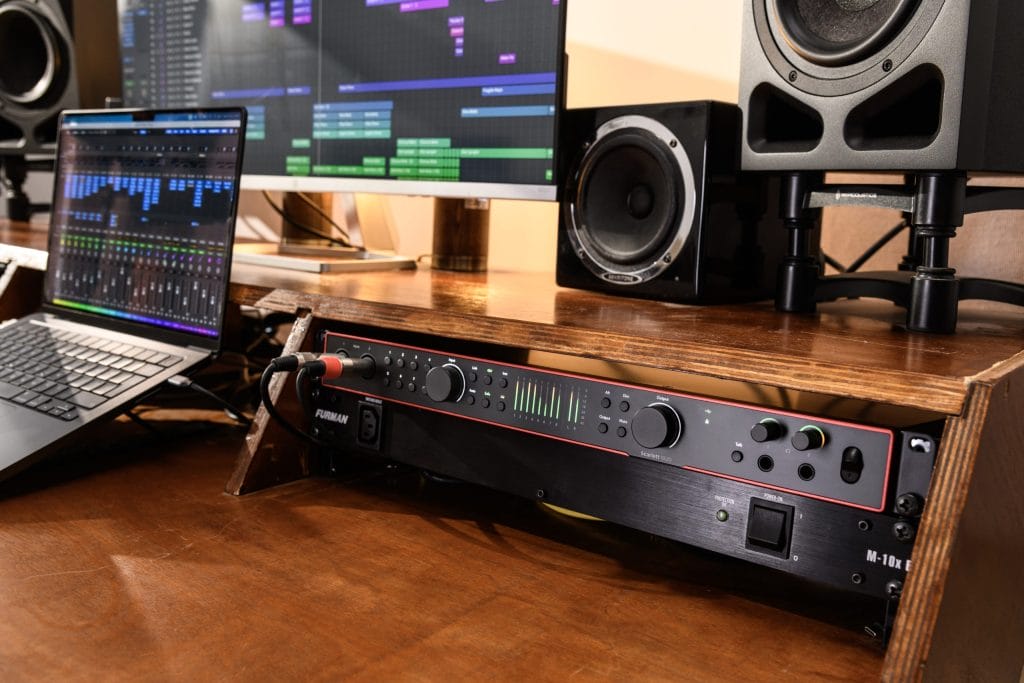
Here’s the headline: Scarlett 18i20 now supports 16 channels of ADAT I/O. Before this update, you were limited to 8 channels of ADAT.
Now?
You’re looking at doubling that, with full access to 16 extra inputs and outputs at 44.1kHz or 48kHz.
For anyone doing large recordings, live tracking, or anything that demands more I/O, this is huge. It bumps your total potential up to 24 inputs and 28 outputs without needing to touch another interface. No new gear. Just a simple firmware update. It’s a clean move for bigger sessions without the mess of rewiring or hardware headaches.
Monitor Grouping Is Finally Here
Multi-speaker setups just got easier to manage. Scarlett 16i16, 18i16, and 18i20 now support monitor groups. If you’re running 2.1 or 5.1 surround, or even just flipping between a couple of speaker pairs, this feature makes switching between monitors way smoother.
Instead of doing the whole manual rerouting dance every time you want to change speakers, monitor grouping keeps everything locked in and accessible. You can control which sets are active and toggle between them without breaking your flow. It’s built for flexibility and gives you more control without diving into endless menus or outboard gear.
Remote Auto Gain from the App — Yes, Please
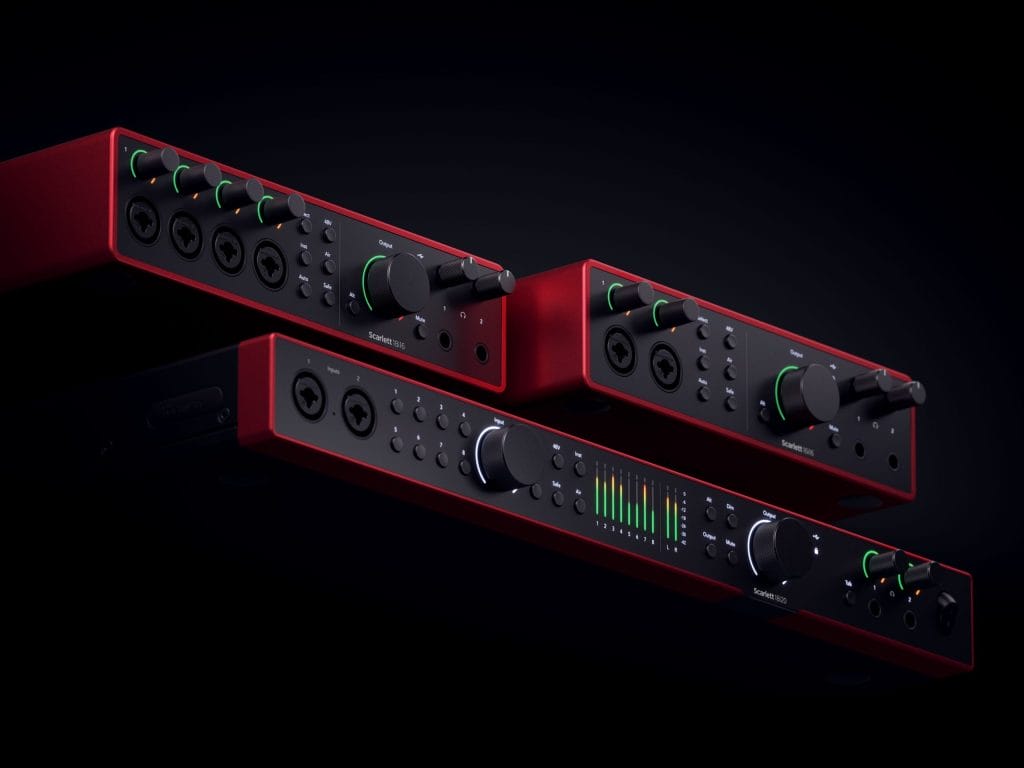
If you’re using the Scarlett 18i20, this might be your favorite part. The update brings remote Multichannel Auto Gain to the Focusrite Control 2 mobile app. That means you can set and adjust gain levels right from your phone or tablet. No more running back to your computer mid-session to tweak levels.
Whether you’re solo recording drums or setting up mics across a room, being able to adjust gain from wherever you’re standing is a serious workflow upgrade. It cuts down on the back-and-forth and keeps your focus on capturing the performance.
There’s zero catch here.
If you’ve got a Scarlett 4th Gen interface and the Focusrite Control 2 app, you’re already good to go. Just connect your interface to your computer and follow the update steps in the app. It’s quick, simple, and instantly unlocks everything we just talked about.
This update isn’t gated behind a new product launch or hardware refresh. It’s a straight-up enhancement to what you already own. Focusrite is giving current users more tools, more flexibility, and more control — all without charging extra or forcing a gear upgrade.
Wrap-Up
The new firmware update takes the Scarlett 4th Gen lineup to another level. Whether you’re expanding your I/O, managing multiple monitors, or just want to simplify your workflow with remote gain control, this release hits on all fronts. And the fact that it’s all packed into a free update through Focusrite Control 2? Even better.
If you’ve got a Scarlett 4th Gen, go grab the update. This is one of those rare upgrades that genuinely changes what your interface can do — and you won’t want to miss it.

Magnetic byline note: This byline is used for staff produced updates and short announcements, often based on press materials and official release information. Editorial responsibility: David Ireland (Editor in Chief) and Will Vance (Managing Editor). About: https://magneticmag.com/about/ Masthead: https://magneticmag.com/masthead/ Contact: https://magneticmag.com/contact/