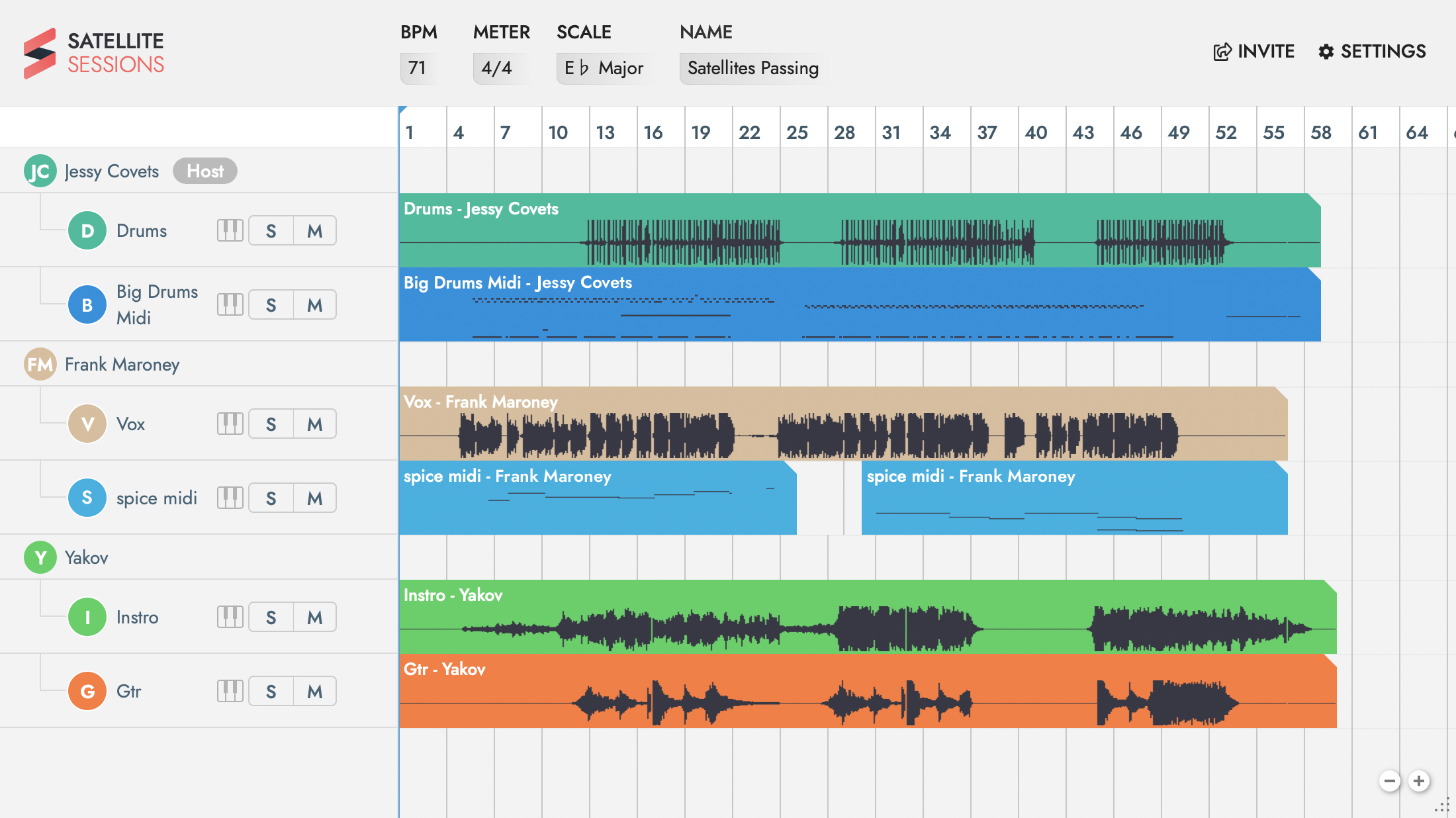
Satellite Plugins 2.0 is here.
Collaborate in any DAW, anytime, anywhere
Satellite Plugins 2.0 is an innovative new VST/AU/AAX plugin that allows users to collaborate on audio projects in any DAW over the Internet. Satellite Plugins 2.0 allows musicians to connect to a Satellite Plugins session and contribute audio and MIDI parts. One person can be producing a track in Ableton Live on Windows, while another can be in Logic on Mac, and additional collaborators can join the session in other DAWs. The audio or MIDI recorded into Satellite Plugins 2.0 will automatically sync together between those DAWs on any platform, and can be easily exported. This cutting-edge plugin makes real-time collaborations possible, and eliminates the need for participants involved in the session to use the same DAW or be in the same room.
Satellite Plugins 2.0 is available for free for a limited time: HERE
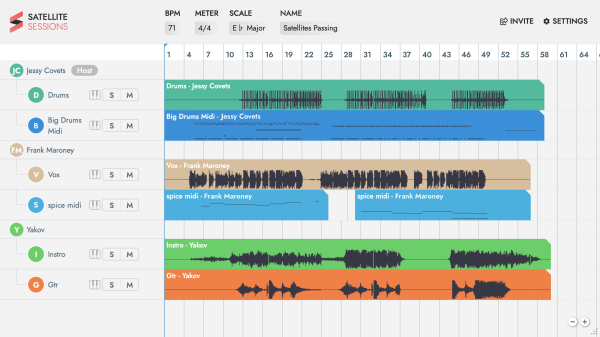
Features In Satellite Plugins 2.0
-Collaborate with anyone, anywhere, within your own DAW
-Connect any DAW to Satellite Plugins 2.0
-Invite collaborators to your session
-Record audio and MIDI into Satellite Plugins 2.0
-Export audio and MIDI recorded into Satellite Plugins 2.0 to your DAW
-Exchange audio and MIDI without bouncing or using file sharing systems
-Invite collaborators to the session by email -Assign Host, Co-Host, VIP+, VIP and Viewer permissions to determine who can upload/download tracks and invite others to the session
-Choose to make your session public
-Back-up your sessions seamlessly to the cloud
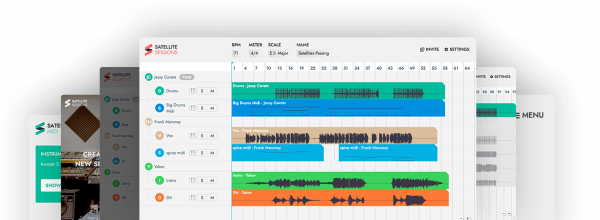
Workflow in Satellite Plugins 2.0
Open or start a project in your DAW that you want to collaborate on
Once you have audio or MIDI to share, open Satellite Plugins 2.0 as a MIDI Instrument on a new channel in your DAW
Add Satellite Audio on any channels you want to use to record audio to Satellite Plugins
Add Satellite MIDI on any channels you want to use to record MIDI to Satellite Plugins
Invite your collaborators by email directly from the plugin
Playback within your DAW any audio or MIDI to share; this uploads the track to Satellite Plugins. Once your collaborators have joined the session and uploaded audio or MIDI, it’ll appear within an instant in Satellite Plugins
Export WAV files and MIDI out of Satellite Plugins 2.0 by clicking and dragging on the down arrow in the top right corner of the audio files.
Studio Uses
Collaborate with musicians, producers and vocalists all over the world, in real-time Host a session and invite instrumentalists to record in parts
Co-write a song with other song-writers
Reconnect with the musical community
Generate fresh new ideas for your tracks by writing with others
Use Satellite Plugins 2.0 in your streams on Twitch and YouTube and invite your audience to collaborate
Perfect for remote session work, bands, and mixing/mastering engineers
Compatibility:
-Ableton
-Logic Pro X
-FL Studio
-Cubase
-Studio One
-Protools
-Bitwig
-Reason
-Garageband
Pricing and Availability
Satellite Plugins 2.0 is free for a limited time, available here

Magnetic byline note: This byline is used for staff produced updates and short announcements, often based on press materials and official release information. Editorial responsibility: David Ireland (Editor in Chief) and Will Vance (Managing Editor). About: https://magneticmag.com/about/ Masthead: https://magneticmag.com/masthead/ Contact: https://magneticmag.com/contact/