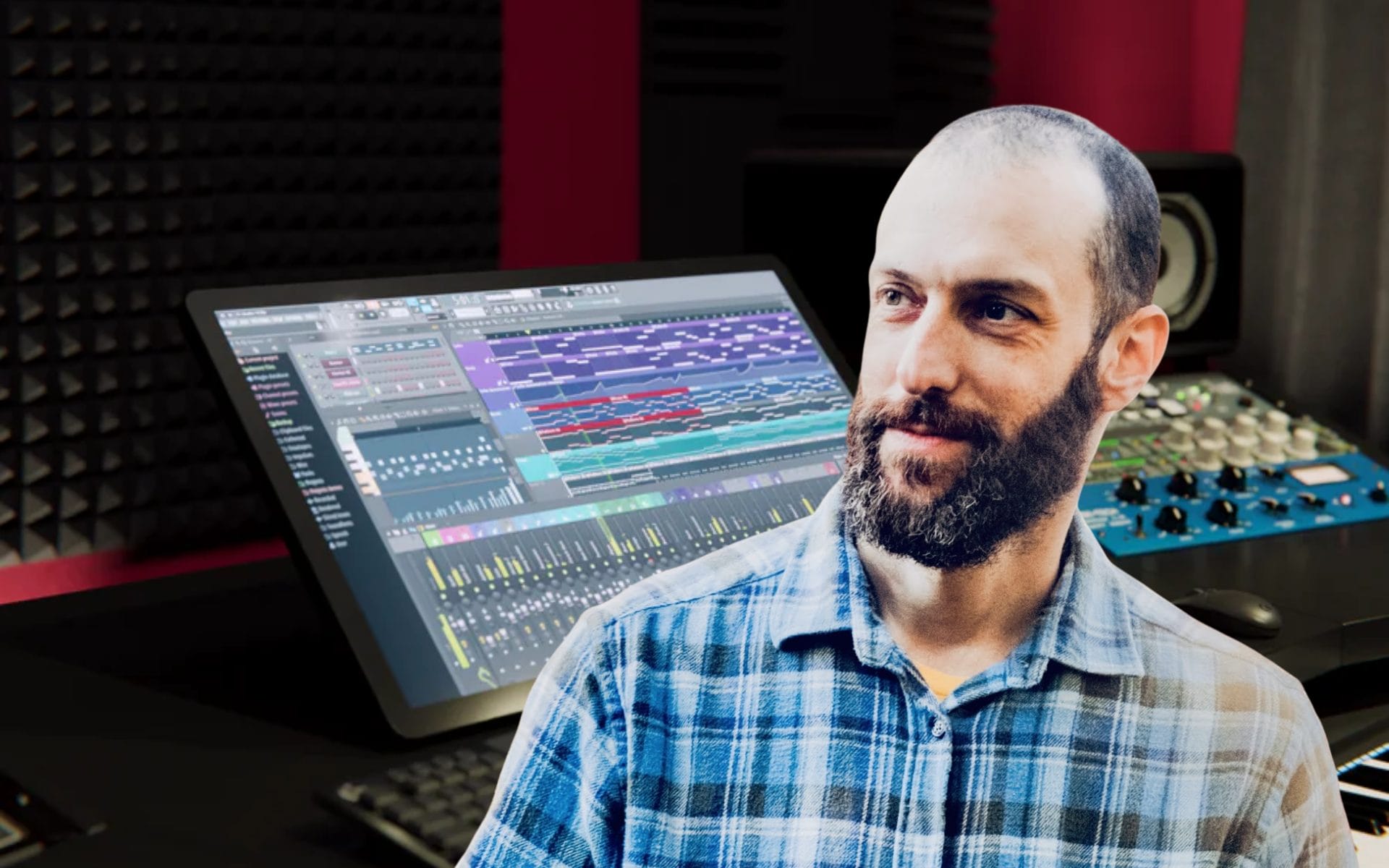
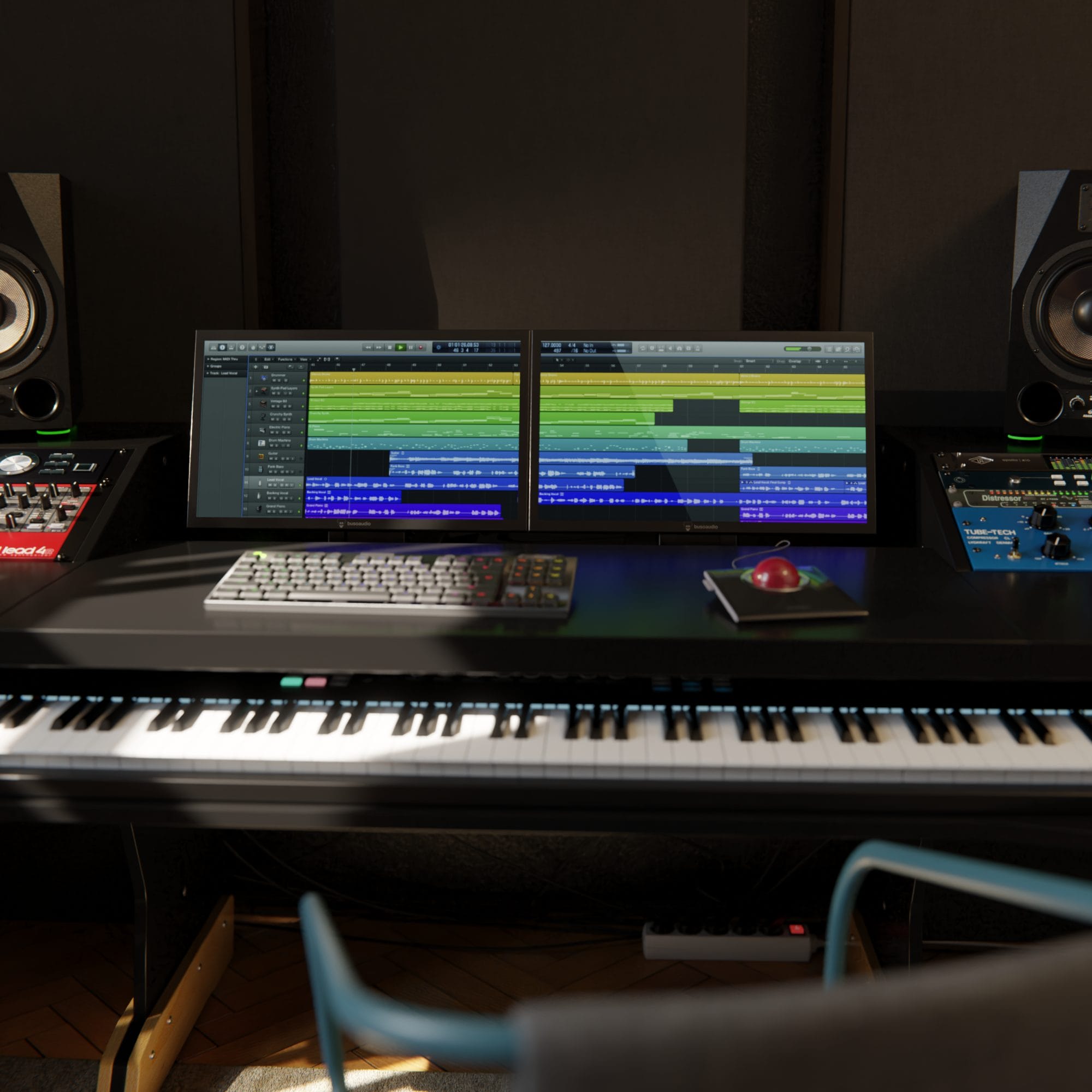
Buso Audio’s Pilot range comes from a practical studio problem: DAWs still borrow much of their visual logic from analog consoles, yet most producers interact with those controls through a mouse. Ivan, founder and director of Buso Audio and one of the people responsible for Pilot’s development, saw a gap for dedicated touchscreen control that could put direct interaction back under the user’s hands without asking them to learn another control surface.
The range includes two separate products built for different studio roles.
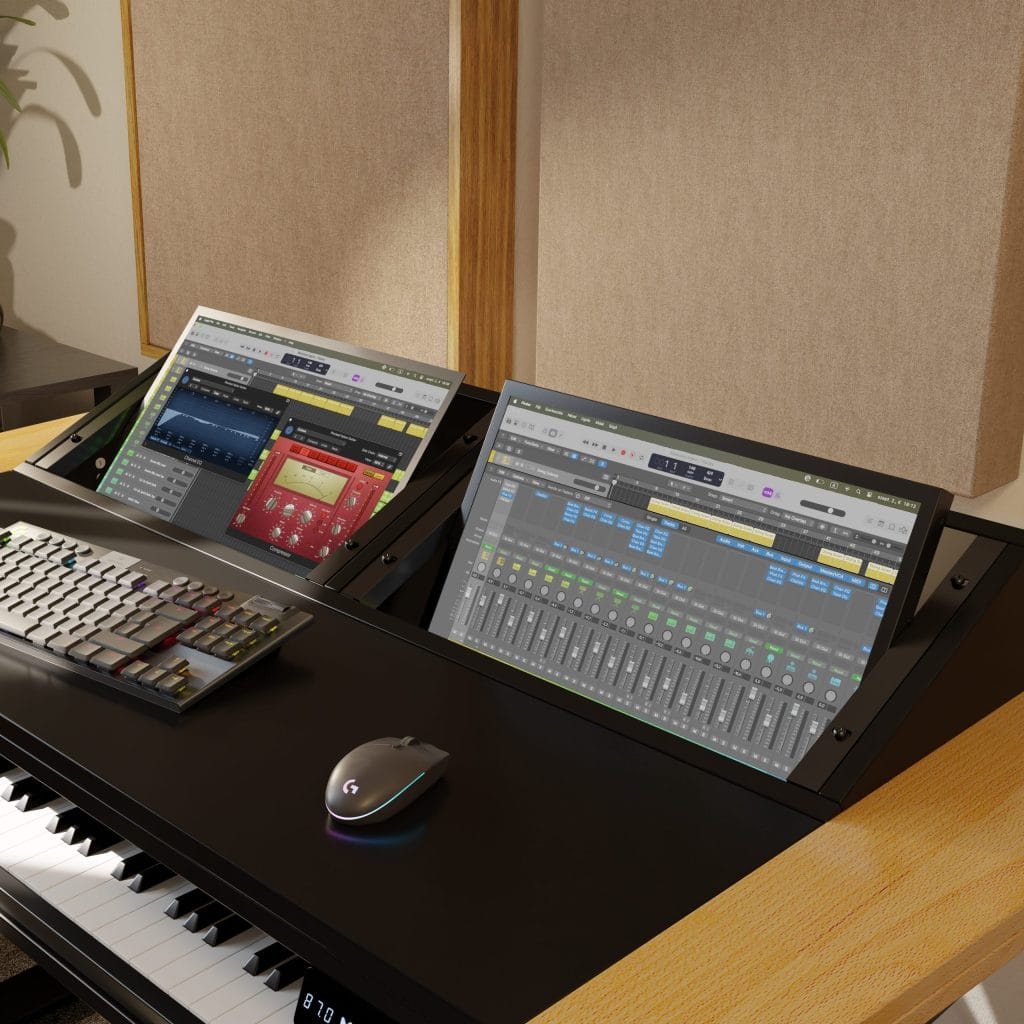
Pilot is the rackable 18.5-inch version, designed for producers and engineers who want touch control integrated directly into a rack-based or hybrid setup. Pilot Studio is the larger 27-inch 4K touchscreen, made for users who want a bigger control surface for DAW work, plugin editing, mixer control, timeline functions, and broader visual feedback across macOS-based production sessions.
Since Pilot and Pilot Studio run on the same Buso Audio driver, the central touch-control experience stays consistent across the range, even though the physical formats serve different use cases. That makes this conversation less about adding another display to the studio and more about how producers physically work with software. Ivan’s answers explain why Buso Audio built its own driver, how touch control changes specific tasks, and where the Pilot range could go as users start building it into their own rigs.
Interview With Ivan Beres
What was the original problem that pushed you to create Pilot, and what gap did you feel existing studio displays or touch systems were leaving open?
DAW UXs are abstractions based on analog consoles. Faders, encoders, buttons are meant for physical interaction. Wiggling them with a mouse is probably not the best way to interact with these interfaces.
Universal controllers exist, but the user must learn what each knob does in every changing context. Touchscreens give us direct physical control over the DAW interface without an extra layer on top. There is a huge gap on the market for rackable screens in general and we wanted to jump on that.
What are the most common studio or live tasks where touch control actually improves speed or focus compared with a mouse and keyboard?
Controlling your DAW with touch has a learning curve. Everyone has their own setup and workflow, and finding where Pilot fits in will vary greatly.
You can use Pilot racked as a single plugin control, a display for your analyser, and as your main screen in a hybrid setup, jumping in with keyboard/mouse when needed. For example, Logic’s step sequencer comes to life with touch control. Inputting and editing notes during playback is so much faster than with a mouse.
I have a bunch of hardware synths hooked up to it and programming the step sequencer directly in Logic with touch makes sense.
How much feedback from engineers, producers, or live users shaped the final version of Pilot?
At Buso Audio, we all have an audio engineering and music production background, so we test the product ourselves, in-house. We also sent out some units to friends and fellow engineers and producers for testing and feedback.
Pilot seems designed to fit around existing software instead of forcing people into a new production environment. Why was that philosophy important to you?
One of the main considerations for Pilot was that it should work without having to learn a new software or interface, and without having to do any configuration. Our competitors are all “bound” to the same software offering that’s dominating the market for MacOS touch drivers. Don’t get me wrong, it’s a great piece of software, but it also comes with its limitations one has to build around when it comes to DAW control.
We built our own driver from scratch because we wanted more control over the user experience without compromise.

Looking at the product today, what part of Pilot do you think most clearly reflects your team’s approach to studio hardware design?
When it comes to product design, we follow Kaizen, or continuous improvements over time.
Start somewhere, iterate, and make it better in the next cycle, and so on. We designed Pilot to be fit for prolonged studio sessions, outside FOH use in the case of the 18.5″ version, and to be as robust as possible. Because Pilot is 19″ rack mountable, there was not much we could do with the form factor, but we made sure that the materials and components are excellent.

As more studios and live rigs become hybrid spaces that mix software, touch control, rack hardware, and mobile workflows, where do you see a product like Pilot heading next?
That’s a very good question.
We’re only at the beginning of this process, but we can already see some awesome new use cases, like Metagrid, which works amazingly well with Pilot and you can control about anything with it. Our good friend put a Pilot into his synth wall so he can control Cubase sessions without having to jump back and forth all the time. Can’t wait to see what people come up with in their own Pilot-based workflows!

Will Vance is a professional music producer who has been involved in the industry for the better part of a decade and has been the managing editor at Magnetic Magazine since mid-2022. In that time period, he has published thousands of articles on music production, industry think pieces and educational articles about the music industry. Over the last decade as a professional music producer, Will Vance has also ran multiple successful and highly respected record labels in the industry, including Where The Heart Is Records as well as having launched a new label with a focus on community through Magnetic Magazine. When not running these labels or producing his own music, Vance is likely writing for other top industry sites like Waves or the Hyperbits Masterclass or working on his upcoming book on mindfulness in music production. On the rare chance he's not thinking about music production, he's probably running a game of Dungeons and Dragons with his friends which he has been the dungeon master for for many years.