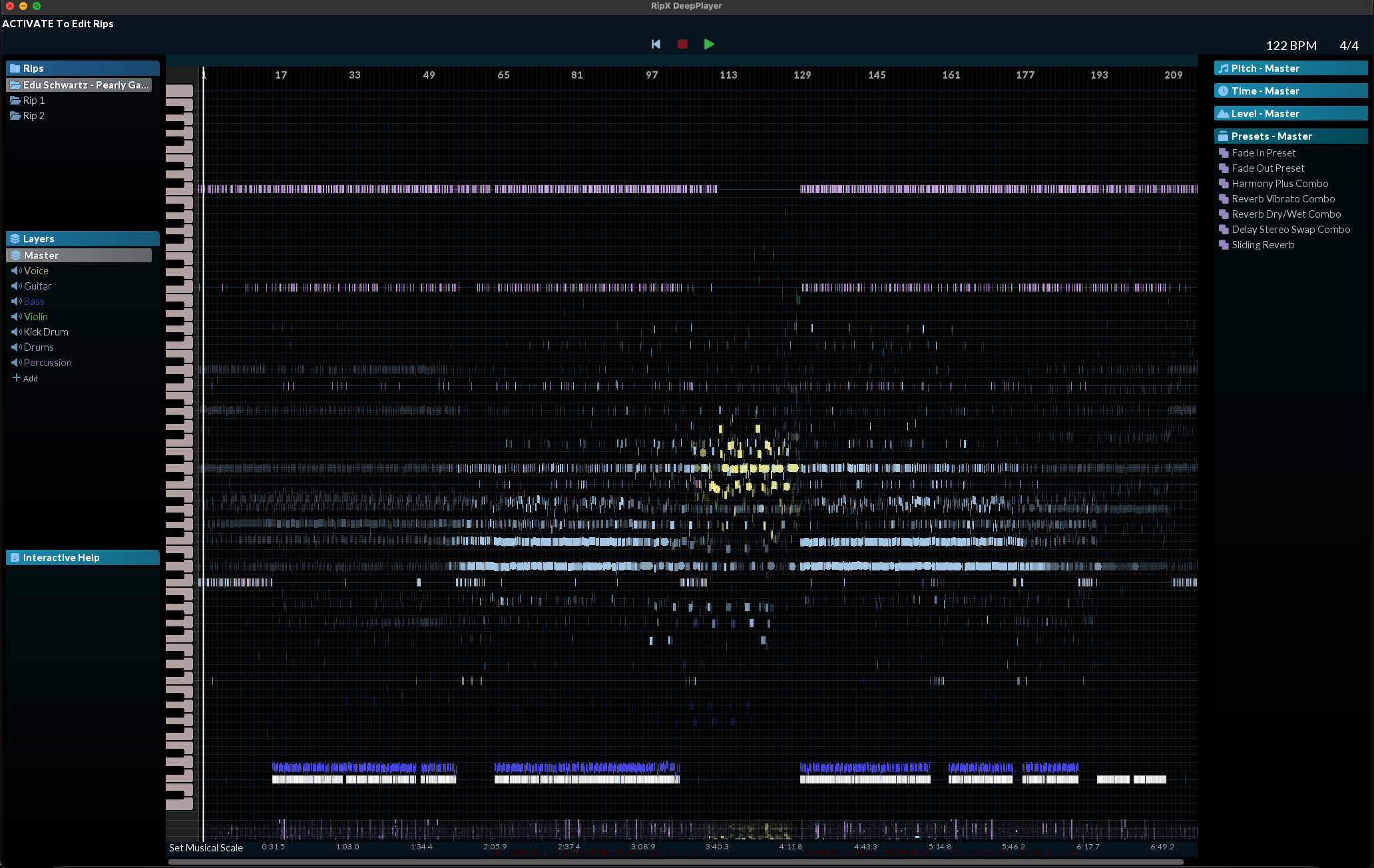
Over the past few decades, much of modern music has been sample-based and derivative of other musicians’ and producers’ work. It’s part of the culture in contemporary dance music and hip-hop genres. And while this culture has always been built on a particular set of expectations, frameworks, and general rulesets, companies and artists alike have always been on a constant hunt for ways to reinvent the wheel that is the art of sampling.
And while the past few years have seen an exponential rise in different stem-extracting plugins and websites, most of these plugins always seem to be a “step in the right direction” instead of being the “promised land of sampling” they all claim to be. But all of that might have changed with Hit’n’Mix’s latest edition of their stem-extracting software, known as DeepCreate.
With a handful of helpful updates to the software and its powerful DeepRemix flagship functionality, this software might be the single studio tool that flips the sampling game.
Learn More About It And Try It For Free Here
What Is RipX DeepCreate?
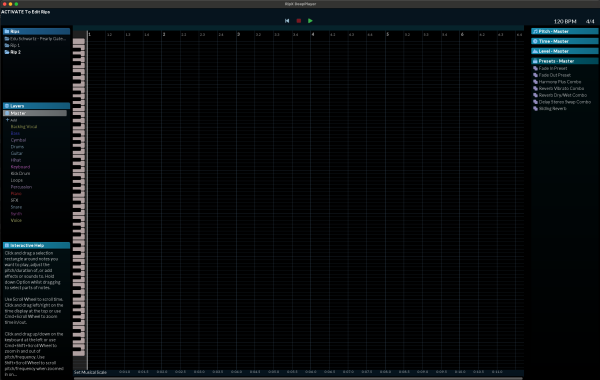
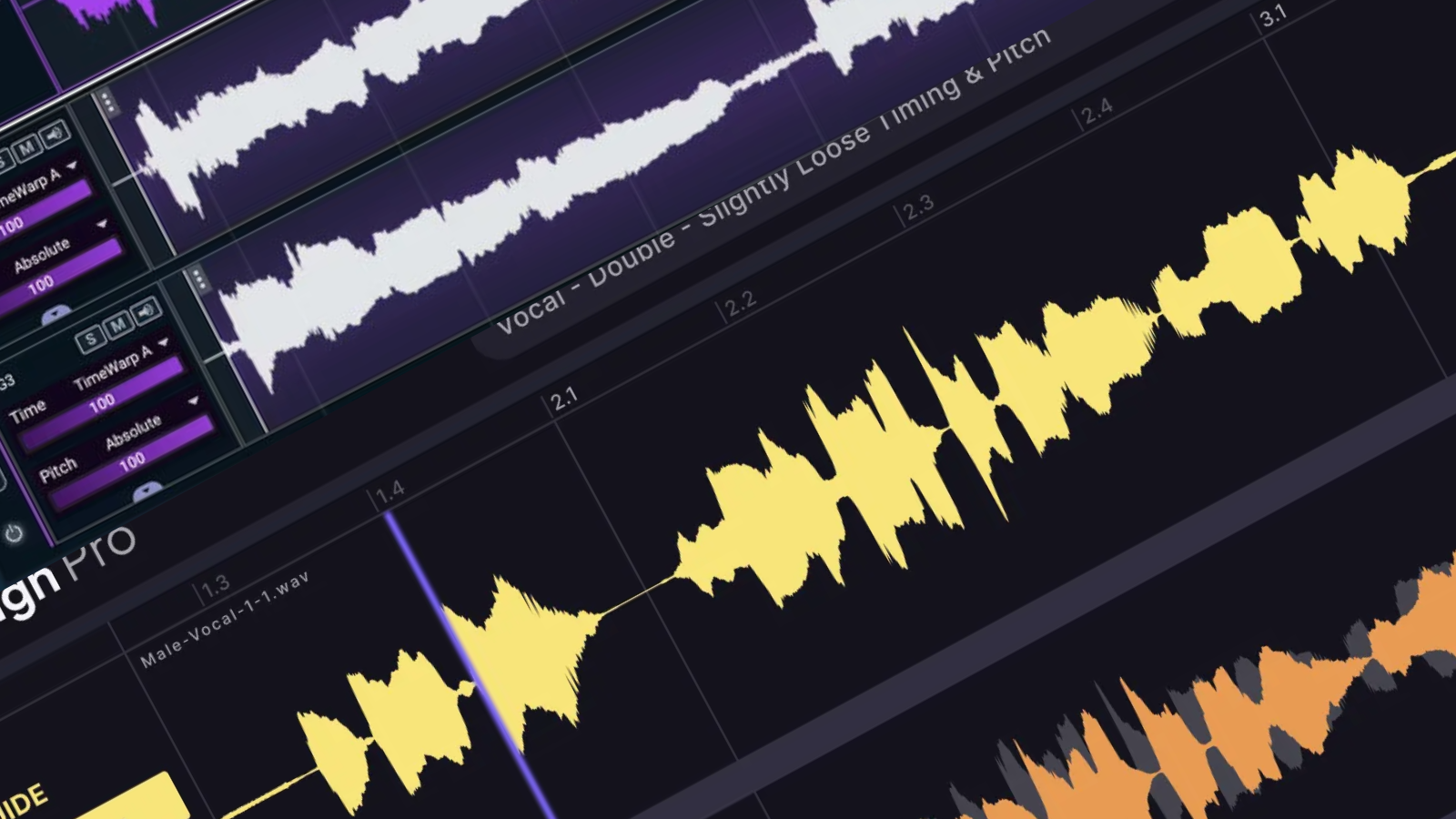
RipX, developed by Hit’n’Mix, is an innovative tool for audio editing and manipulation that uses the concept of stem separation. This technology provides the ability to rip and edit audio stems, treating audio and MIDI ‘as one,’ and even offers options to record audio or a mic input directly onto the timeline and play parts using a MIDI or MPE controller. RipX comes in three versions: DeepRemix with essential stem separation and simple editing functionality, DeepCreate which extends the capabilities of DeepRemix by adding recording and creative editing features; and DeepAudio, providing advanced stem clean-up and audio post-production tasks on top of DeepCreate’s features. The tool’s flexible graphical user interface allows controls to be easily accessed, enabling users to choose which menu panels to list, which can be collapsed or rearranged according to user preference.
RipX’s stem separation allows users to separate various track components, such as voice, bass, drums, percussion, and other sounds and instruments. Users can edit these layers after separation, changing aspects such as pitch, panning, or volume, or delve into more creative edits. RipX’s DeepCreate version is unique, enabling users to bake audio edits and effects into individual waveforms in real-time, turning it into an experimental playground for audio manipulation. In addition, a feature called RipLink lets DeepAudio owners run all three RipX modules in sync with various digital audio workstations.
The software also allows users to morph waveforms into different sounds, with a library of 105 sampled sounds and an option to load their samples or import sounds by loading VST patches. Despite the need for some practice to achieve optimal results, RipX is a powerful audio editing tool capable of producing professional results with its advanced features and unique approach to sound manipulation.
Compare The Different Modules That They Offer Here
My Favorite Features
We’ll dive into this more here shortly, but a bird’s eye view of this app will say it’s a game changer. And I don’t mean to hyperbolize that I was astonished by what you could do with this app. But with the amount underneath its hood, it would take a short novel to uncover everything there is to write home about with this. So instead, let’s focus on some of the best things to love about RipX.
Not To Be Dramatic, But It Might Change Sampling Forever
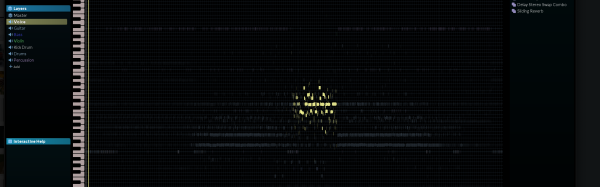
After using this app extensively for the past two months in various studio and production settings, I can say that it’s a damn beast and might single-handedly change the sampling game entirely. Sure, I know that sounds dramatic, but the creative potential that RipX brings to the table and all the functionalities therein make you wonder, “What Even Is Sampling Anymore?”
Because the app allows you to extract single stems and larger busses from mixes for you to edit and alter for your use, which has the potential to ultimately turn any piece of recorded music into a unique sound source for your music instead of just a standard sample. For instance, if you’ve extracted a string-based chord progression from a track, pitched it down five semitones, converted it to MIDI, and then ran that MIDI through your hardware in your studio, is that still considered a sample? I’m not even sure if I have the answer to some of the questions this software poses yet; I know that I’ve never been more inspired to crate dig for unique sound sources in the decade I’ve been producing music for.
It Has A Unique Workflow
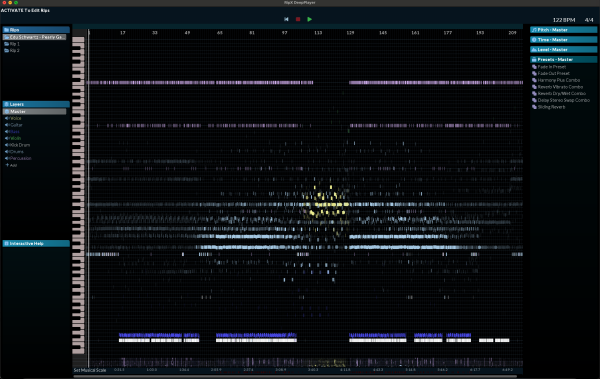
After you’ve imported your files and the software has had a chance to do its thing, the workflow and user interface in which you edit and manipulate the audio is just different enough to force a change in perspective. After using Ableton almost exclusively for a decade, staring at its pale grey UI and multicolored clips, slightly changing scenery to manipulate my sounds can make all the difference.
This software’s unique (and sometimes challenging to grasp, but we’ll get to that in a second) user interface forces you to think differently and approach your samples in a fresh and new way, which can create some exciting moments and happy accidents when you’re experimenting with what the software can do.
It’s Fast
The initial step to import your music and have the software analyze the music may take a short while. Still, once the music is imported, this software is quick, which is fantastic when you’re in the throws of creativity and want to audition ideas fast and cycle through edits before committing to the ideas. This was awesome to see, as many similar apps are slow to render and clunky to audition your work once it’s down, but this software made it a breeze and getting the ideas in my head down into the software never felt hindered by the software.
It’s A Creative Toolkit
Going beyond its ability to extract stems from recorded music and its other sampling capabilities; this software also has many creative tools you can use to get exciting outputs. In my opinion, the most forward-thinking of these would be its ability to record using audio inputs alongside its MIDI/MPE functionaries, which allow you to almost instantly convert your voice into MIDI so that you can sing in your lead synth lines and more!
And this is just one use case of many that this software brings to the table, and it’s the rare type of utility whose potential is only matched by the creativity of its user. I am sure the developers are constantly surprised to hear of all the ingenious ways other creators are using their products in ways even they could have never dreamed possible.
Another example that only recently came to my attention was that many musicians are using it as a powerful learning tool for guitars and pianos by using the app to slow down the tempo of their favorite songs and transcribe the notes different sections of the song are playing instead of having to rely on learning by ear or DIY tablatures.
What I Wasn’t Crazy About
The UI Takes Some Getting Used To
While I did mention that the user interface of this app was one of my favorite software features, I should also say that it wasn’t easy to get comfortable with. Because RipX’s approach to sampling and audio editing is so outside of the ordinary, a lot of the features and landscape of the software will take some getting used to for you to get the most out of it.
And while the UI of the software only took me a couple of studio sessions to get familiar with, it is worth mentioning for those who are used to overly simple UIs with low functionality that are so common in the cash-grab culture of the modern-day music production space.
It’s Got Some Fluff
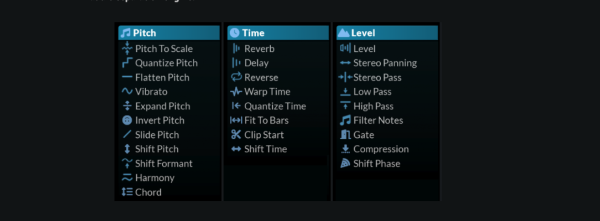
This software is a game changer when separating audio and repurposing those audio stems for music production; I cannot stress that enough. But the Ripx has a handful of bells and whistles outside of that, which I believe are unnecessary and only clutters up the experience. The main feature that makes me say this is the software’s onboard effects, which I often found my eyes gravitating towards. My attention was drawn to it, but that also never matched up in quality and functionality compared to my go-to 3rd-party VST delays like TImeless 2 and Echoboy.
I combed online forums and found that some in the community enjoy the effects and use them frequently to completely mangle the audio before bringing the affected stems into their DAWs and projects. I know this gripe is highly objective. But I did want to note it here in this review so that other producers would know what they’re getting into when busting open this software!
Learn More About It And Try It For Free Here

Will Vance is a professional music producer who has been involved in the industry for the better part of a decade and has been the managing editor at Magnetic Magazine since mid-2022. In that time period, he has published thousands of articles on music production, industry think pieces and educational articles about the music industry. Over the last decade as a professional music producer, Will Vance has also ran multiple successful and highly respected record labels in the industry, including Where The Heart Is Records as well as having launched a new label with a focus on community through Magnetic Magazine. When not running these labels or producing his own music, Vance is likely writing for other top industry sites like Waves or the Hyperbits Masterclass or working on his upcoming book on mindfulness in music production. On the rare chance he's not thinking about music production, he's probably running a game of Dungeons and Dragons with his friends which he has been the dungeon master for for many years.