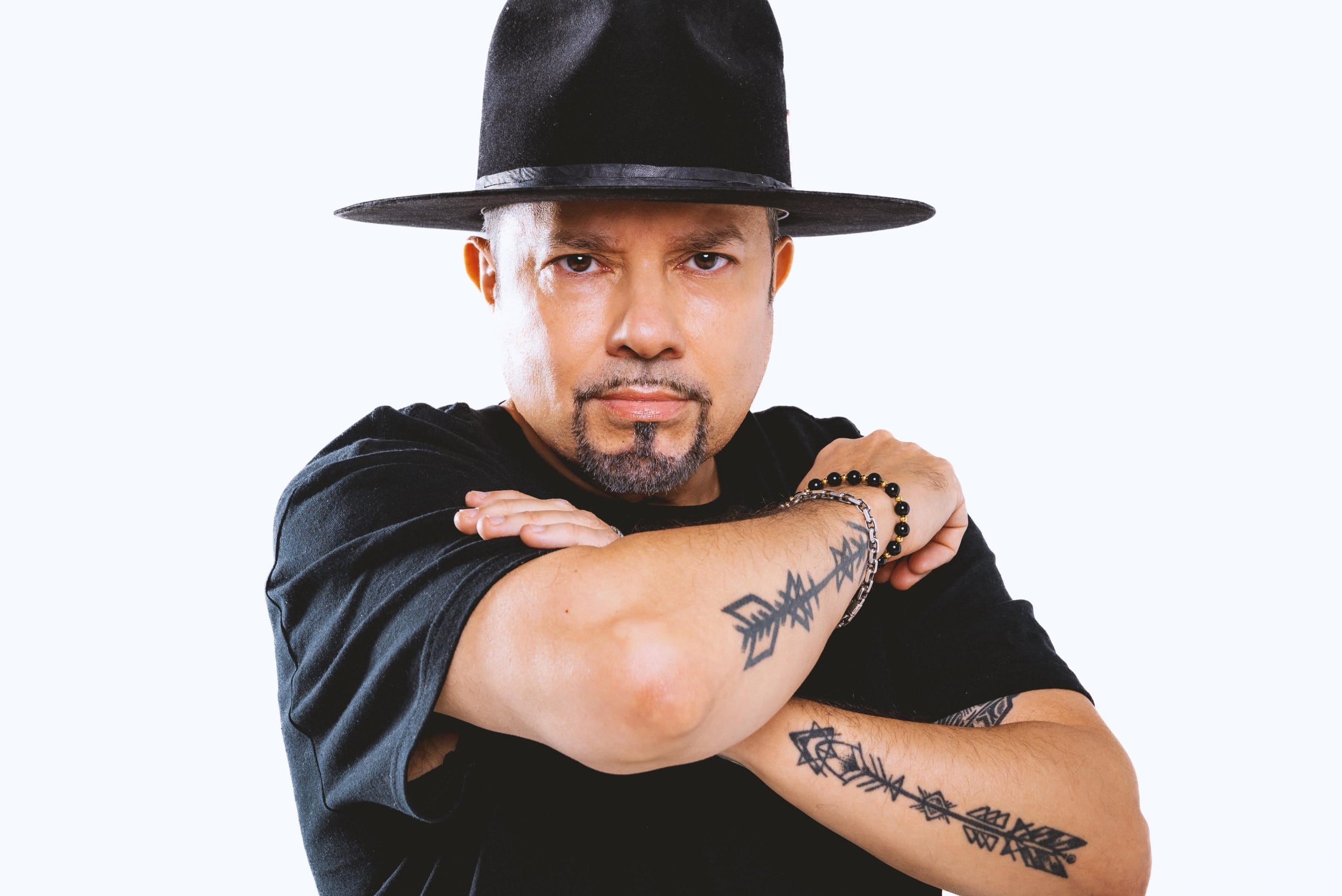
“Control” from AIRGLO and Mandidextrous lands with purpose. It’s a direct, heavy track that locks onto that line between drum & bass and techno without ever letting go. Out ahead of AIRGLO’s Directive album, it feels less like a standalone single and more like a clear signal of where his head is right now—pushing sound until it feels tense, physical, and completely unpolished in the best way.
Both artists come at this from different angles—AIRGLO with his classical background and festival-tested productions, and Mandidextrous with their relentless, underground energy—but there’s zero clash. What you hear is two producers locked in the same headspace, building something that feels built for one thing: the floor.
In this breakdown, AIRGLO takes us inside how “Control” was put together—Serum racks, distorted layers through Thermal, and the ringmod sidechaining that keeps everything snapping into place. It’s a look at how a track this aggressive still holds together in the mix and why that rawness is exactly the point.

For more information on AIRGLO please visit:
Spotify I Soundcloud I Instagram
For more information on Mandidextrous please visit:
Spotify I Soundcloud I Instagram
Serum

Serum is an absolute beast of a synth — the industry standard and a go-to for producers everywhere. I love it because with the release of version 2 this year, it truly encapsulates everything a producer needs in one instrument. There’s no need to look elsewhere for sounds — it’s all right here.

I tend to switch up my workflow every quarter — constantly evolving and using tools until I find something better, newer, or more time-efficient. For the main screechy sound in Control, I used the rack shown here. The project was already partially built when I received it from Mandidextrous, with the notes and all the beeps and bops in place, so it was fairly easy to experiment with different sounds and fine-tune the mix.
Serum and Serum 2 offer the fullest spectrum of sound design tools a producer could ask for. For quick and effective results, I recommend using the Split Frequency feature in the FX section to saturate the mids and highs as much as needed. Then, go back to the wavetable and experiment with various algorithms to mangle the waveform to your taste. Combining pitch modulation with FM from A/B can also yield some seriously trippy results.
Devious Machines Infiltrator

Devious Machines Infiltrator is an absolute black hole of sound design — hands down one of the best tools for creating weird, otherworldly textures. Its ability to completely transform your sounds into something entirely new is next level.
I used Infiltrator on the vocals in the psytrance part of the track because I wanted it to feel like the vocals were morphing and expanding in real time — and it absolutely delivered. You can hear the vocals start minimal and gradually grow more complex and immersive.
The best way to use Infiltrator is also the simplest:
Load it onto any sound source — synths, vocals, drums, anything. Create a new audio track. Route this new track to receive audio from the track with Infiltrator. Arm the new track for recording. Hit record. While recording, keep pressing the random ‘DICE’ button and tweak the macros. Record as long as you like — when you listen back, you’ll find a goldmine of build-ups, stabs, drones, and other wild textures to use in your production.
Output Thermal

Output Thermal is one of my go-to distortion plugins. Beyond its massive collection of presets, it lets you dive under the hood and tweak everything to your liking. With multiband processing, a wide range of waveshaping algorithms, built-in effects, and flexible LFOs, it gives you everything you need to distort sounds and make them loud, crunchy, and wide.
Sometimes I stack two or three instances of Thermal to fully shape and reshape the sound, pushing it to the edge to achieve a specific color or character. The ability to use macros and smoothly blend between dry and wet signals makes it easy to control the effect without completely destroying the original sound.
I highly recommend starting by exploring the Thermal presets, then opening the Advanced tab to get familiar with the interface and internal controls. Take the time to learn how everything works, and make sure to save any presets you tweak yourself — that way, you can always come back to refine and perfect them later.
Massimizer

Massimizer is a free ringmod sidechain plugin that lets you carve out the kick’s frequencies from the sidechained signal. Ringmod sidechaining gained popularity this year after Virtual Riot showcased his workflow on YouTube, and I personally struggled to find an effective way to execute it — until I discovered this plugin. It’s super useful, but I wouldn’t recommend using it on sub frequencies. For subs, the classic ‘automate the utility’ method still works best.
Some people prefer using Massimizer in Compress mode, but I personally prefer sticking to Ringmod mode on its own — and I usually run it all the way up.
Quick Fire Tips For Making This Genre




Kick, snare, sub, and sidechain — that’s 80% of the work. Once those are locked in, the rest tends to fall into place pretty easily.
Always save a new version before working on your track — your future self will thank you.
Metric AB by ADPTR is your best friend — always use reference tracks within your genre.
After bouncing your track, always drag it back into your DAW and check the waveform — it’ll tell you everything you need to know about what still needs work.
If you’ve overworked a track, bounce every previous version and load them into Rekordbox. Listen back and see which one still has that ‘magic.’ Sometimes, going back a version is better than trying to revive a dead horse.

Magnetic byline note: This byline is used for staff produced updates and short announcements, often based on press materials and official release information. Editorial responsibility: David Ireland (Editor in Chief) and Will Vance (Managing Editor). About: https://magneticmag.com/about/ Masthead: https://magneticmag.com/masthead/ Contact: https://magneticmag.com/contact/