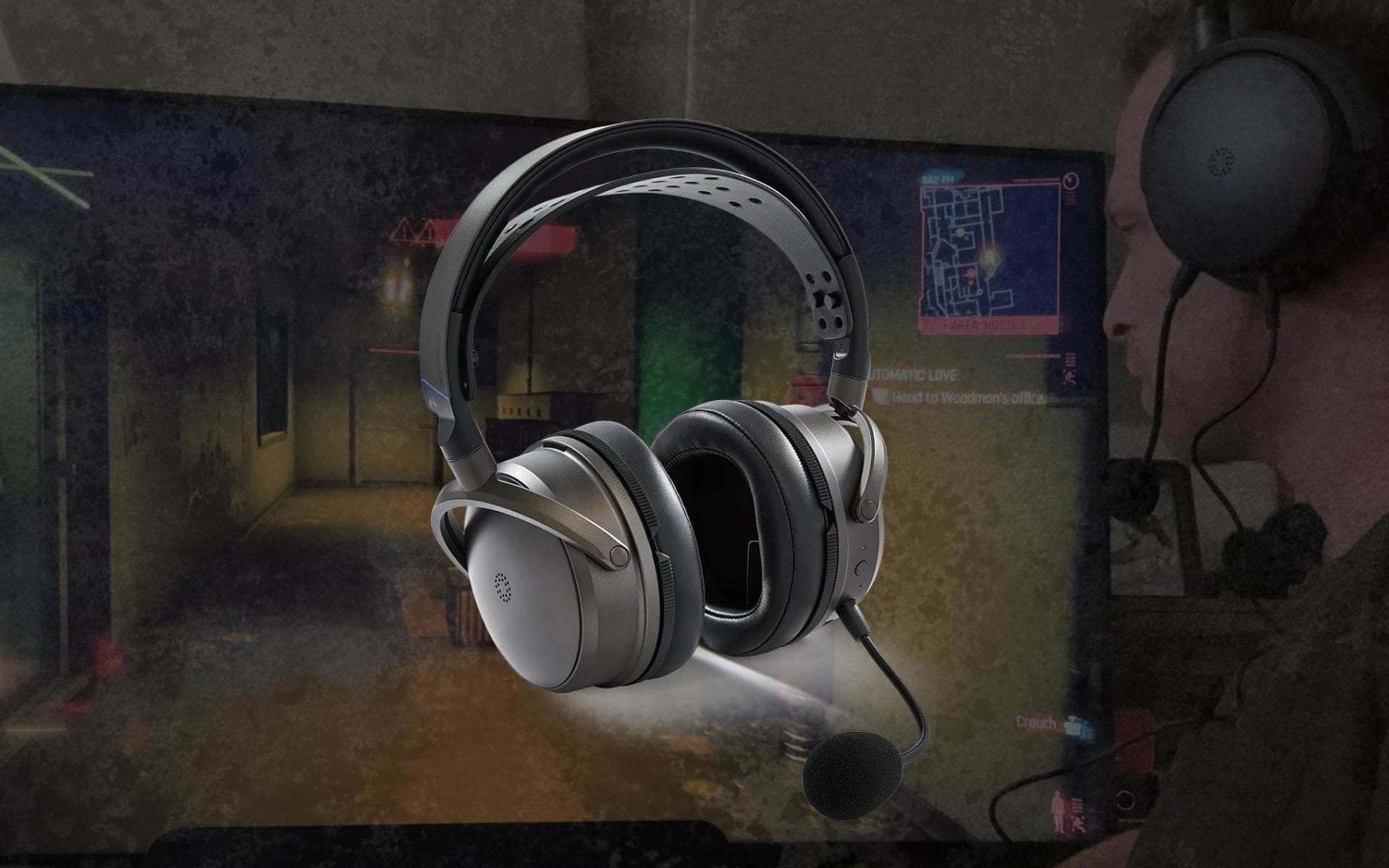
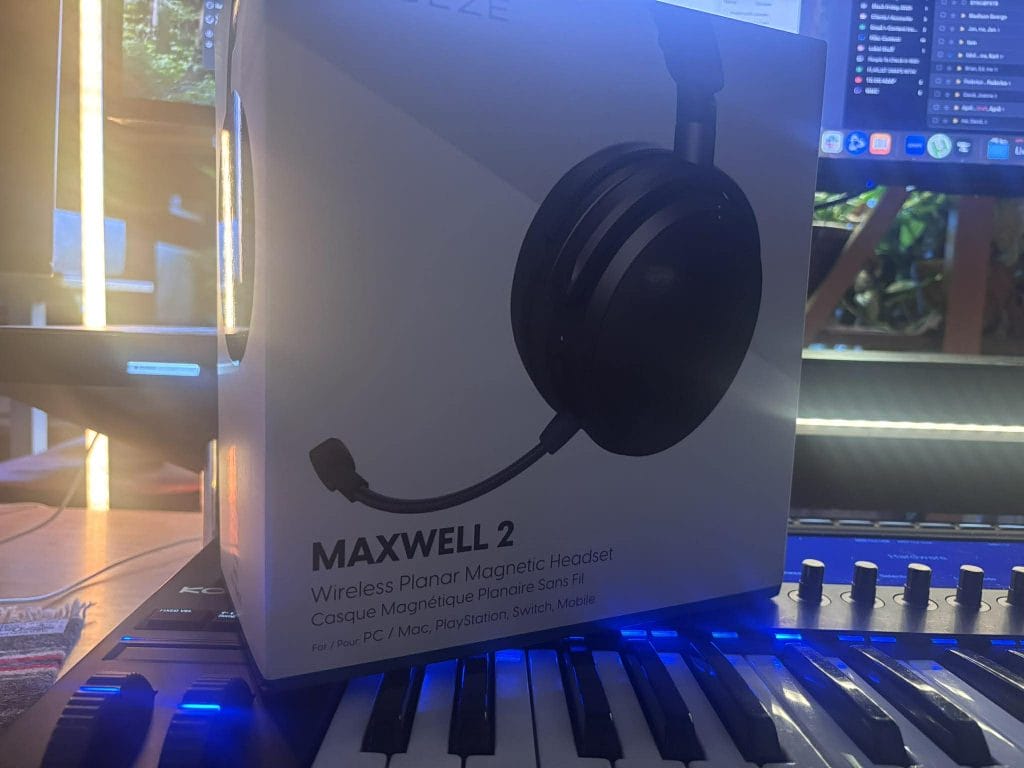
2026 update: I rechecked Audeze’s current pricing, platform support, connection rules, specifications, app support, and the closest current alternatives. The PlayStation version is listed at $329, while the Xbox version is listed at $349.
The Audeze Maxwell 2 is made for buyers who want planar magnetic drivers, high-resolution USB audio, long battery life, and support across console, computer, handheld, and mobile setups. After using it with PS5 and learning how its connection priority works, I still think the audio performance is the main reason to buy it.
The buying decision comes down to weight and connection behavior. Maxwell 2 weighs 560g, and it cannot mix audio from the wireless dongle and Bluetooth at the same time. Those limits are easy to accept when sound quality comes first, although lighter headsets and models with simultaneous dual-wireless audio will fit some setups better.
Quick answer: The Audeze Maxwell 2 remains worth buying in 2026 for PS5, Xbox, and PC users who put sound quality and battery life ahead of low weight or full dual-wireless mixing. Buy the correct console version, update the headset and dongle together, and choose another model if 560g feels too heavy.
| Quick verdict | My take |
|---|
| Current price | $329 for PlayStation, $349 for Xbox |
| Best for | Audio-focused gaming, music listening, and long battery life |
| Main concern | 560g weight and no simultaneous dongle plus Bluetooth playback |
| Buying advice | Choose the version that matches your console and buy from an authorized seller |
I am going to walk through how the headset is put together, what I learned while dialing in the controls and connection modes, why PS5 use feels clean in my home, and how I think about the upgrade question.
Is the Audeze Maxwell 2 worth buying in 2026?
Yes, as long as your priorities match what Maxwell 2 does well. It remains one of the clearest wireless gaming headsets I have heard for positional information, environmental detail, dialogue, and music. The 90mm planar magnetic drivers give it a cleaner presentation than many gaming headsets that rely on heavier bass tuning to create impact.
The value question changes when comfort or source mixing sits higher on your list. A 560g headset asks for tolerance during long sessions, and the lack of simultaneous dongle and Bluetooth playback can interfere with setups that combine console audio with phone audio.
My verdict is positive. Maxwell 2 is worth its $329 to $349 price when sound quality, battery life, and platform range come first. Buyers focused on low weight, active noise cancellation, or wireless source mixing should compare the alternatives before ordering. Audeze currently lists the headset in stock at those prices.
Set Up and First-Day Reality: Straightforward, If You Treat It Like A System
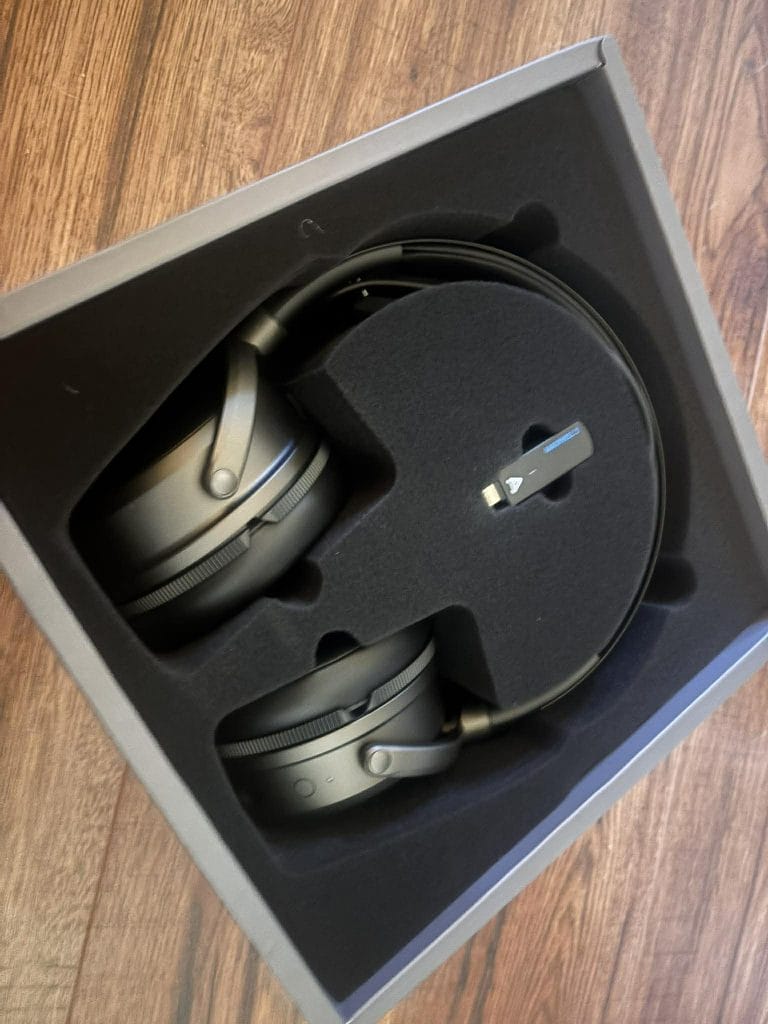
The setup can be prety easy if you treat Maxwell 2 as a system rather than something you half-configure in 5 minutes. Right out of the gate, it wants a full charge before you start leaning on it, and it will charge off a standard 5V USB source.
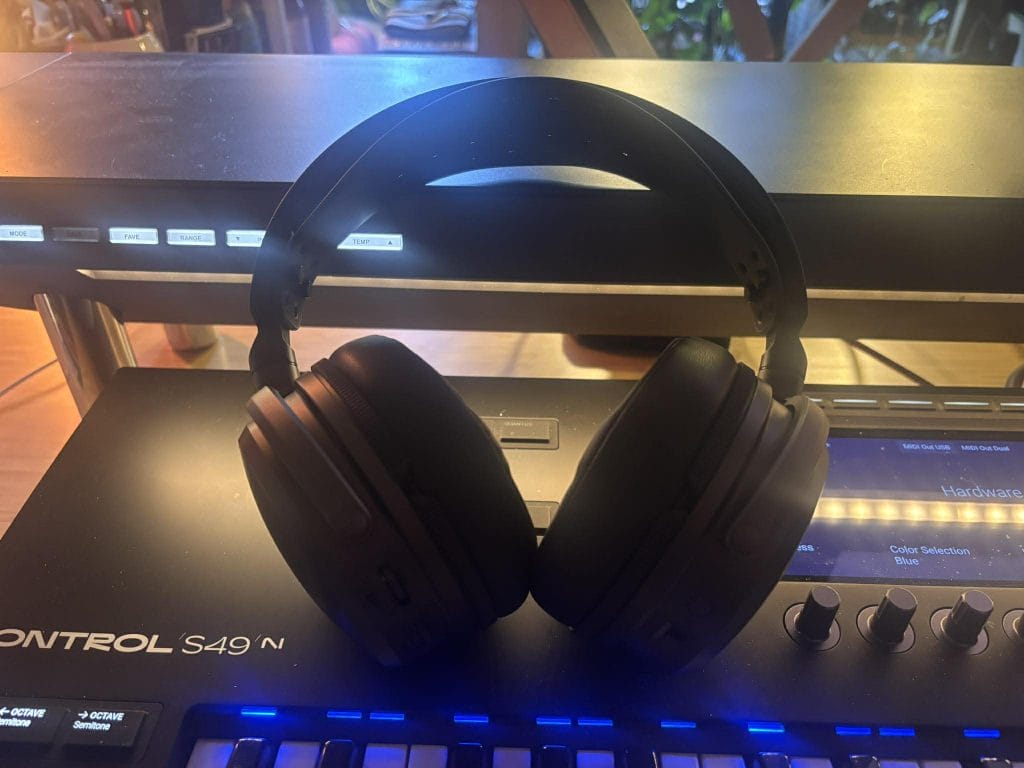
It also supports 1.8A fast charging, which changes how you live with it. The fast-charge behavior is one of the biggest strengths here, as around 20 minutes on a charger can translate into roughly 20 to 30 hours of playback in typical use, and the big battery claim is 80+ hours at an 80 dB listening level. The 80 dB detail is pretty damn significant because it anchors the claim to an actual listening level instead of leaving it vague.
Power-on is simple. Press and hold the power button on the bottom of the right cup for three seconds.
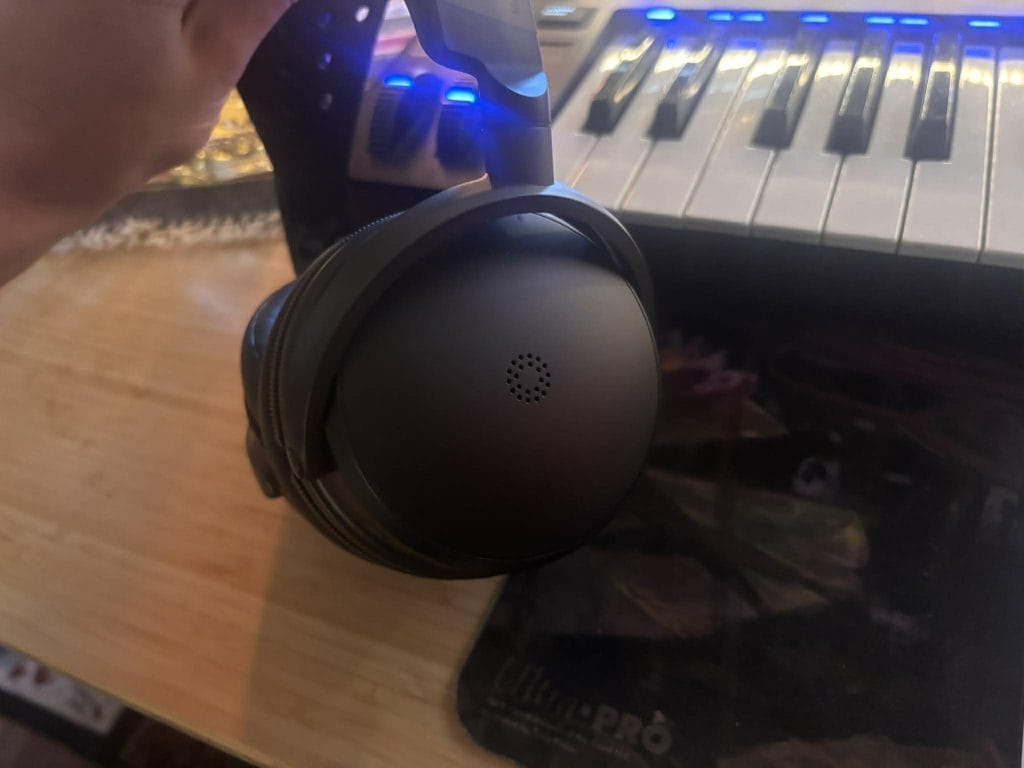
From there, the quickest way to keep your sanity is to pick one connection method first, get it stable, then add the rest. Maxwell 2 will auto-connect to the included wireless dongle when the dongle is plugged into a compatible device and the dongle switch is in the correct position. That switch is where people can accidentally create their own issues, so I treat it like a pre-flight check.
The dongle has a side switch with positions for PC, PC and macOS, Nintendo Switch, Steam Deck, and PC gaming handhelds, plus a PS position for PlayStation 5. One habit that saves time is to remove the dongle before changing the switch, set it to the correct position, then plug it back in. Devices behave more predictably when you force a clean reconnect rather than expecting them to renegotiate audio endpoints mid-stream.
If you ever get into a situation where it feels like the dongle and headset are ignoring each other, there is also a pairing reset method that is easy to replicate. You can initiate dongle pairing by inserting a paperclip into the small hole on the dongle until its LED flashes, then press the headset power button three times to power-cycle and pair on the next boot. That is the kind of detail I always want from modern wireless gear because it turns a vague issue into a known procedure you can repeat.
One more thing I learned quickly is that compatibility can still come down to the host device. Even if the headset and dongle are doing everything right, some systems handle USB audio more gracefully than others, so if you move between devices a lot, expect occasional differences in how cleanly things connect.
Controls And Fit: Smart Choices, With A Few Practical Quirks
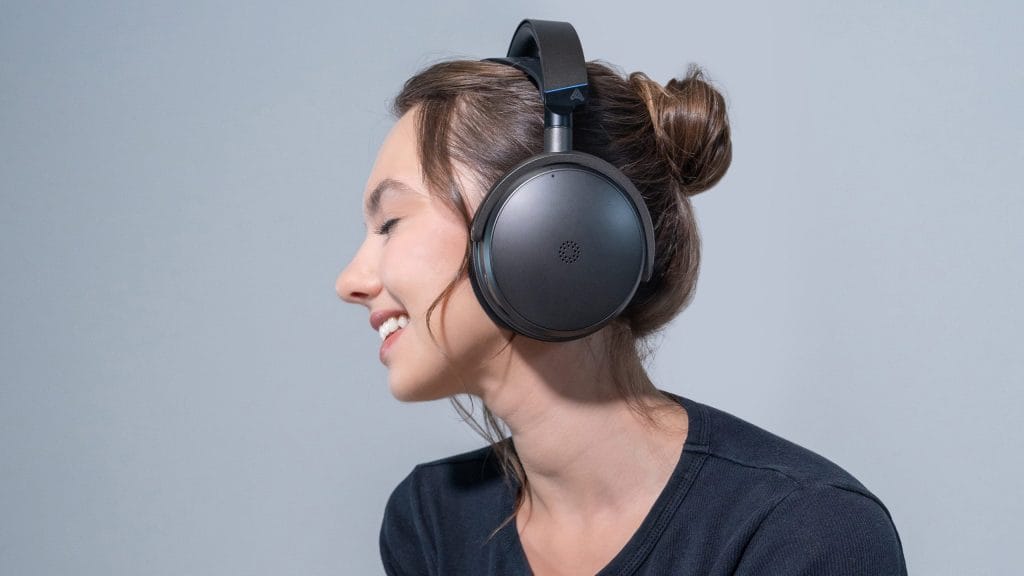
Maxwell 2 uses physical controls for the things you need quickly, which matters in games and calls (like when I’m teacing 1on1 produciton lessons to students). Microphone mute is controlled by a toggle switch on the bottom of the right ear cup, with up meaning mute on and down meaning mute off. I like physical mute controls because you can confirm the state by touch without opening the software.
Ergonomic
One small ergonomic detail is worth calling out because it can affect daily use. The mute switch sits recessed, and it can take a second longer to hit quickly than a larger, more obvious toggle. It is not a major flaw, but it is the kind of thing you notice once you have been using the headset for a while.
Headband Strap
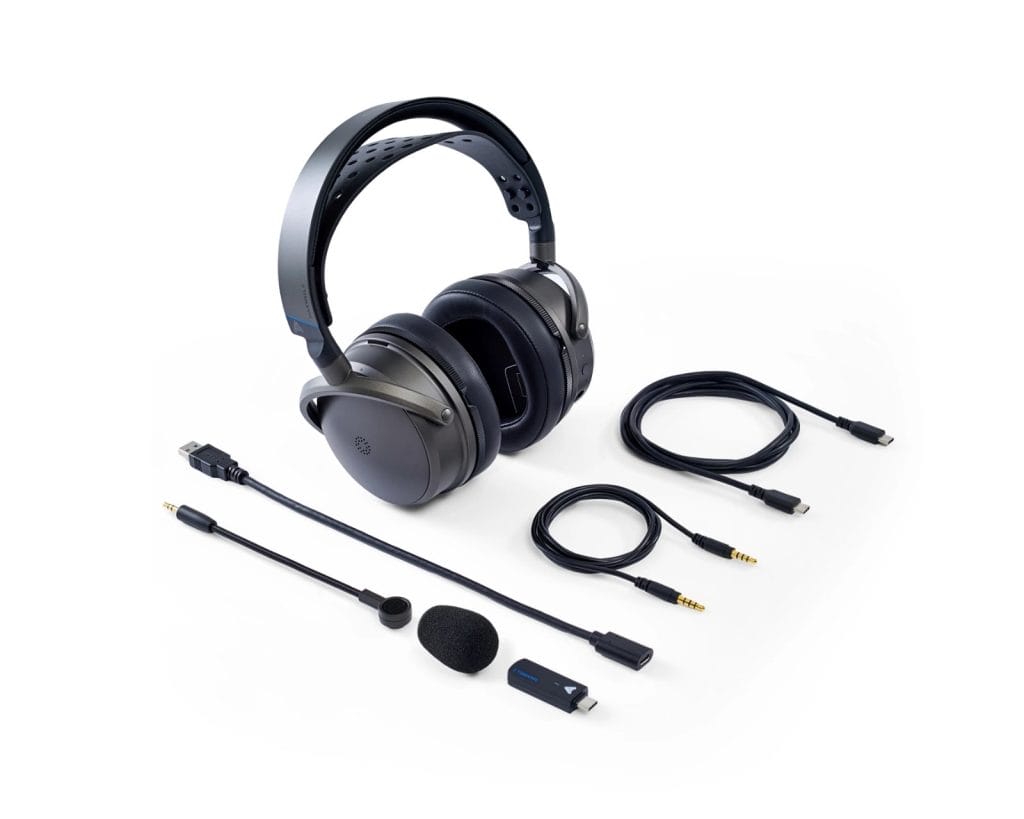
The headband strap sizing system is also very physical.
Strap sizing is adjusted by pulling the strap off its posts, then reattaching it by aligning the holes and pushing it over the pins. This is not a micro-adjust dial, so once you set it, it stays put, and that can feel stable and predictable. The downside is that if you share the headset or keep changing the fit, you are working with fixed positions rather than a quick slider.
There is also a port detail that can cause immediate confusion if you move fast during setup. Maxwell 2 has two 3.5 mm ports. The AUX port is at the bottom nearer the volume wheels, and the recessed front port is for the boom mic only. If you plug the wrong thing into the wrong port, you can waste time troubleshooting a problem that comes down to connector placement.
Weight
Now, the bigger comfort topic is weight.
Maxwell 2 is listed at 560 g and I can def feel that number. The wider suspension strap helps distribute weight more evenly across long sessions, but the mass is still there. If you already know you hate heavy headsets, this spec alone can end the conversation. If you tolerate heavier models and you like the way suspension straps spread pressure, you may be fine, but this is not a headset that disappears on your head.
Connectivity: Full Coverage On Paper, And One Real Friction Point In Practice
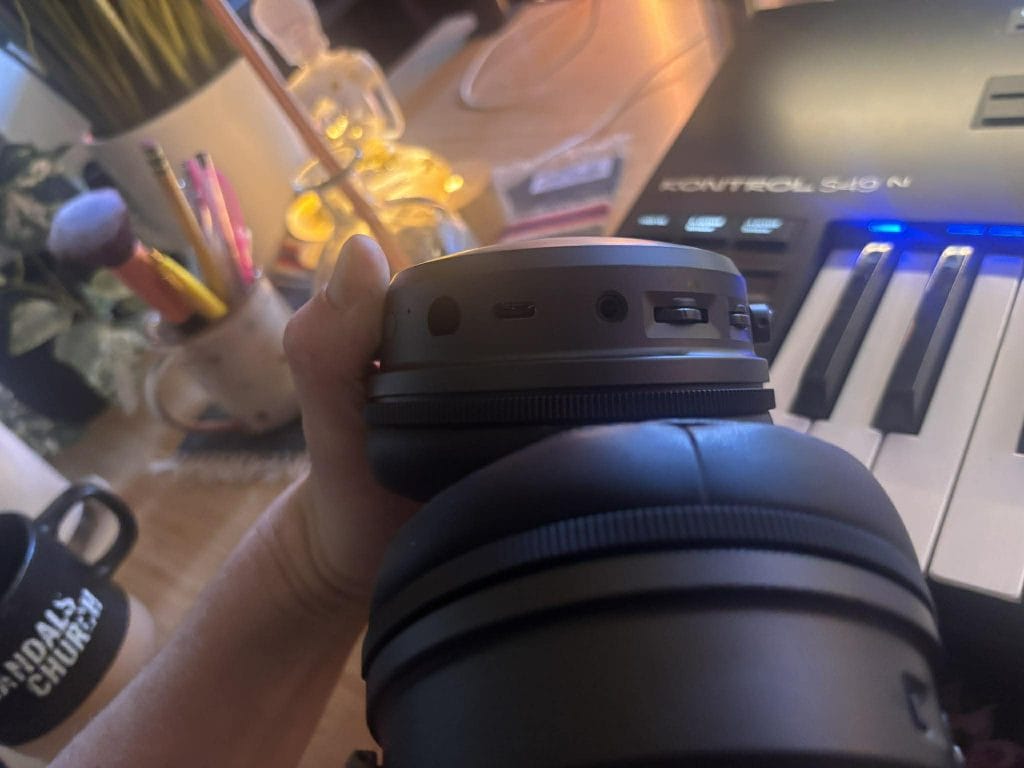
Maxwell 2 gives you four main ways to connect: the 2.4 GHz USB-C wireless dongle, Bluetooth, USB wired digital audio, and 3.5 mm analog audio. On paper, that looks like full coverage. In practice, the switching rules decide whether you feel like the headset is flexible or restrictive.
Bluetooth pairing mode is entered by double-tapping the power button.
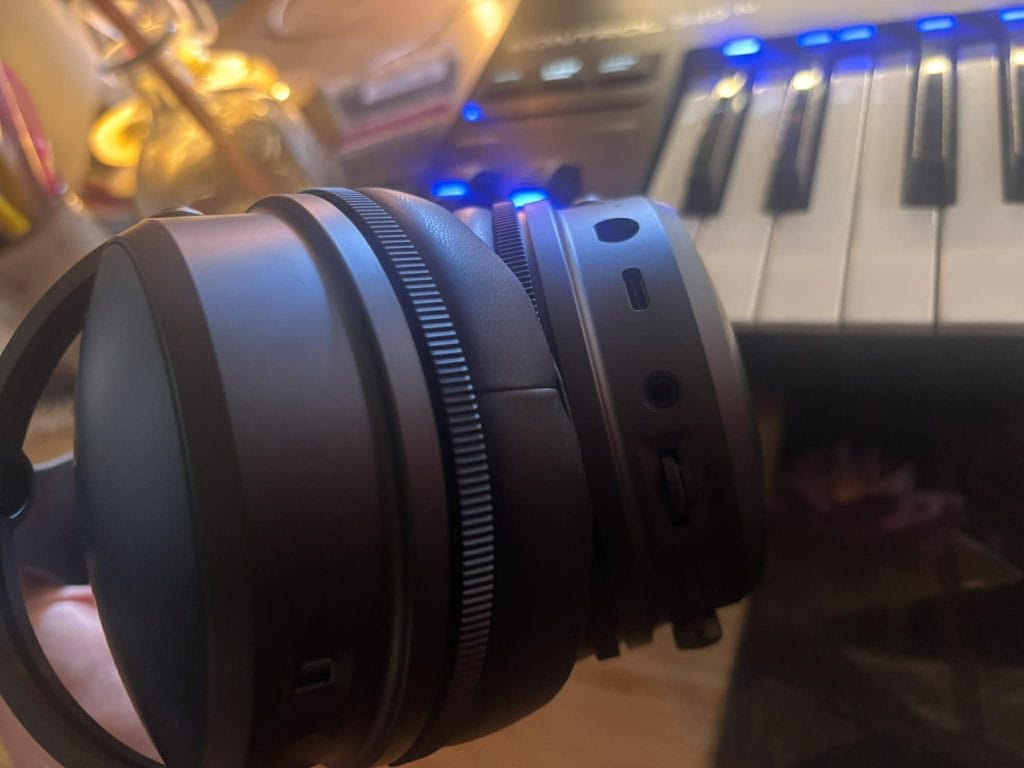
On Windows, it also supports Swift Pair, so you may see a pairing prompt automatically near a compatible machine. One thing I learned early, and I think it is worth repeating because it can save a full evening of frustration, is that you should not select the “Audeze Maxwell 2 BLE” entry during initial pairing. That BLE entry refers to low-energy mode and it is not the correct device for standard Bluetooth audio pairing. If you pick it by mistake, Bluetooth can look broken when the issue is pairing to the wrong endpoint.
USB mode
USB mode kicks in automatically when you plug in a USB cable that supports data, and it can support up to 24-bit/96 kHz audio on compatible systems. AUX mode also kicks in automatically when you plug into the correct 3.5 mm port.
Where the real friction shows up is in simultaneous audio behavior. Maxwell 2 can do simultaneous audio in some combinations, and it will not do it in others. Bluetooth and USB can run simultaneously, and Bluetooth and AUX can run simultaneously. Bluetooth and the 2.4 GHz dongle do not run simultaneously; they rely on automatic switching based on which audio is active.
This is the one constraint that I think matters most at this price, because it ties directly to modern routines. If you like the idea of running phone audio and dongle audio together in a fully wireless setup, that is not how Maxwell 2 behaves. You can still get two-source audio if you structure it intentionally. Bluetooth plus USB wired works, and Bluetooth plus AUX works. The friction is that the cleanest wireless pairing, dongle plus Bluetooth, does not operate in true simultaneous mode.
If your routine depends on having two devices active at once with no compromises, this limitation will be hard to ignore. If you keep Bluetooth as a convenience layer, and you are fine keeping the dongle as your main link while Bluetooth stays secondary, this will feel manageable.
How does compatibility work across PS5, Xbox, PC, and mobile?
| Platform | Main connection options | What to know |
| PS5 | PlayStation dongle, USB-C, or 3.5mm | Tempest 3D works through console settings. Game and chat mix must be adjusted on the console. |
| Xbox Series X or S | Xbox dongle or 3.5mm | Buy the Xbox version for official wireless support and the included Dolby Atmos license. |
| PC and Mac | Dongle, USB-C, Bluetooth, or 3.5mm | Game and chat mix is supported, and the Audeze app handles EQ and settings. |
| Switch 2 | Dongle, Bluetooth, USB-C, or 3.5mm | The dongle provides the low-latency option. |
| iPhone and iPad | Bluetooth, USB-C, 3.5mm, or supported dongle setup | USB-C devices connect directly. Lightning devices require a compatible adapter. |
| Android | Dongle, Bluetooth, USB-C, or 3.5mm | The mobile Audeze app is supported. |
PS5 Use: Clean, Predictable, And Easy To Recommend In A Console Household
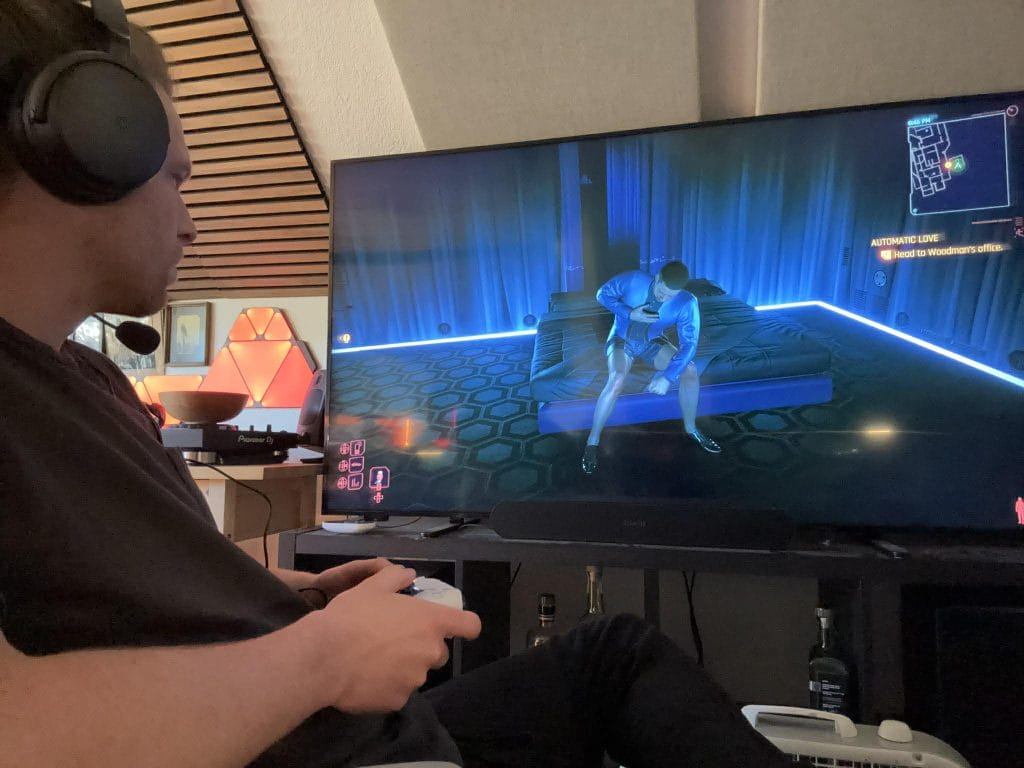
This is where Maxwell 2 makes a lot of sense for my home because PS5 use has been simple and predictable.
On PlayStation 5, Maxwell 2 can be used via the wireless dongle, wired USB, or 3.5 mm AUX through compatible gamepads. You can connect via USB-C or via USB-A using the included adapter cable, which sounds minor until you realize how often console setups involve awkward port access and cable routing.
Maxwell 2 also plays well with the PS5 Tempest 3D audio engine, and enabling 3D audio for headphones on the console requires no extra configuration hoops. You turn it on in console settings and move on.
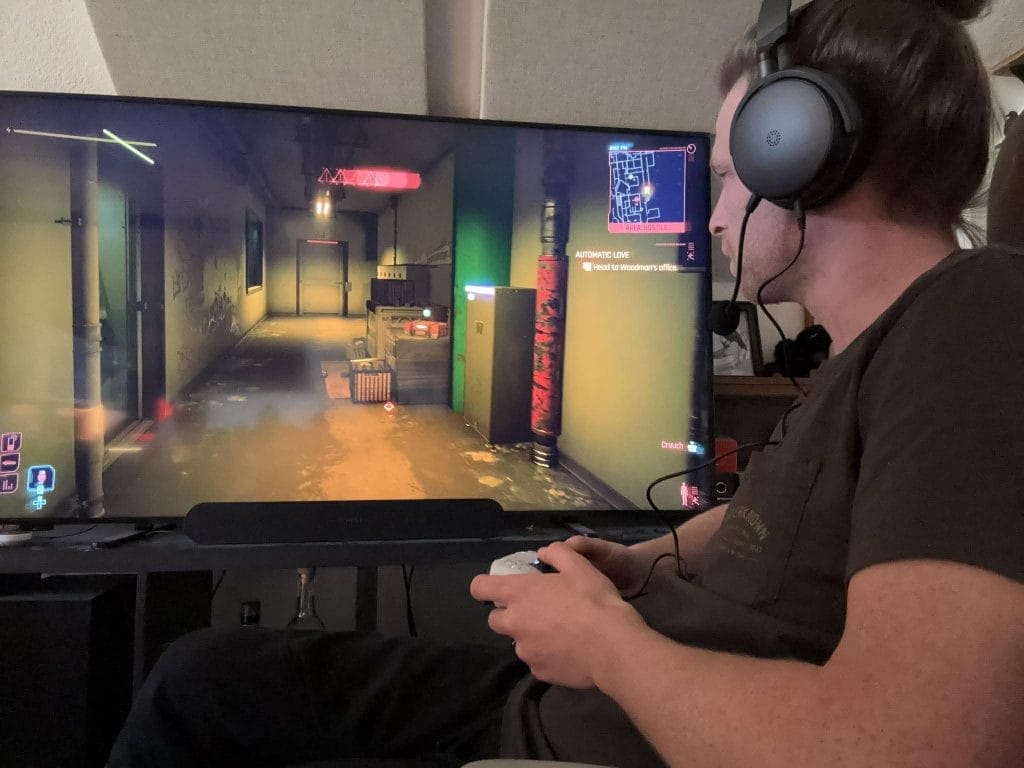
One PlayStation-specific limitation is worth knowing up front. Game and chat mix control through the headset itself is not available on PlayStation, so you handle that mix through console settings when applicable. That is not a dealbreaker for me, but it is something buyers should know before assuming every wheel and control behaves the same across platforms.
The reason PS5 feels clean here is that the dongle mode stays consistent, Tempest 3D is simple to enable, and you do not need to think about endpoint routing the way you do on PC.
Firmware And The Audeze App: Keep It Current, Keep It Simple
If you buy Maxwell 2, you are also buying into a firmware routine. That is not a complaint. It is how modern wireless audio products stay stable over time and actually helps keep such a big investment usable in the long term (even if you know how much I’m not a fan of using supporting apps to get the most out of hardware; but maybe at this point that’s just a boomer take from me).
Firmware updates are done through the Audeze app on PC and macOS, and the update process can update the headset and the dongle. One detail that matters is that the headset and dongle must have matching firmware versions for proper functionality. If you update one and not the other, you can end up in behavior that feels random until you realize the versions are out of sync.
The part I like is that the desktop app includes a straightforward reinstall path. You can reinstall firmware by right-clicking the firmware version label in the product settings. My simple rule here is to keep firmware current and update the headset and dongle together, then leave it alone until you have a reason to change something.
Audio Performance: The Main Strength That Shows Up Immediately
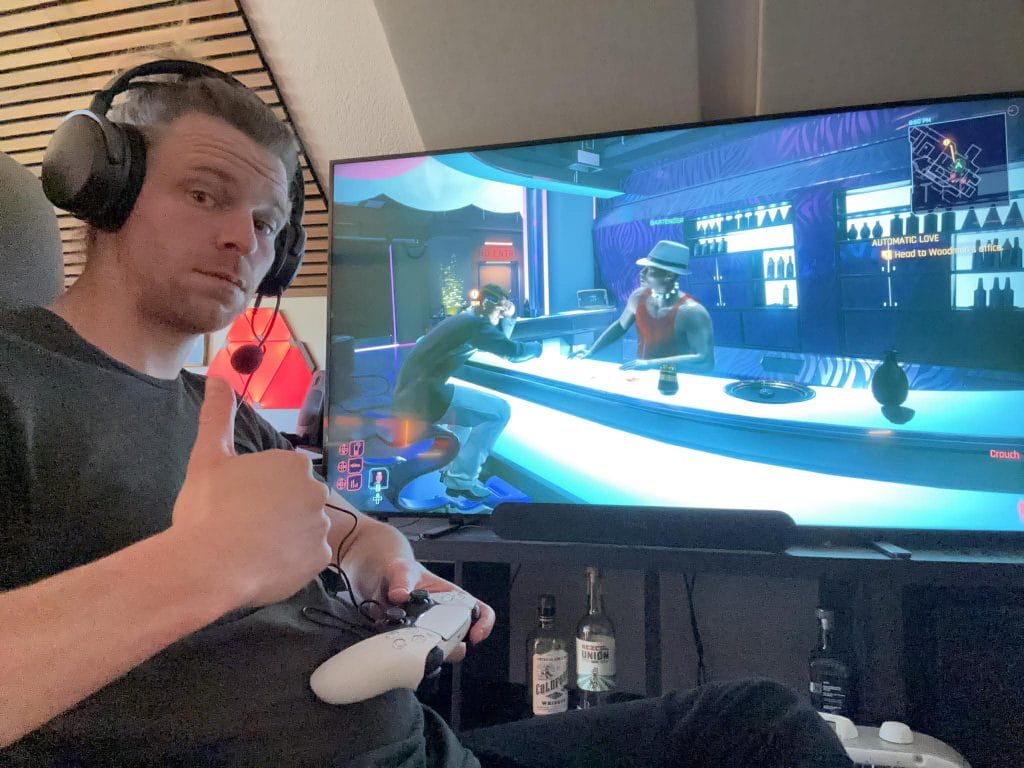
Audio performance is the central reason Maxwell 2 exists, and it comes through fast. The technical anchors here are the 90 mm planar magnetic drivers and Audeze’s SLAM acoustic management, and what I notice most is how cleanly it presents detail and how confidently it places positional cues. When I focus on footsteps, reloads, distant movement, and small environmental details that can get buried on lesser headsets, Maxwell 2 feels controlled and clear.
The one area where I think people need to calibrate expectations is tuning preferences. If you are coming from a headset that pushes bass impact hard by default, Maxwell 2 can feel more disciplined. If you care more about placement and clarity across mids and highs, that discipline can read as a strength. For me, it is the kind of tuning that makes sense for gaming first, then music second, because it stays clean and it avoids obvious smearing.
Microphone: Good Tools, Yet The Raw Result Feels Average For The Price
The mic situation is mixed, and I think it is important to frame it honestly. FILTER AI noise removal and high-bandwidth microphone processing are designed to keep voice comms clear, especially in messy environments, and the noise reduction side of the equation can be genuinely useful.
The raw mic tone itself tends to land as average for this price tier. It gets the job done for party chat, calls, and quick streams, but it is not the reason to buy this headset. Add in the recessed mute switch and you have a mic setup that works, yet it does not feel like the category leader in the way the audio playback side does.
Which Audeze Maxwell 2 alternative should you buy?
Prices below were checked on July 16, 2026 and may change with retailer sales.
| Product | Checked price | Best reason to choose it | Main tradeoff |
| Audeze Maxwell 2 | $329 to $349 | Planar magnetic audio and 80-hour battery class | 560g weight |
| SteelSeries Arctis Nova Pro Wireless | $249.99 sale, $379.99 standard listing | Simultaneous 2.4GHz and Bluetooth, ANC, and hot-swap batteries | Base station adds desk space |
| Logitech Astro A50 Gen 5 | $259.99 sale, $299.99 regular price | Fast switching across console and PC through the base station | Shorter battery life than Maxwell 2 |
| Razer BlackShark V3 Pro | From $249.99 | Lower weight, ANC, clear mic, and simultaneous wireless audio | Platform-specific versions require attention |
| Turtle Beach Atlas Air | $129.99 sale, $179.99 regular price | 301g open-back fit and 24-bit PC mode | Xbox wireless is unavailable |
What is the final verdict on the Audeze Maxwell 2?
The Audeze Maxwell 2 earns a clear recommendation for buyers who care about audio performance first. Its 90mm planar magnetic drivers, long battery life, high-resolution USB support, and wide platform coverage justify the price for PS5, Xbox, and PC users who will use those features.
The conditions are clear. The 560g weight can limit long-session comfort, and wireless dongle audio cannot play alongside Bluetooth audio. PS5 users also need to manage game and chat balance through the console.
Buy it when sound quality and battery life lead the decision. Skip it when low weight, ANC, or simultaneous wireless source mixing leads the decision.

Will Vance is a professional music producer who has been involved in the industry for the better part of a decade and has been the managing editor at Magnetic Magazine since mid-2022. In that time period, he has published thousands of articles on music production, industry think pieces and educational articles about the music industry. Over the last decade as a professional music producer, Will Vance has also ran multiple successful and highly respected record labels in the industry, including Where The Heart Is Records as well as having launched a new label with a focus on community through Magnetic Magazine. When not running these labels or producing his own music, Vance is likely writing for other top industry sites like Waves or the Hyperbits Masterclass or working on his upcoming book on mindfulness in music production. On the rare chance he's not thinking about music production, he's probably running a game of Dungeons and Dragons with his friends which he has been the dungeon master for for many years.