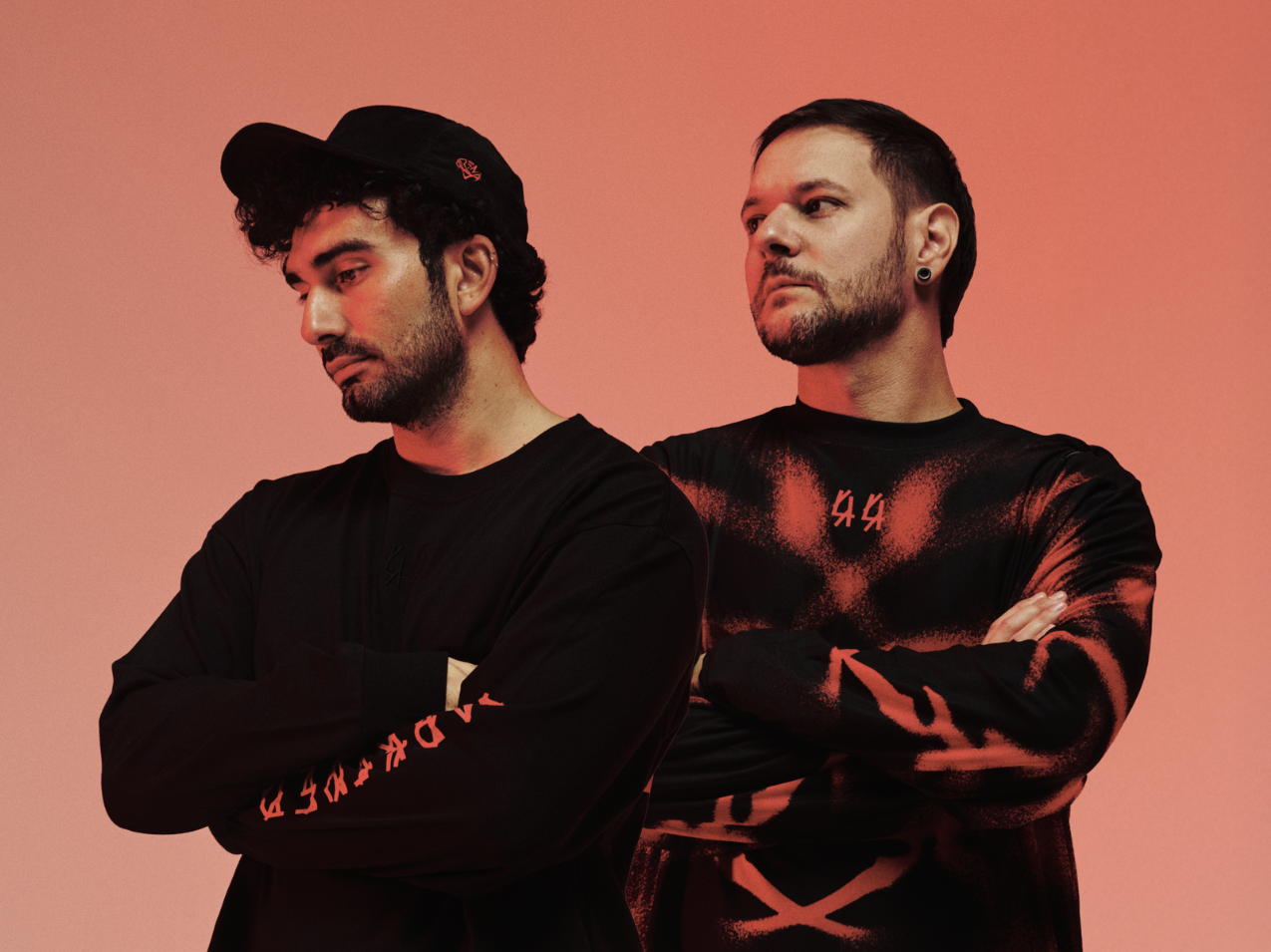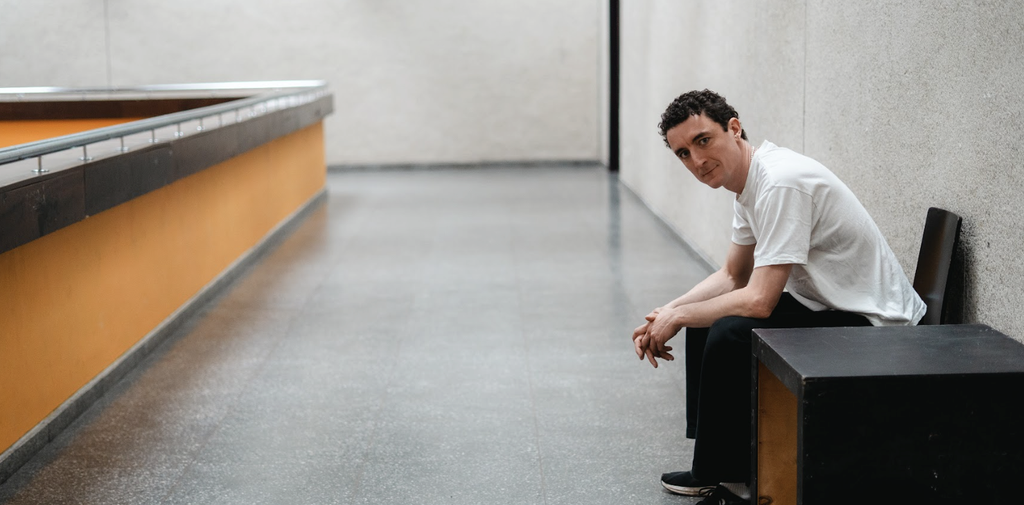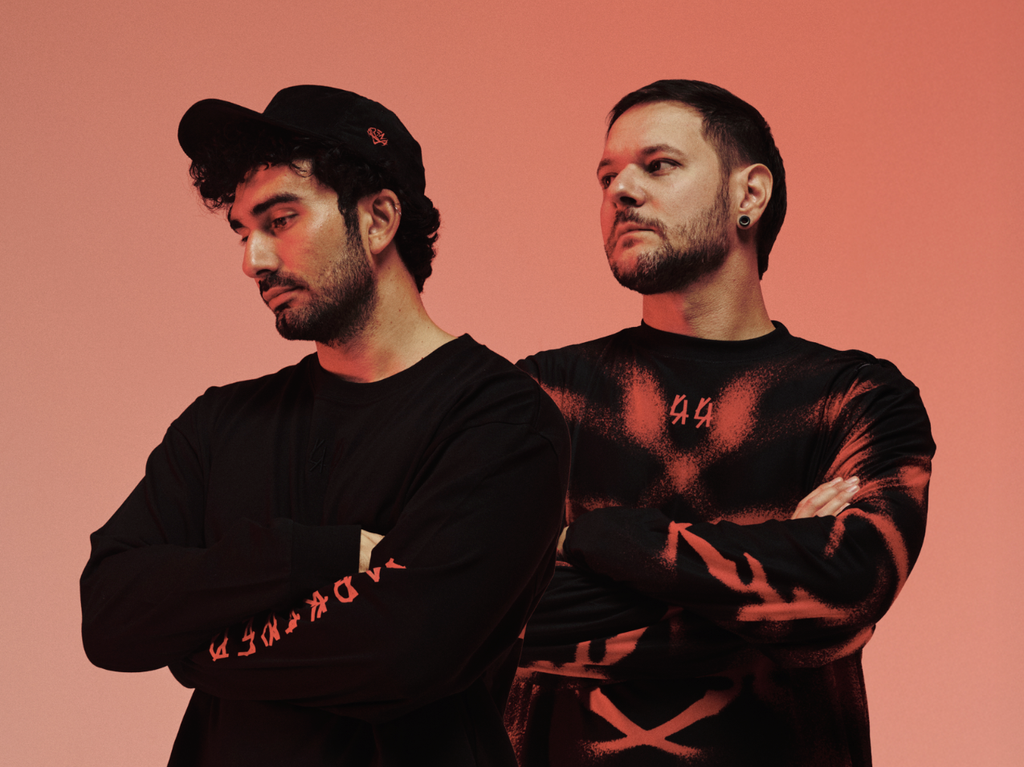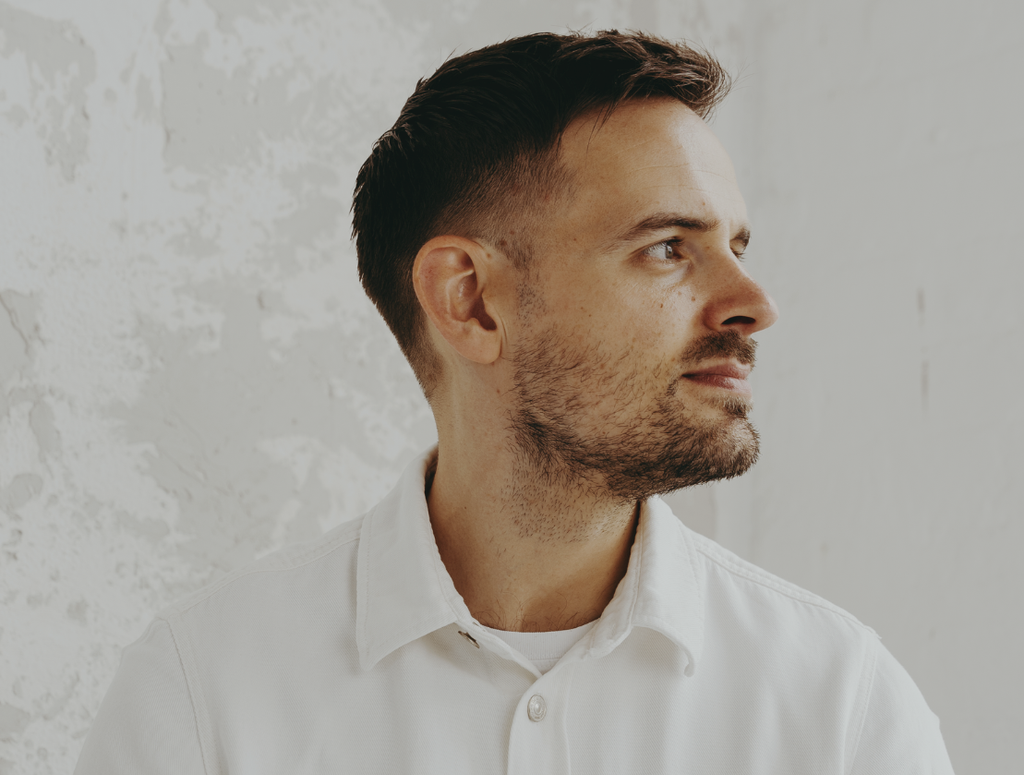
QRTR’s new album ONDAS lands as her most personal work to date, shaped by years of creative growth and a deeper interest in voice, lyric writing, and emotional patterning. The project builds on the themes she explored in Drenched and Infina, pulling everything into sharper focus with a mix of live rig experimentation and detailed production choices.
The concept comes from a poem she wrote in 2017 for her mother, using waves as a reminder of how we return to ourselves through repetition, grief, and small moments of renewal.
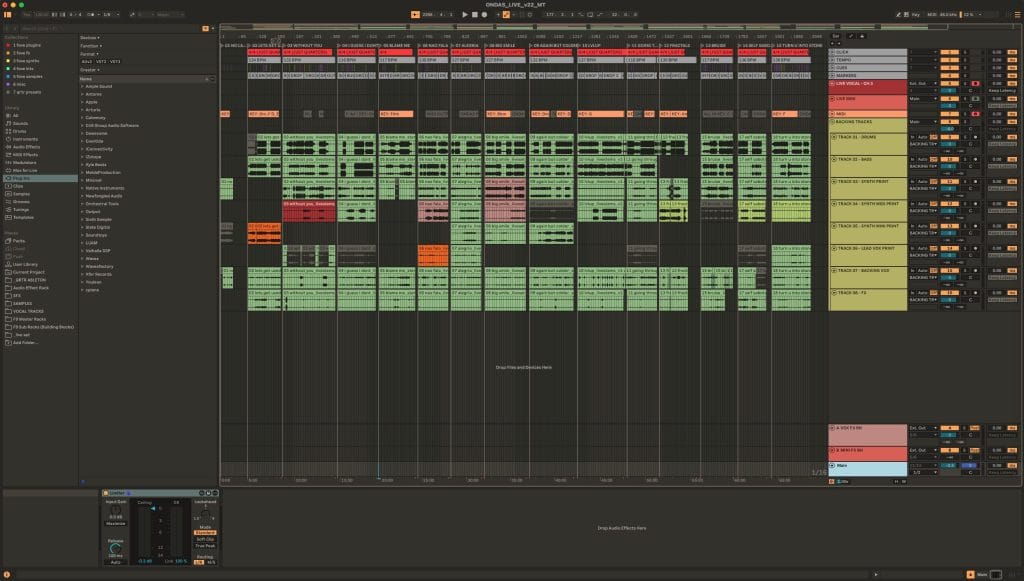
Across the album, QRTR leans into the tools that shape her live performances and studio workflow.
ONDAS blends hardware synths, reverb manipulation, pad-driven textures, and custom MIDI control setups that allow her to reshape each idea in real time. Much of the record is tied to the physicality of her performance process, with vocal processing, live automation, and evolving synth patches giving the songs a sense of movement that mirrors the album’s central theme.
This feature breaks down the tools behind ONDAS using QRTR’s exact words. Each section highlights the hardware and plugins she relied on during production, how she used them, and how other producers can apply the same ideas in their own work. Her approach to building this album offers a clear look into the intersection of emotion, technical design, and performance energy that defines her sound.
Arturia Minifreak (Hardware Synth)
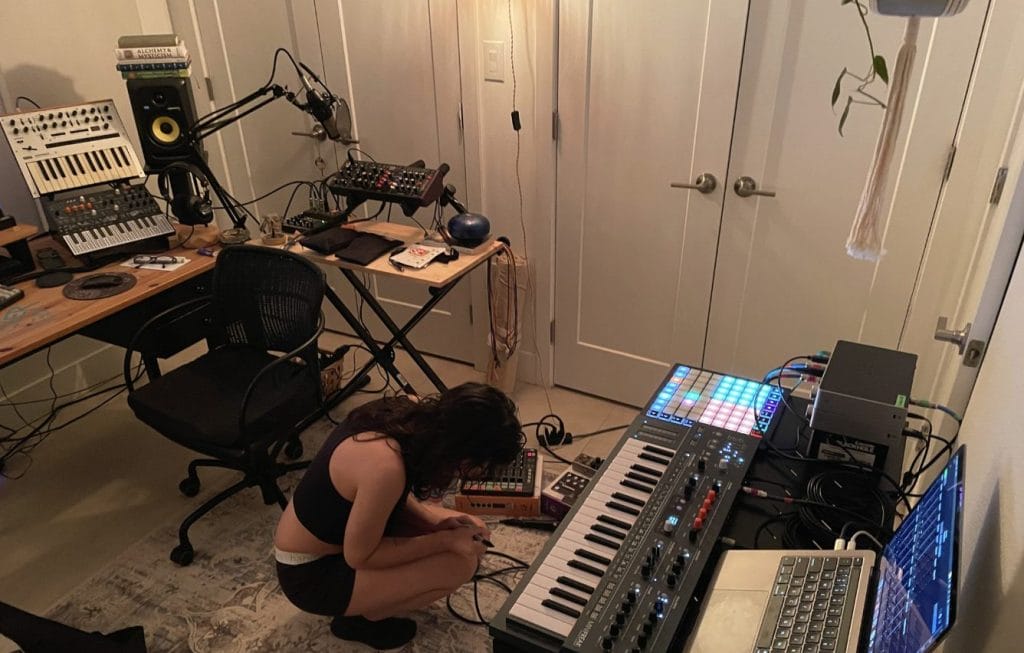
The Arturia Minifreak is a hybrid hardware synth with a built-in modulation matrix, onboard fx, step sequencing and arp functionality and that’s just what I use, barely scratching the surface of just how in the weeds you can get with this thing. The combination of all the digital synthesis processing you can do along with its analog filtering make for really rich and intricate synth patches that can be manipulated over and over again.
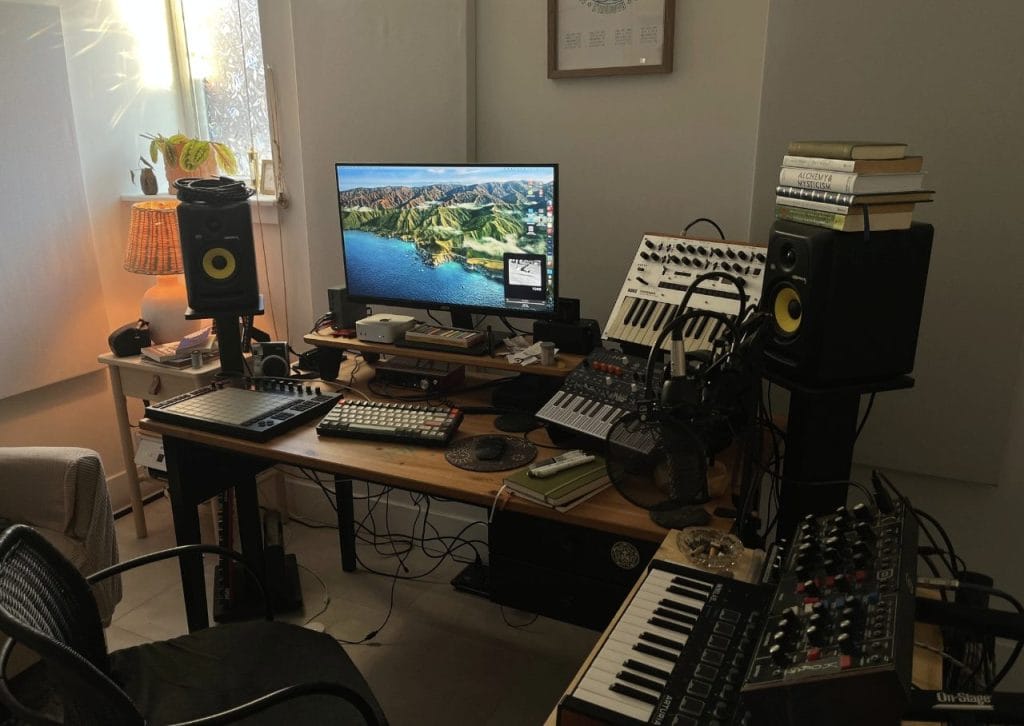
My first Arturia hardware synth was the Microfreak and I found myself using it a lot in my productions, so when the Minifreak became available with dual oscillators and integrated effects (and a really solid physical build), it felt like a no brainer to have it for my studio. I love any synth (hardware or plugin) that lets me take a patch and run it through an arp or step-sequencer and this synth has it all onboard, so starting ideas is really intuitive. Since I used it so often in my production, it felt very organic finding ways to play certain things live with the same synth or even layering over variations of those same patches to give my songs some new flavor when I perform them live.
If you intend on incorporating a synth like the Minifreak into your live set to perform original music, my biggest advice is to make sure you are saving your custom presets and labeling them properly both in the synth itself but also in your DAW. You will save yourself the trouble of having to attempt to recreate a patch to perform live months (or years) after you’ve made the music, though trying to recreate a patch is a great challenge to get to know your gear better.
Eventide Blackhole (Reverb Pedal)
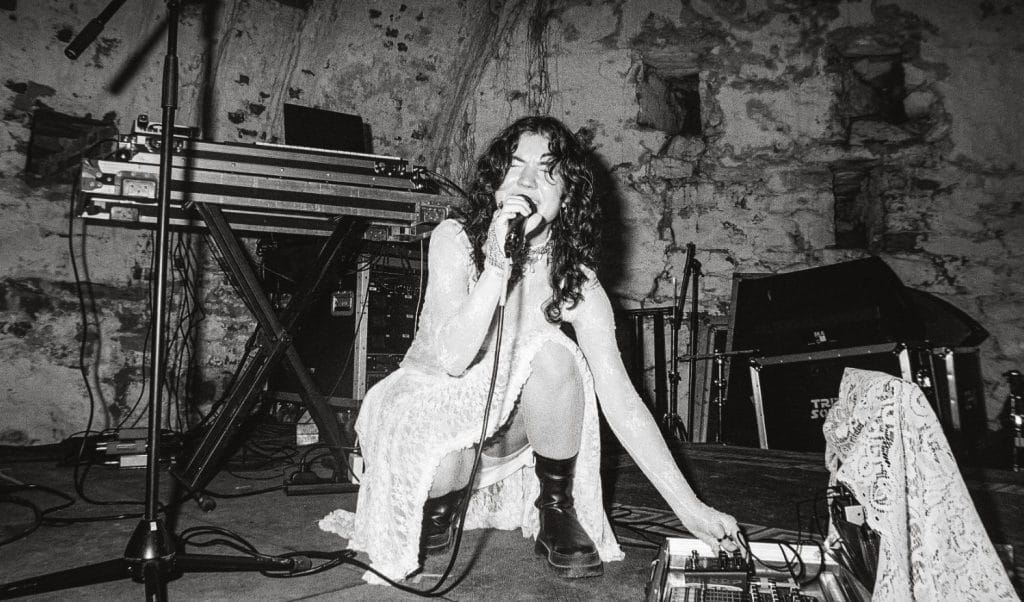
The Blackhole reverb pedal is a guitar pedal meant to process guitar tones into ethereal ambience. It doesn’t necessarily need to only be used with guitars, you can process anything you’d like through it to experiment with spatial dynamics. Standard reverb pedals try to replicate the sonics of different room reverbs you would find in the real world, whereas the Blackhole pedal allows you to create the reverb of virtual spaces that otherwise don’t exist. It can be used as its own instrument in a lot of ways.
This fx pedal was actually a Christmas gift for my girlfriend, but she kindly let me borrow it for this iteration of my live set. I used it more like an additional synth pad in my set by running my own vocals through it and then using my DAW and a controller to further manipulate the reverb signal that was created by me sending my vocal through. The pedal has the option to do an infinite reverb so once I liked how my voice was being effected, I had the flexibility to put my microphone down and continue to play with the parameters for all my fx with both hands without losing the signal. It resulted in sounding both ethereal and a little haunting, which is exactly what I’m going for with this live performance.
Eventide also offers a plugin version of this pedal that I highly recommend getting if you’re excited by the idea of using reverb as its own instrument. It can be a nice way to fill out a track similar to a synth pad, or you can actually use it as the focal point in a more ambient leaning project.
Novation LaunchControl XL (MIDI Controller)
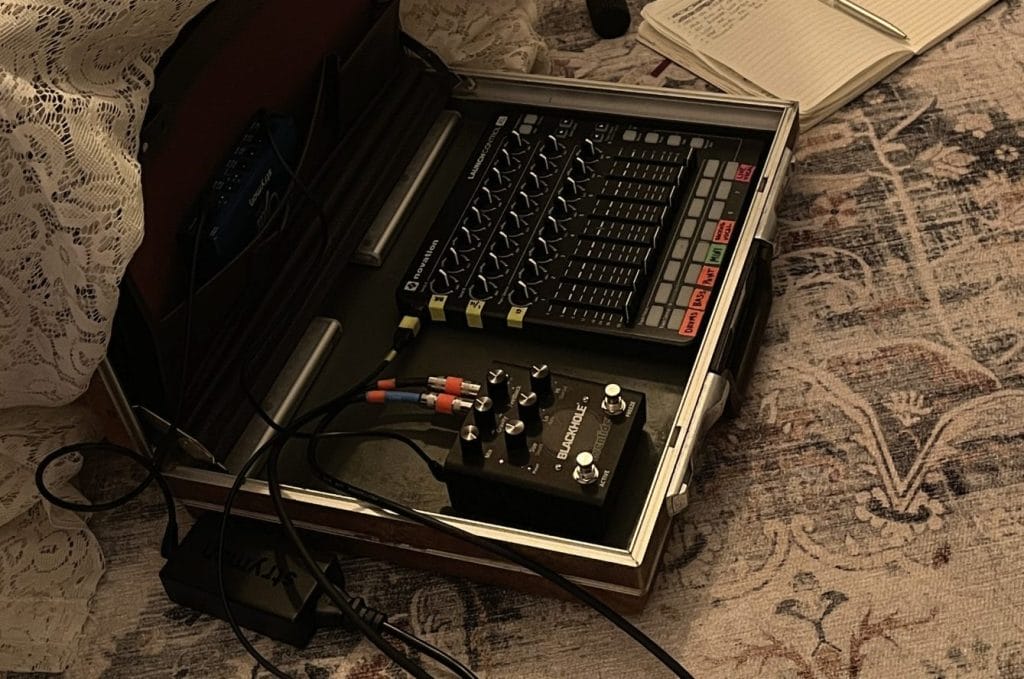
The Novation LaunchControl XL is a midi controller featuring assignable knobs, faders, and buttons. You can create various custom mappings depending on how you intend to use it, but essentially you use it to control your DAW however you need it for live automation in production or in live performance.
I used the LaunchControl XL as part of the “fx station” of my live rig. I mapped all the knobs and faders to a macro fx rack I put together in Ableton featuring four custom reverb, delay/filter, gate and beat repeat effects. I ran my vocals, my hardware synth and select backing track stems through their own effect chains to manipulate them all individually as I liked. For my vocals, I ran the macro fx rack on the reverb signal from the Blackhole pedal specifically. The result of playing with these fx via the controller ranged from new bassline rhythms via gating, glitched out percussion with the beat repeat, to much bigger transitions between phrases and tracks with filtering and delay/reverb fx. Using this as part of my live rig was a way to keep all the music feeling fresh for people who may be more familiar with my discography, but also for myself despite my nonstop rehearsing.
I highly recommend getting at least one midi controller that offers a range of knobs, faders, buttons because certain things physically feel more intuitive whether you want to very precisely turn some knobs or slam down a fader. I’ve found that honing in on tactile sensations that you enjoy helps a lot with live performance. Even in production settings, I like to use physical knobs and faders to record live automation for fx in my music. I think you can really feel the difference when automation is done live by a person and not just a perfect curve done with the click of a mouse.
Novation Launchpad Mini (MIDI Controller)

The Novation Launchpad Mini is another midi controller, but it only consists of 64 pads. They can be mapped to anything in your DAW, and each pad can be customized with specific colors, sensitivity and functionality. You can play it like an instrument triggering notes or drum samples, or map it to control your DAW without having to touch your computer keyboard or mouse.
I primarily used the Launchpad in my live rig to control my Ableton session. I mapped it to locators in my project so I could easily move between songs in my set via arrangement view. I also custom mapped a section of the controller that I could use to trigger notes for specific moments in songs that felt more intuitive to tap out instead of playing on keys. I used Novation’s Components software to customize the pad colors and responsiveness, so that I never needed to look at my DAW during my live performance to navigate my session.
Performance pads can be a lot of fun for tapping in drums and controlling a project session without having to be glued to your computer screen, but there are some fun things you can do with it when writing melodies as well. A feature that made the Ableton Push so exciting was that it allowed you to lock the onboard pads to a specific key. You can rig any performance pad to do this by using Ableton’s Scale MIDI Effects. Once you have everything locked into a key, you can focus on exploring melodic rhythms by tapping out notes without worrying about memorizing what each pad is playing.
Hot Takes About The Industry

Hot Take 1:
My dream label reached out to me for demos, then proceeded to tell me to make music more like other mainstream dance acts that were blowing up at the time, so I stopped replying to those emails and decided to self-release this next album. If they wanted something that’s already been done a hundred times over, they should have just asked those other artists to make more songs.
Hot Take 2:
I’ve found that the more I chip away at a song, the less I like it. Most of my recent music is made by riding the wave of the initial idea and not overproducing it.

Hot Take 3:
People want to feel and hear something real, so you should focus on making the kind of music you genuinely want to hear. If you’re trying to strategize “authenticity” in your music, then you’ve already lost the plot.
Hot Take 4:
You don’t need a lot of gear to produce music. I started making music with a cracked version of Ableton and an old midi controller a coworker gave me.

Hot Take 5:
The more that streaming platforms and insidious industry folk continue to devalue music, the more they cannibalize the unsustainable ecosystem they created for themselves. Artists and actual music lovers have been and will continue to build thriving music communities outside of all that other bullshit.

Magnetic byline note: This byline is used for staff produced updates and short announcements, often based on press materials and official release information. Editorial responsibility: David Ireland (Editor in Chief) and Will Vance (Managing Editor). About: https://magneticmag.com/about/ Masthead: https://magneticmag.com/masthead/ Contact: https://magneticmag.com/contact/