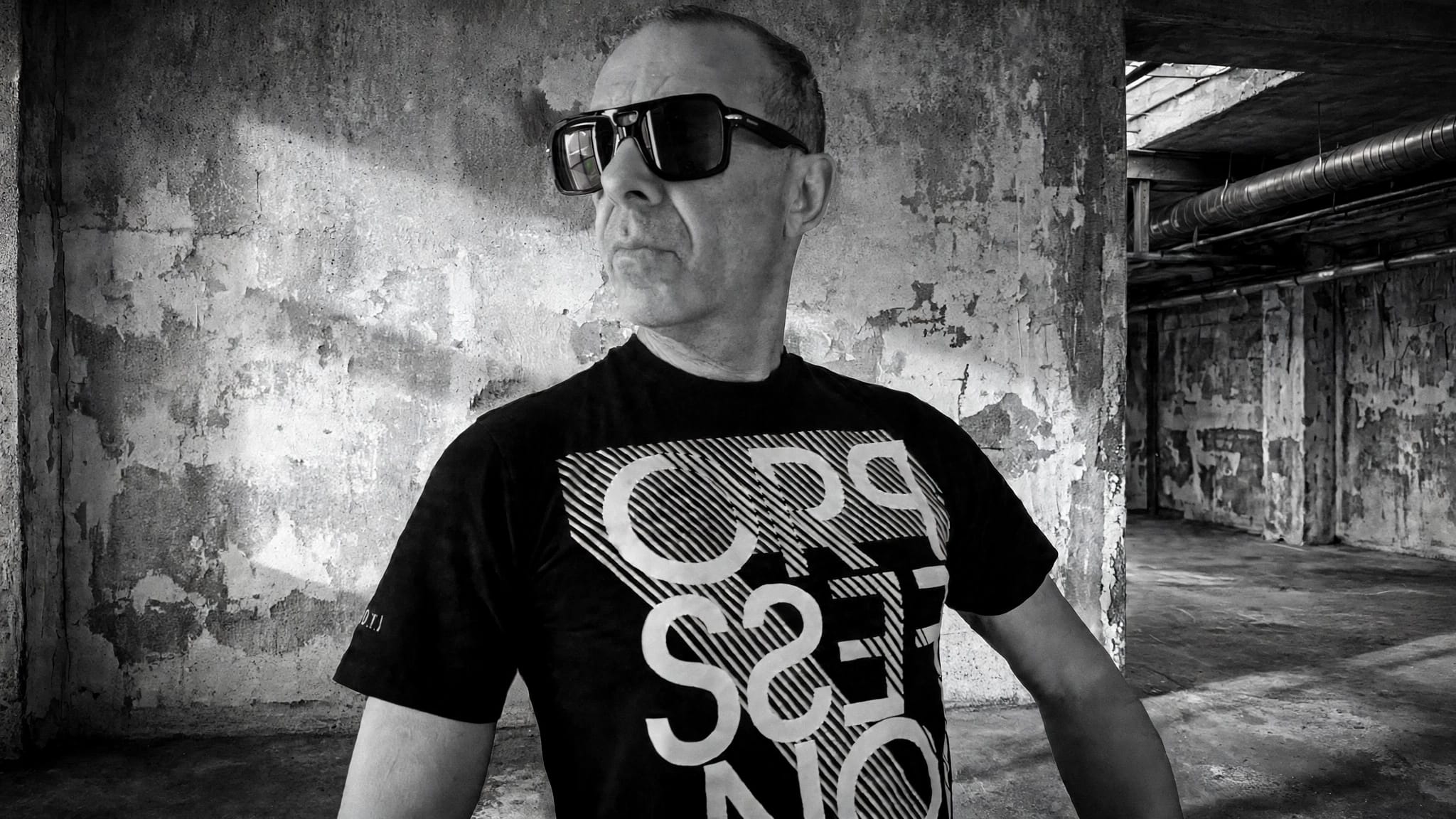
Hostage Situation have been building their name on raw, high-energy bass music and relentless live shows, and their new single “The Device” is another major step forward. Following the release of “Burn For You,” this track cements their sound ahead of their debut album Hostile Frequencies, dropping October 2nd. With their 19-date ‘Hostile Frequencies’ Tour about to kick off and festival appearances locked in, the Denver trio are showing no signs of slowing down.
In this production breakdown, the group opens up about the tools that shaped “The Device” and how they’ve refined their workflow to keep their mixes clean and powerful. From pushing Serum to handle everything from alien lead sounds to sub-bass, to using Pro-Q to surgically clear out space in the mix, their approach is focused and deliberate. Add in their use of Shaper Box for precise sidechain control and Endless Smile to smooth transitions, and you get a clear picture of how they dial in their signature sound.

If you’re working in dubstep, riddim, or any bass-heavy genre, the techniques and plugins covered here will give you an inside look at what it takes to produce a track built for massive crowds.
Serum
In this track, “The Device”, and in a lot of our other tracks, Serum is the main plugin that we use. It’s a very diverse wavetable synthesizer that you can make anything from soft synths and pads to extremely heavy dubstep sound design. Now, Serum 2 is also available with a couple new features like 3 oscillators instead of two, more FX with the ability to add as many.as you want on top of each other.
In our song “The Device we use Serum to make a soft pad for the intro, the sub and the main sound design for the drop. For the main sound design we used one oscillator and automated the wave table position of that oscillator. The LFO of the automation looks like steps to give it that cool “alien” sound. For the sub we just use a sine wave with distortion, a bit of compression, and pitch bend from up to down. For the soft pad we used a saw wave with a super fast attack on envelope one with reverb and delay.
If you’re making music in this genre, Serum is a great tool to get really clean and catchy sounds. One thing I’ve learned is that even small tweaks, like changing the wave shape or adding a bit of movement with the built-in filters, can make a huge difference. It’s also super fun to layer sounds in Serum to make them feel more full and alive. If you’re just starting out, try using some presets and slowly experiment from there, you’ll pick it up fast if you reverse engineer those presets to understand what all of the different knobs and buttons do.
Pro-Q
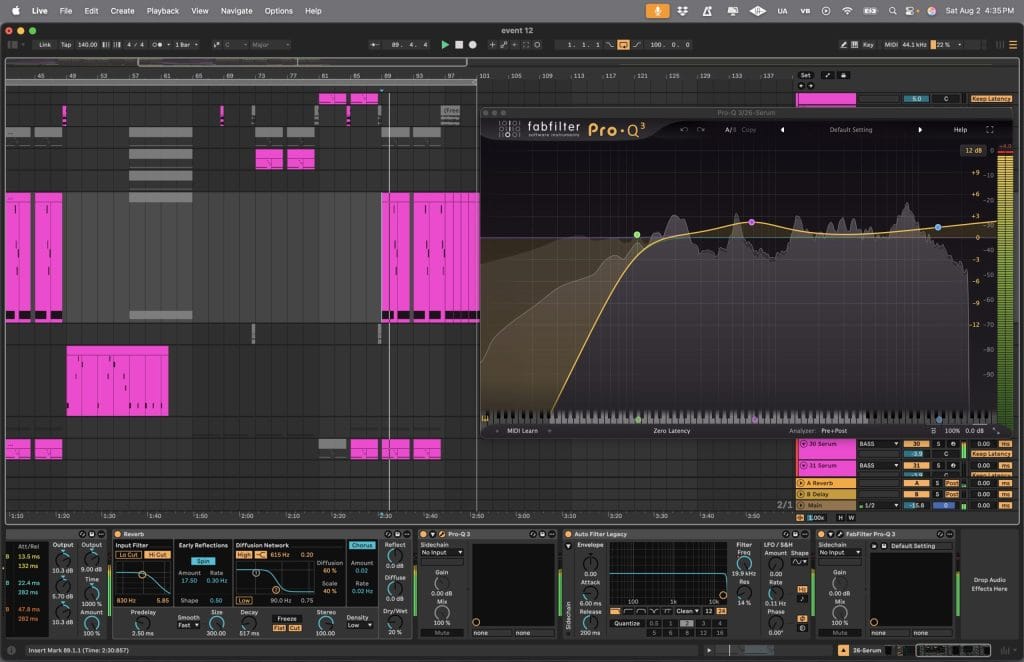
Pro-Q is a very useful external EQ plugin by fabfilter. This plugin is very useful for indicating harsh frequencies that are affecting your mix negatively. If you play your sound. Pro Q will visually point out and show you what these frequencies are and you can easily just pull them down. The stock Ableton EQ will give you the same results but we’ve noticed that Pro-Q makes the process of finding harsh frequencies a lot more streamlined.
In our song The Device we use Pro Q basically on every sound. Here for the main sound design cut the lows at around 150 Hz (on a slope at 12db per oct) so it doesn’t clash with the sub. Since we made our sub separate from the main sound design we have to make sure that the low end in our main sound design isn’t playing at the same time as that sub because it will make it sound muddy and distorted. We also ducked the main sound design at 6820 Hertz as Pro-Q helps us identify a harsh frequency.
Pro-Q is one of the best tools for making your mix sound clean and polished. In this genre, I’ve learned it’s super important to carve out space for each sound so things don’t get muddy, Pro-Q makes that easy with its visual layout. A trick I use a lot is cutting out low-end rumble from sounds that don’t need it, especially pads or background textures. If you’re new, try using the headphone icon to solo the frequencies you’re adjusting, it helps train your ears and makes mixing way easier.
Shaper Box
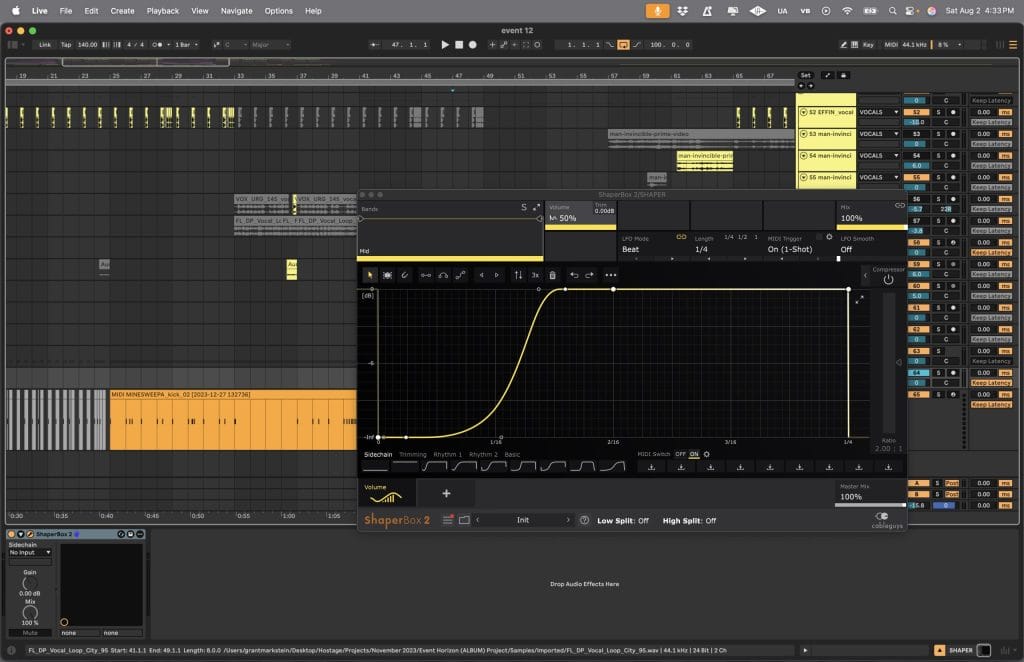
Shaper Box is a multi effect suite that has a lot of really cool stuff in it. We use it the majority of the time it for side chain, with volume shaper having a MIDI note trigger the volume automation. We have found that it gives a lot cleaner of a sound versus side chain compression.
With Shaper Box using the volume shaper for side chain, we have a MIDI note triggering the automation shape, and we use that for the kick, having the biggest amount of time for that volume shape as well as about half as long on the snare in order to create space for the drums when you have a lot of bass elements going on in the track.
No matter what genre you’re making, Shaper Box will have some type of effect that you can use pretty regularly. It starts getting really fun when you combine some of the effects, for instance time and filter. To create new textures and patterns that sound very unique.
Endless Smile
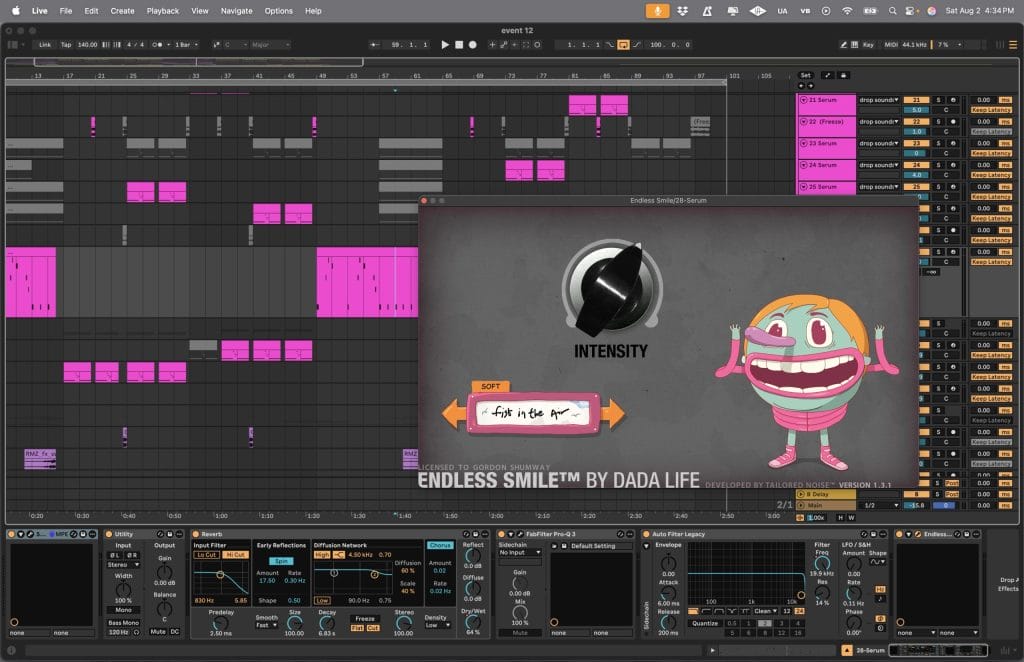
Endless Smile is a one-knob multi effect plug in that we use a lot. It is really good for washing out sounds and entire groups in both intros and transition sections. It saves a lot of time, rather than individually stacking a few different plugins on top of each other to create a similar effect.
In our song “The Device” we use Endless Smile to create tension in the intro as well as smooth out transition periods. In this instance from drop to break is where Endless Smile is most important. We use automation from the knob being down to up. This makes the main element from the drop carry over into the break using reverbs, delays, saturation and phasers stacked on top of each other.
This plugin is amazing if you’re just getting into making music. The one-knob approach makes it a very productive plug in. Automating the intensity from down to up to carry over sounds in your mix helps to smooth things out.
Quick Fire Tips For Making Music

Tip #1: In this genre it is important to make sure the low-mids are coming through a lot, while avoiding muddiness. The EQ is your best friend.
Tip #2: Less is more a lot of the time. Don’t try to do too much.
Tip #3: Good drums that come through are huge in this genre. This can be done as simply as good sample selection and side chain.
Tip #4: Have fun with it and try to give your song a theme or vibe. When there’s a theme or vibe for your song the audience tends to connect with it more.

Magnetic byline note: This byline is used for staff produced updates and short announcements, often based on press materials and official release information. Editorial responsibility: David Ireland (Editor in Chief) and Will Vance (Managing Editor). About: https://magneticmag.com/about/ Masthead: https://magneticmag.com/masthead/ Contact: https://magneticmag.com/contact/