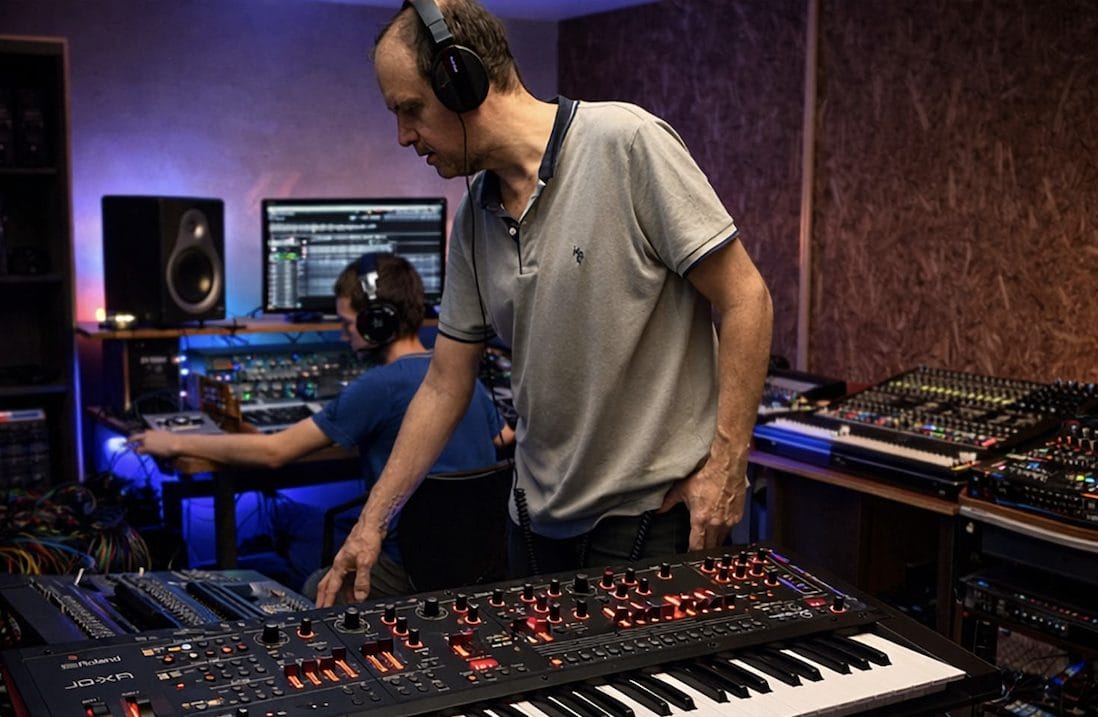
Andres Felipe Troncoso Salinas, Technical Manager of Audimixpro in Cali, Colombia, has built a training program that gives underprivileged youth access to real studio tools and working methods. In a February 24, 2026 announcement, Troncoso explains how Audimixpro combines professional production practice with an education model built around clear, repeatable fundamentals, then backs that up with a plug-in toolkit from NUGEN Audio.
Troncoso has over 15 years of experience in music production, mixing, and post-production, and he has recently focused that experience on teaching. His goal is straightforward: help students build production skills that translate into real work. For that, Audimixpro adopted a set of NUGEN Audio plug-ins that Troncoso says are reliable, technically solid, and easy for students to read quickly during a session.
For more information, visit www.nugenaudio.com.
Why Audimixpro Chose NUGEN Audio for Training
Troncoso says the decision came down to clarity and consistency in an educational setting. He points to the visual accessibility of the interfaces, plus the ability to introduce students to tools that reflect common professional expectations without creating unnecessary friction. In a classroom, a plug-in has to explain itself fast, and it also has to hold up when students start pushing settings and testing edge cases.
Audimixpro currently uses NUGEN Audio Visualizer, ISL, MasterCheck, and Stereoizer. Troncoso describes Visualizer as a practical way to teach concepts that can be hard to grasp when they stay abstract. He also frames the tools as a bridge between learning and practice, since the same plug-ins remain relevant when students move from exercises into real mixes and deliverables.
How the Plug-Ins Fit Into Student Mix Workflow
In the program, MasterCheck is used to teach streaming platform targets and loudness normalization. Troncoso’s framing is direct: students learn how translation changes when loudness gets normalized, then they learn how to adjust their decisions so the mix holds up when it hits common platforms. ISL is used to manage output limits with confidence, which matters for broadcast deliverables and for any scenario where overs can create problems later in the chain.
Stereoizer plays a different role. Troncoso positions it as a way for students to explore stereo width while staying controlled and intentional, which helps them avoid common beginner mistakes like over-widening critical elements. The thread across all four tools is the same: students can see the results, interpret them quickly, and connect what they are hearing to what they are measuring.
Troncoso also notes that these tools stay in his own professional workflow for television and digital content, particularly MasterCheck for platform optimization and ISL for output control. For Audimixpro, that overlap matters because the classroom settings and the professional settings align, so students are learning practices that match real delivery requirements.

Magnetic byline note: This byline is used for staff produced updates and short announcements, often based on press materials and official release information. Editorial responsibility: David Ireland (Editor in Chief) and Will Vance (Managing Editor). About: https://magneticmag.com/about/ Masthead: https://magneticmag.com/masthead/ Contact: https://magneticmag.com/contact/





![Baby Audio HyperWarp Review: Why Less [Processing] Is More](https://magneticmag.com/wp-content/uploads/2026/10/Untitled-Design-88.png)


![Baby Audio HyperWarp Review: Why Less [Processing] Is More](https://magneticmag.com/wp-content/uploads/2026/10/Untitled-Design-88-1024x683.png)
![How It Was Made: Lang Father i(Junkyard Dog) [Welofi]](https://magneticmag.com/wp-content/uploads/2026/10/Press-Pic_2-1024x576.jpg)