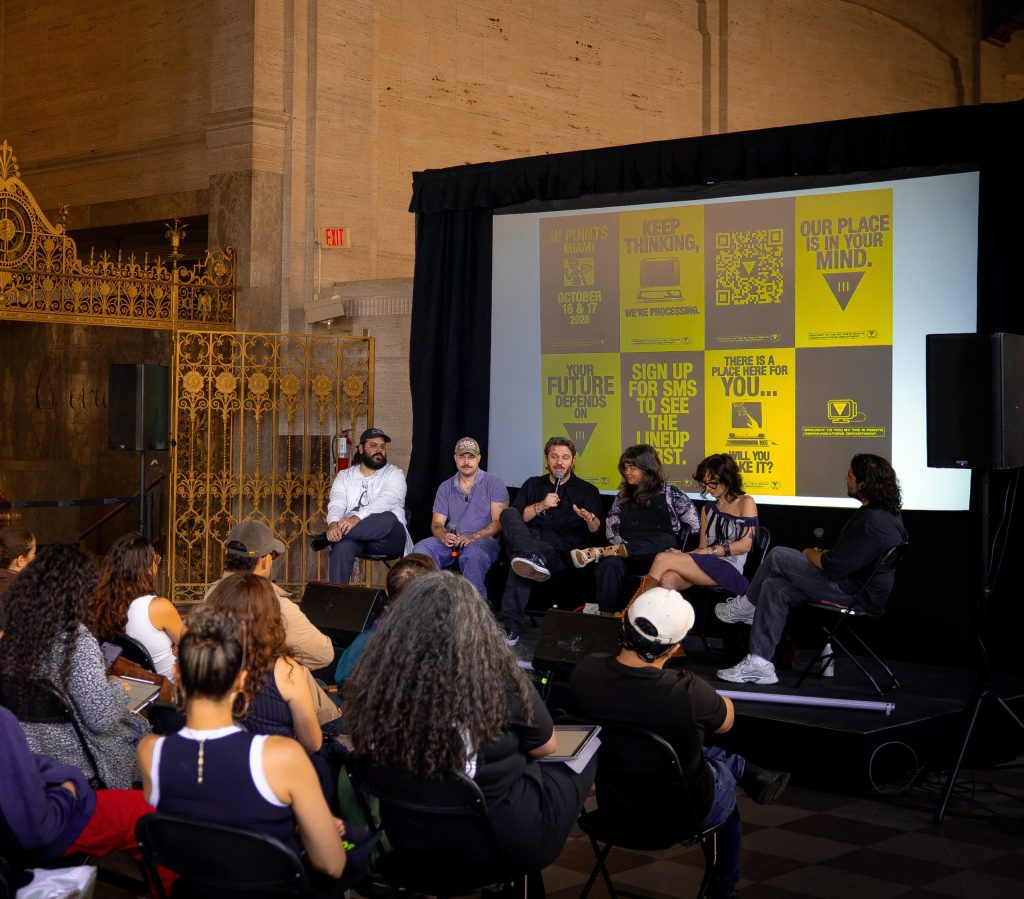
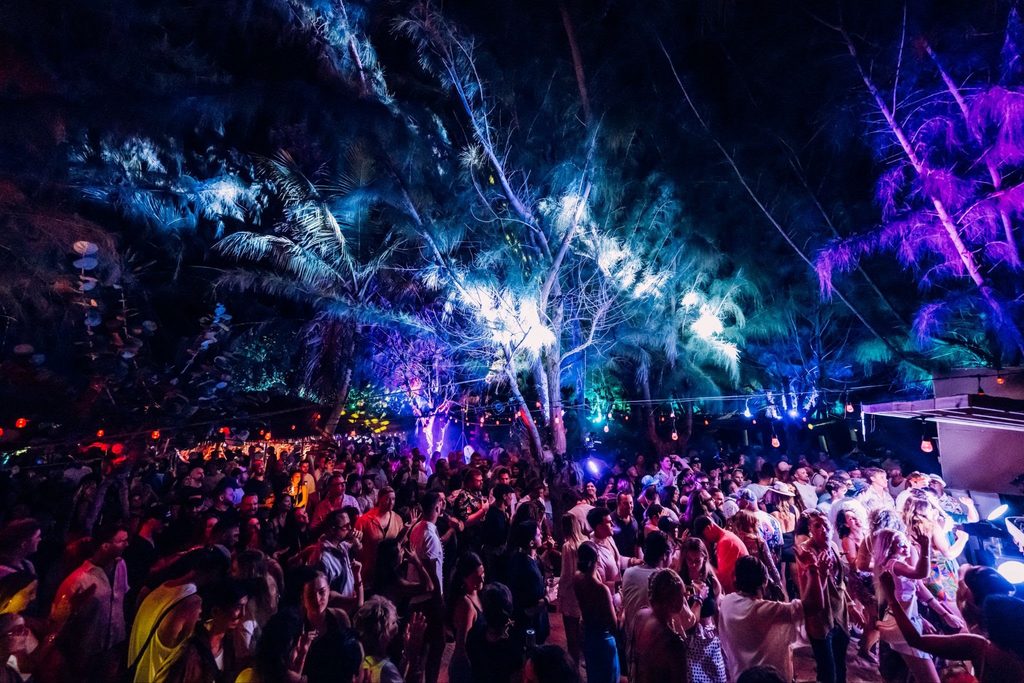
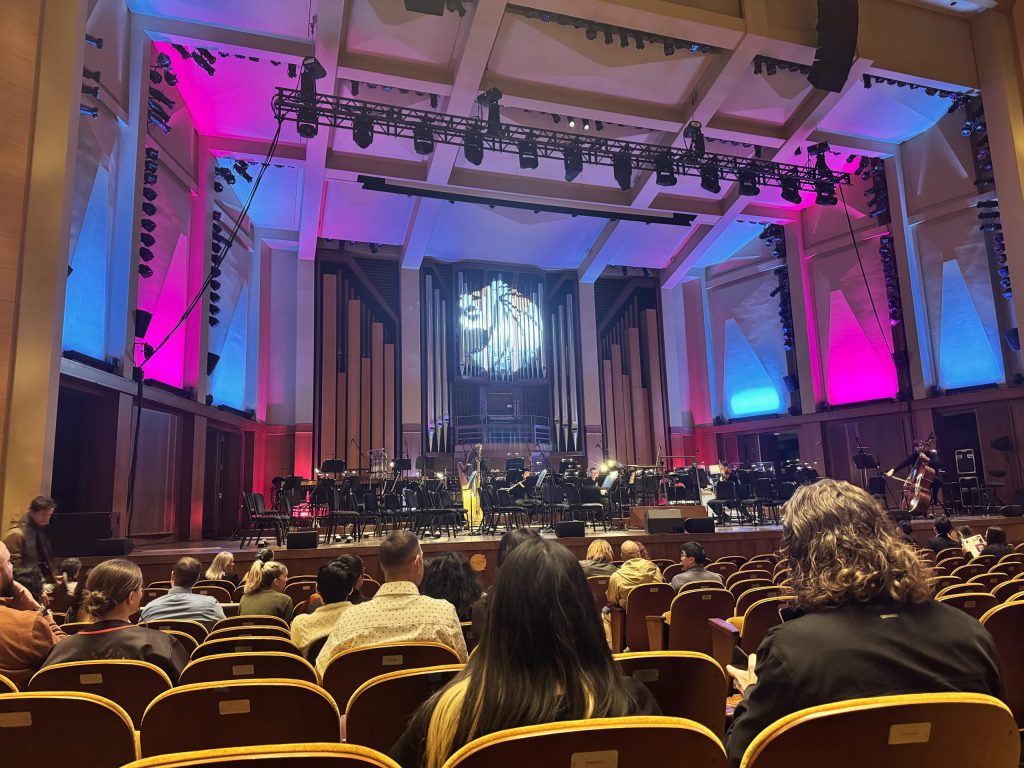
Concert photography is encapsulating the magic of the live performance within the frame. Knowing how to shoot concert photography means being able to relive the unique experience over and over again. This form of photography demands quick reflexes, a keen eye, and a sense of timing to represent the event’s spirit.
Table of Contents
Switching from casual fan snaps to professional-quality shots, it is important to understand the dynamics. Understanding how to take good concert photos goes beyond shooting the flashing lights and the performers’ expressions. The key is to evoke the feel of the music through visual sets. This article explains essential techniques in concert photography settings, offering practical advice on how to take concert photos effectively to elevate your photography game.
Essential Gear
Camera
A high-performance DSLR or mirrorless camera is essential. These cameras offer high ISO capabilities and fast shutter speeds. These settings are paramount to managing the issues caused by the low light conditions during concerts. The ability to change lenses will provide flexibility in framing and composition.
Lenses
Choose prime lenses with wide apertures (f/1.8 or f/1.4) for capturing sharp images. A 50mm or 85mm lens can be perfect for close-ups of musicians, while a 24-70mm zoom lens offers versatility to capture both the entire stage and detailed expressions of the artists.
Supporting Gear
Consider a monopod or a high-quality strap to stabilize your shots. A tripod is a restricted item, so you cannot bring it to the venue. Memory cards and extra batteries will guarantee an opportunity to capture every moment without the fear of running out of your equipment’s capacity.
Camera Settings
Shutter Speed
As stated above, the higher the shutter speed, the more likely you will take unblurry pictures in dim lighting. For energetic performances, start with a shutter speed of no less than 1/250th of a second and adjust as needed.
Aperture
A wide aperture (low f-number) is beneficial in low-light conditions. An aperture of at least f/2.8 is preferable, especially if you shoot with a prime lens.
ISO
ISO should be set to the highest while shooting in the dark to get a properly exposed shot. It can create extra challenges, like grain and digital noise, but these issues can be easily fixed during post-processing. We devote the following section to photo editing tips and techniques to enhance your concert snaps.
Post-Processing
Choosing a Software
The modern photo editing programs market lets you practice and experiment with image enhancements even if you do not have a personal computer. Different kinds of software for photo editing on Ipad are available for various budgets and skill levels, from free Snapseed to premium-class Lightroom, from beginner-friendly Luminar Neo to Affinity Photo, which requires at least basic previous photo editing experience.
Basic Adjustments
Adjust exposure and contrast to highlight the details. Experimenting with highlights and shadows may be the only way to bring back the details you might have lost in the darkness of the concert venue. Boost clarity and vibrance to highlight colors and textures.
Advanced Techniques
Apply selective adjustments for detailed editing without affecting your picture as a whole. This technique is especially useful for highlighting the lead singer or toning down overly bright spots. As said in previous sections, digital noise and grain are common in concert photos because this kind of photos requires high ISO. Use noise reduction tools selectively to avoid image distortion and represent textures perfectly.
Effects
Play with effects like black and white conversion or grain to create a vintage look and evoke a nostalgic feel. These effects perfectly highlight the vibes of classic rock concerts or jazz performances. Experiment with different styles to see what enhances your photos’ mood best.
Presets
If you do not plan to stop after attending one concert and would like to relive this experience again, presets may be helpful for further edits. Study the presets included in your post-processing software. Create your own presets, specifically covering concert photography needs. Applying a preset can provide a consistent base look from which to start your edits, saving you time and effort in bringing a cohesive feel to your concert series.
Conclusion
Concert photography is a thrilling, challenging, but rewarding experience. It requires a deep understanding of photography basics, gear selection, camera settings, and post-processing techniques to effectively capture the energy of live performances.
Every show you see is a new opportunity to tone your photography skills and discover new forms of creative expression. The tips and techniques discussed are not just guidelines but starting points for your experiments. Adapt them to your proficiency level and specific challenges you will encounter in various shooting environments.
With practice, patience, and passion, your concert photographs can transcend ordinary snapshots to become vivid, evocative memories. Drive your viewers right into the heart of the performance and tell a compelling story of rhythm, emotion, and motion!

Will Vance is a professional music producer who has been involved in the industry for the better part of a decade and has been the managing editor at Magnetic Magazine since mid-2022. In that time period, he has published thousands of articles on music production, industry think pieces and educational articles about the music industry. Over the last decade as a professional music producer, Will Vance has also ran multiple successful and highly respected record labels in the industry, including Where The Heart Is Records as well as having launched a new label with a focus on community through Magnetic Magazine. When not running these labels or producing his own music, Vance is likely writing for other top industry sites like Waves or the Hyperbits Masterclass or working on his upcoming book on mindfulness in music production. On the rare chance he's not thinking about music production, he's probably running a game of Dungeons and Dragons with his friends which he has been the dungeon master for for many years.